
/ Selected project

WorkFlow Hub: work assignment & follow-up tracker

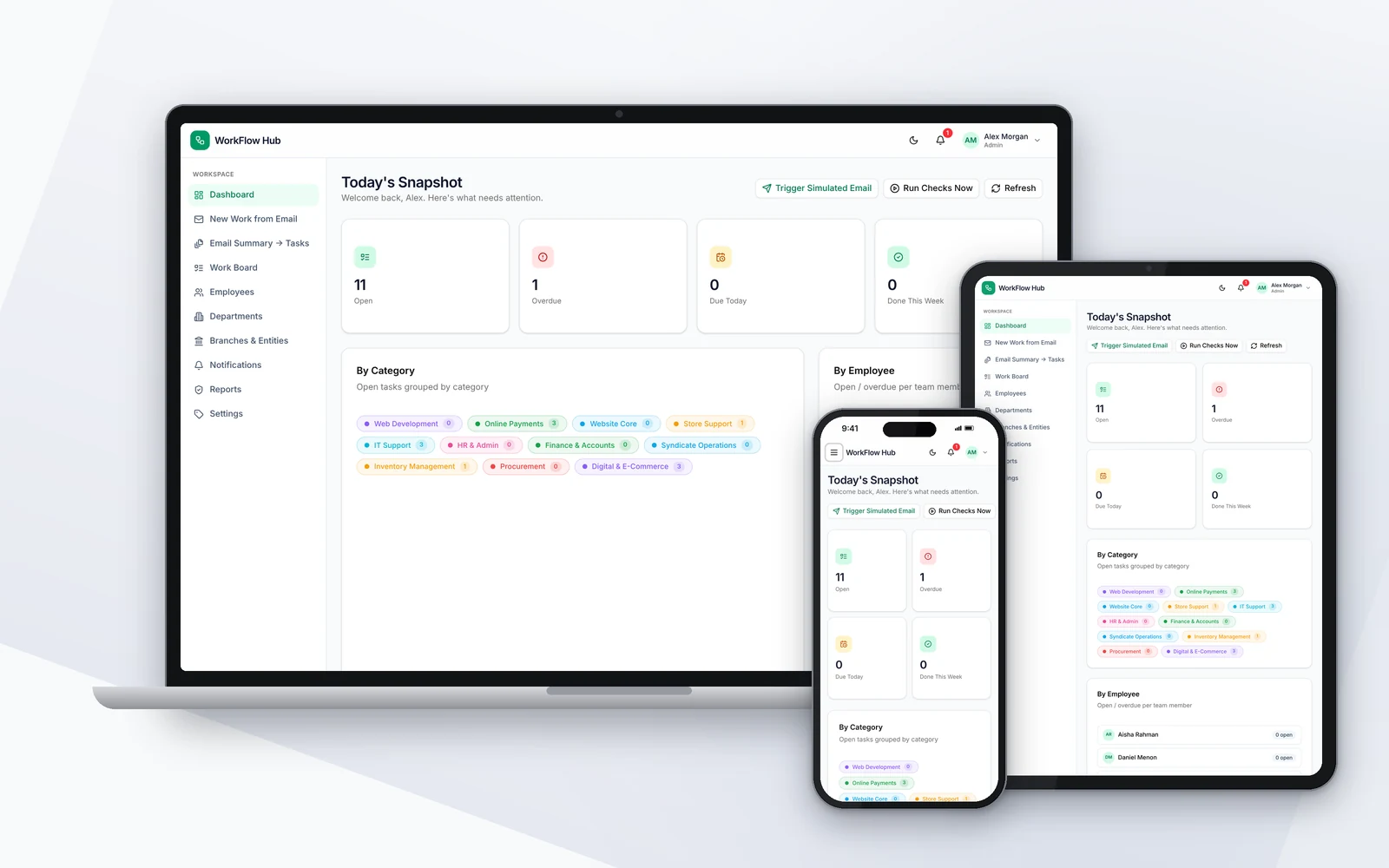
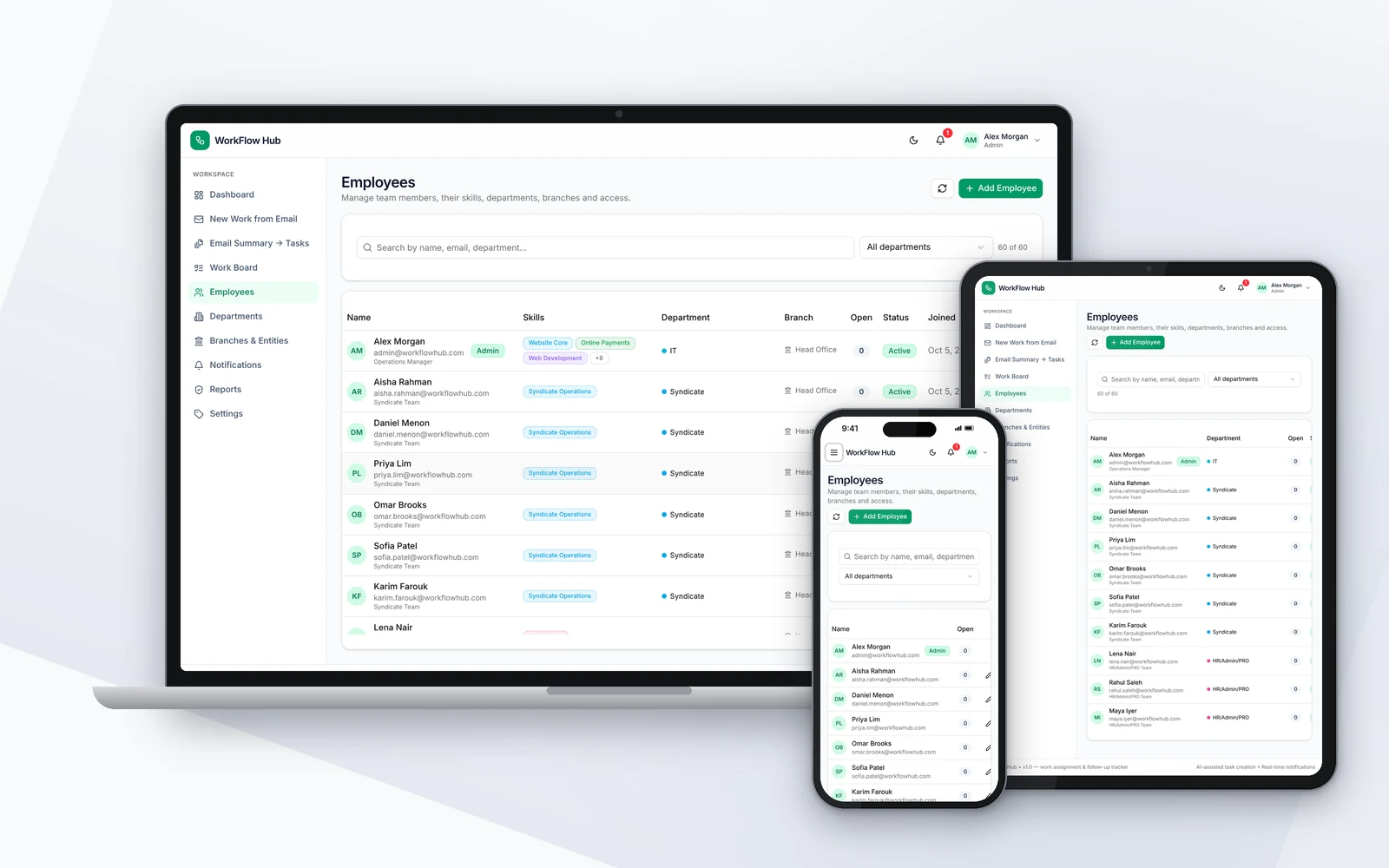
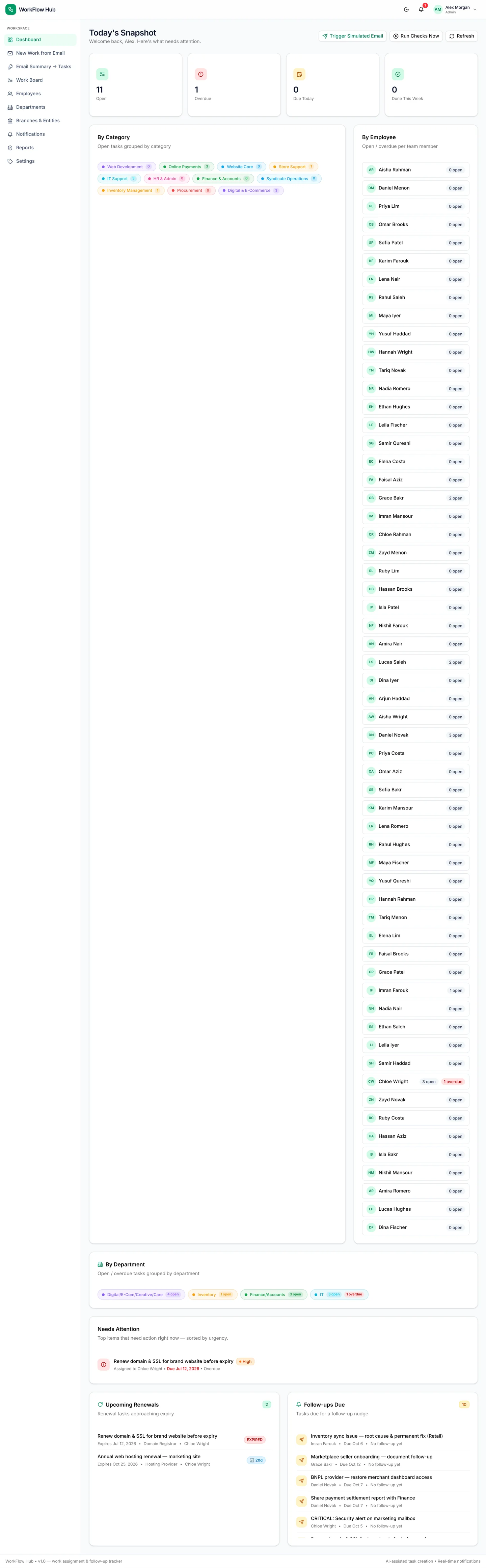
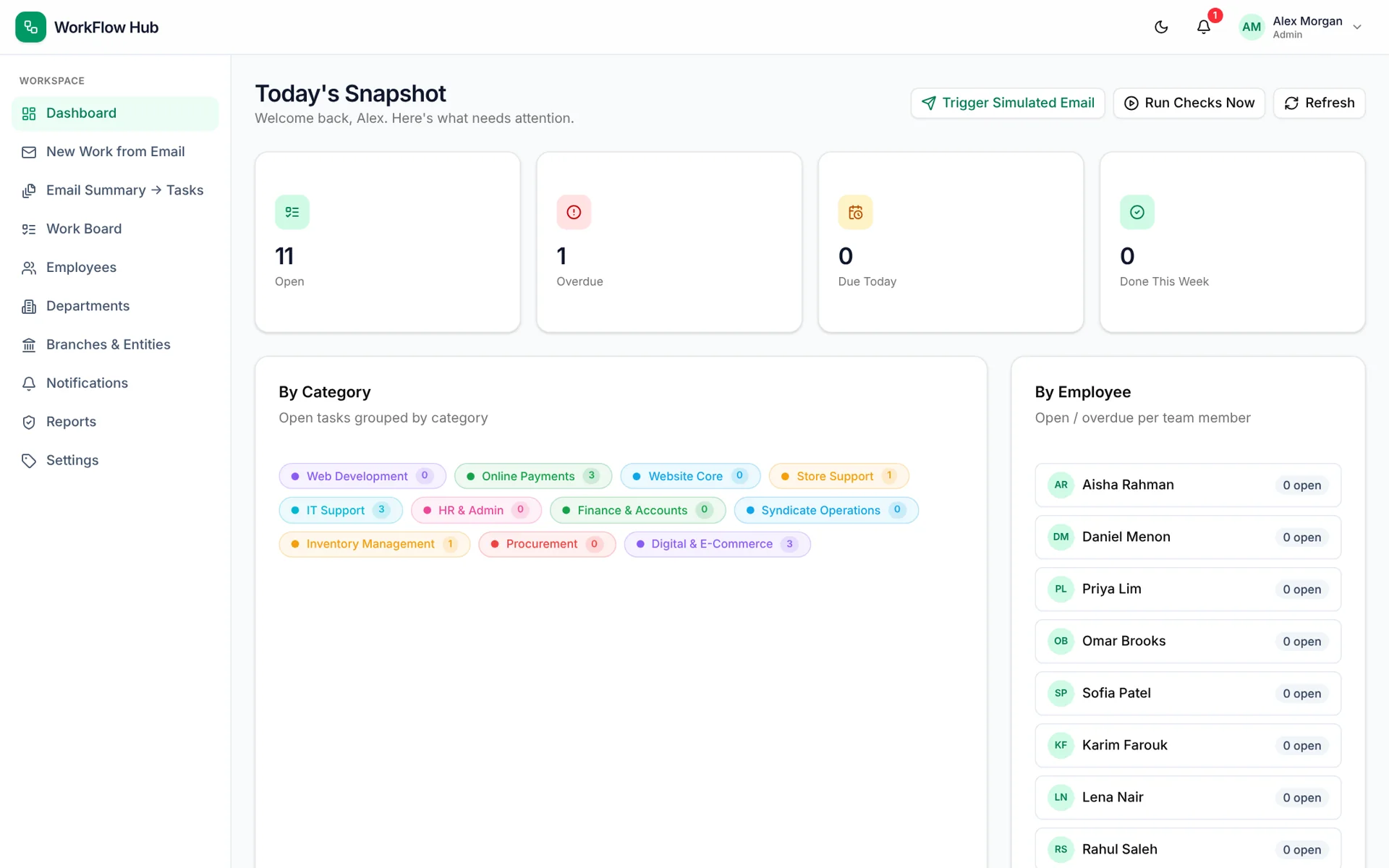
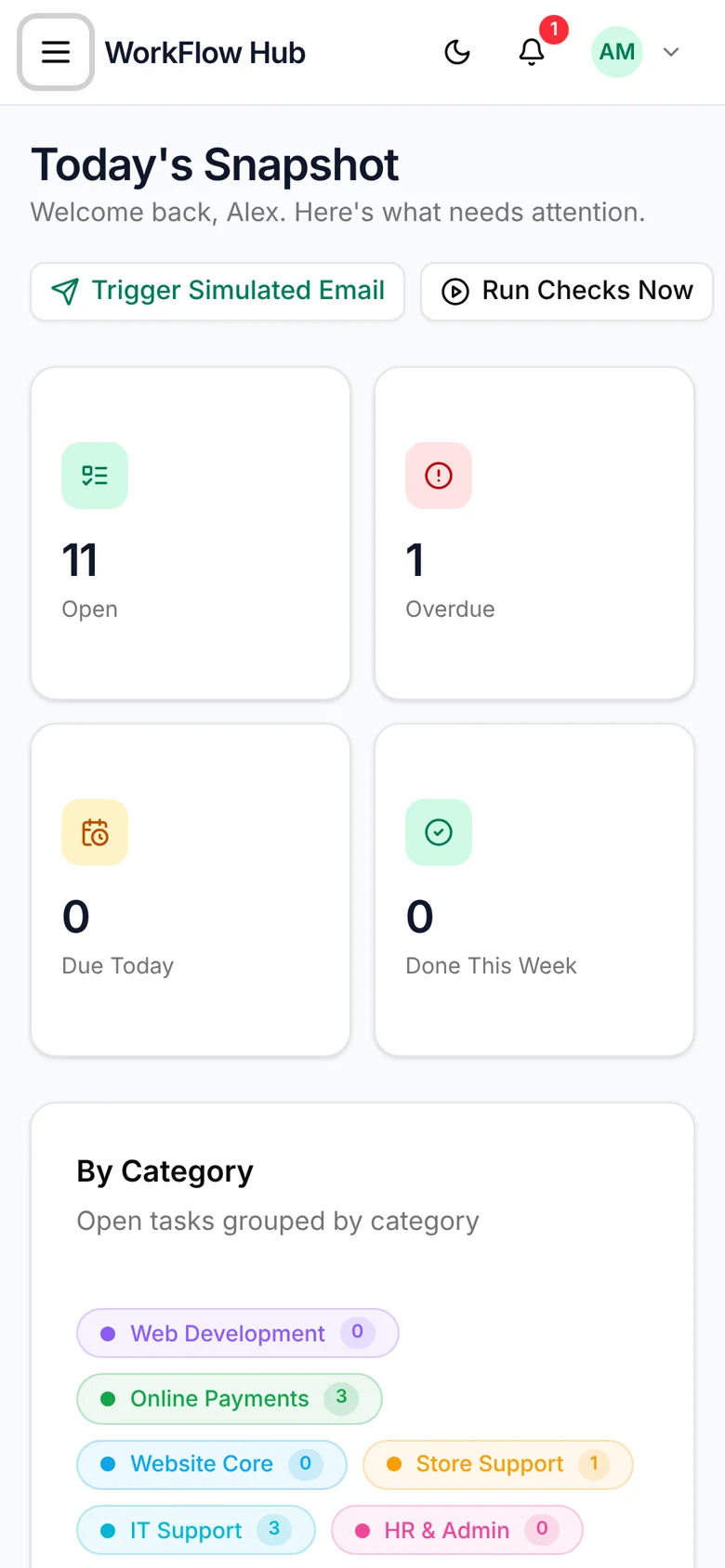
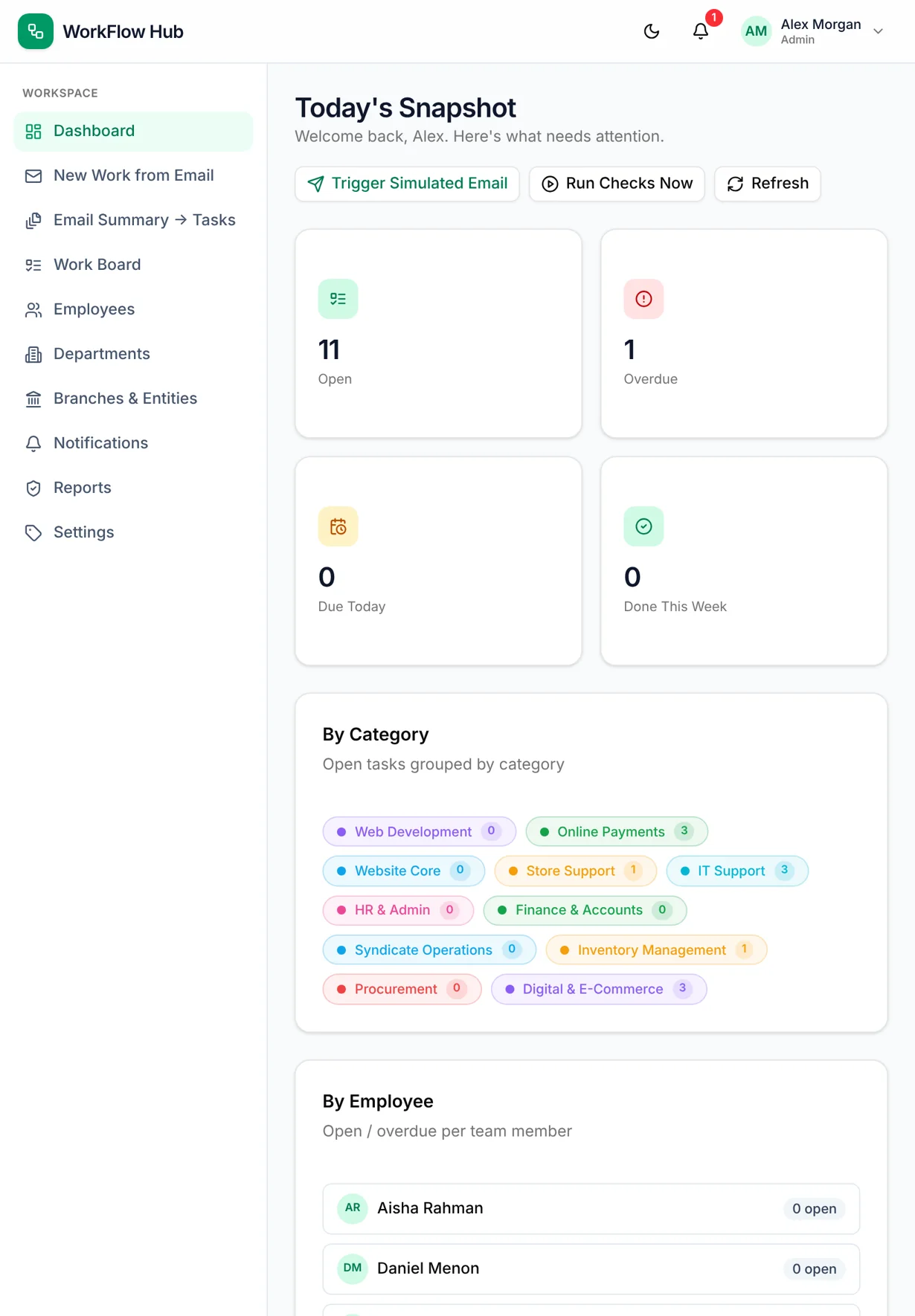
WorkFlow Hub daily snapshot on laptop, tablet and phone
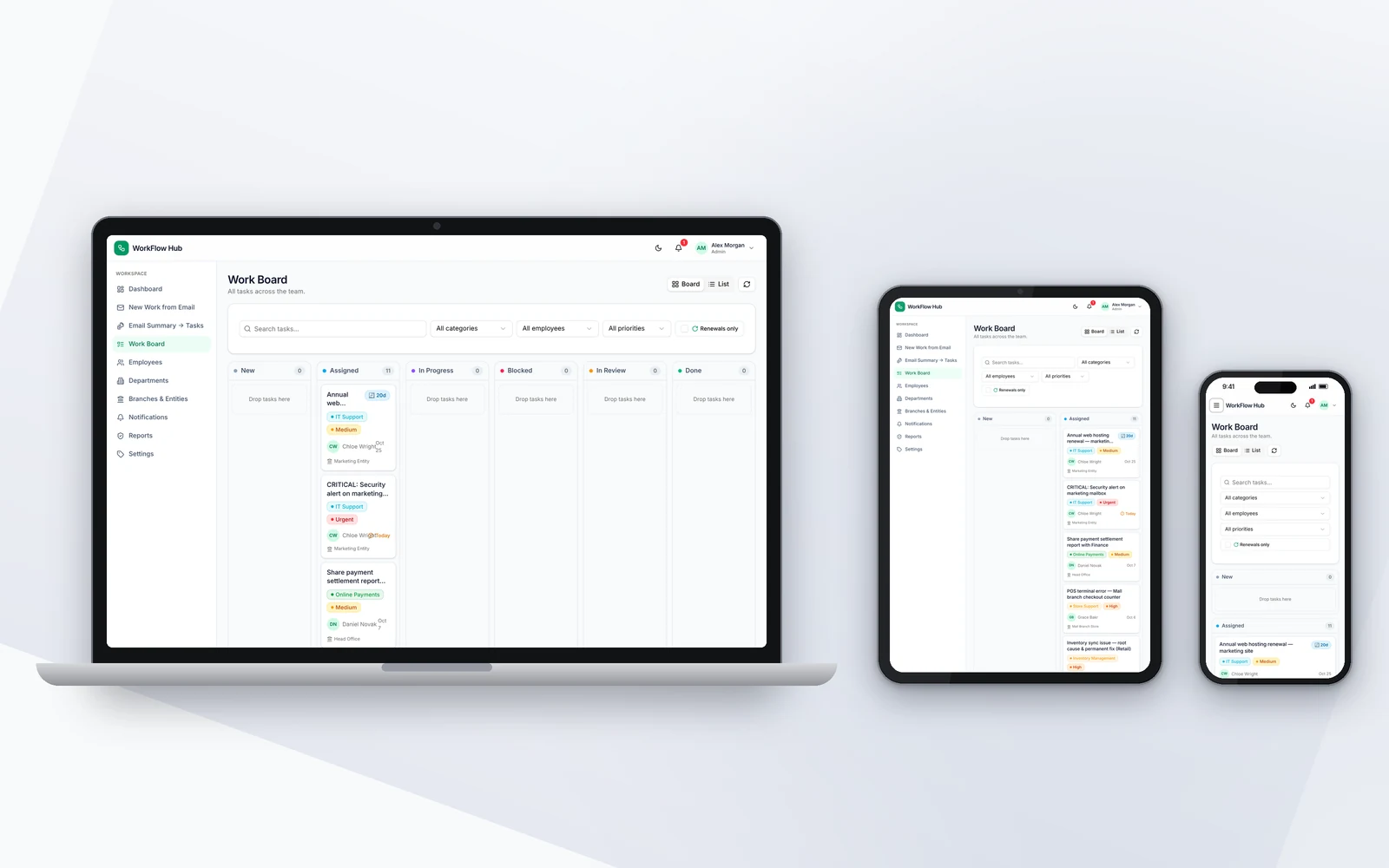
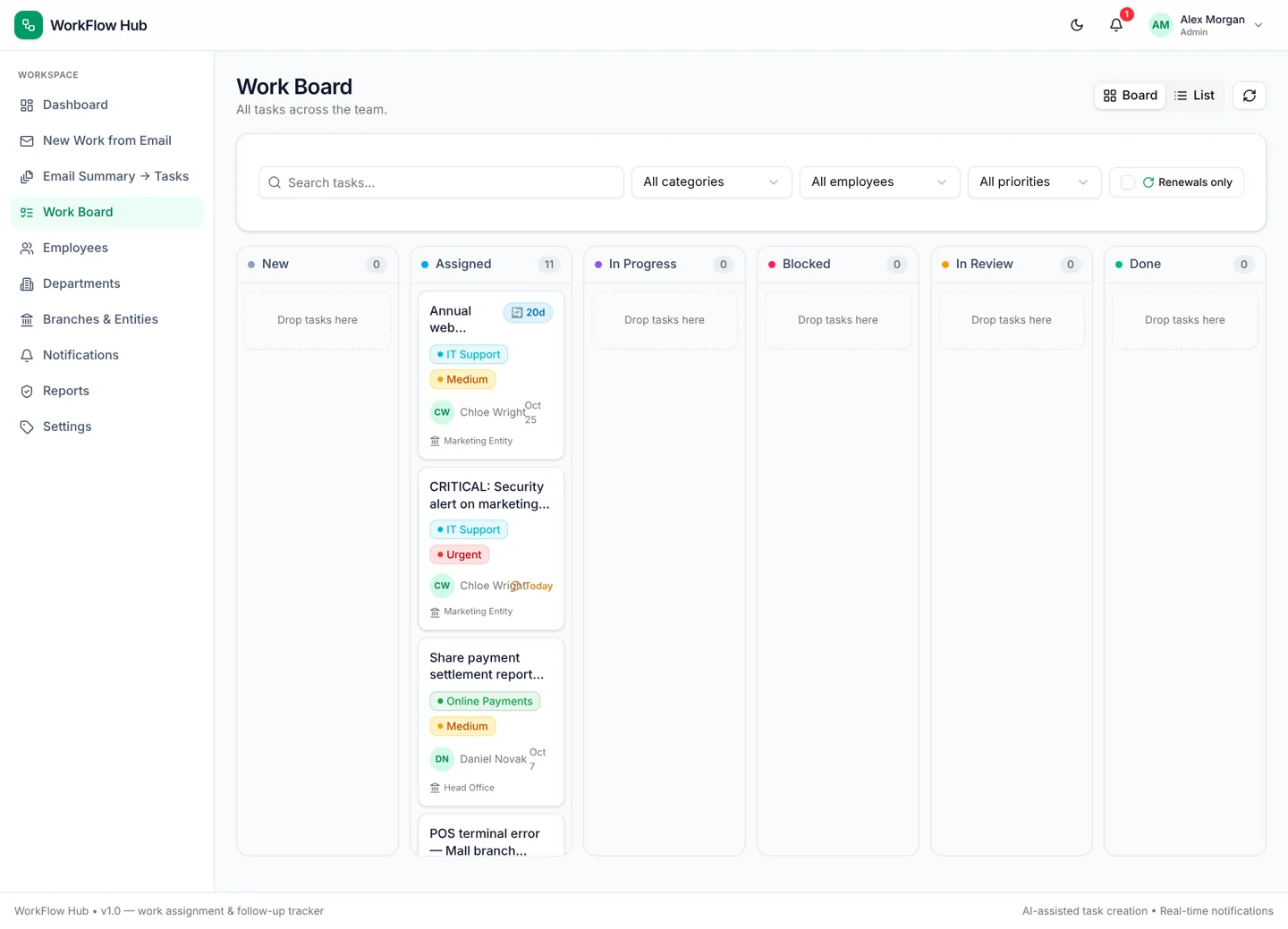
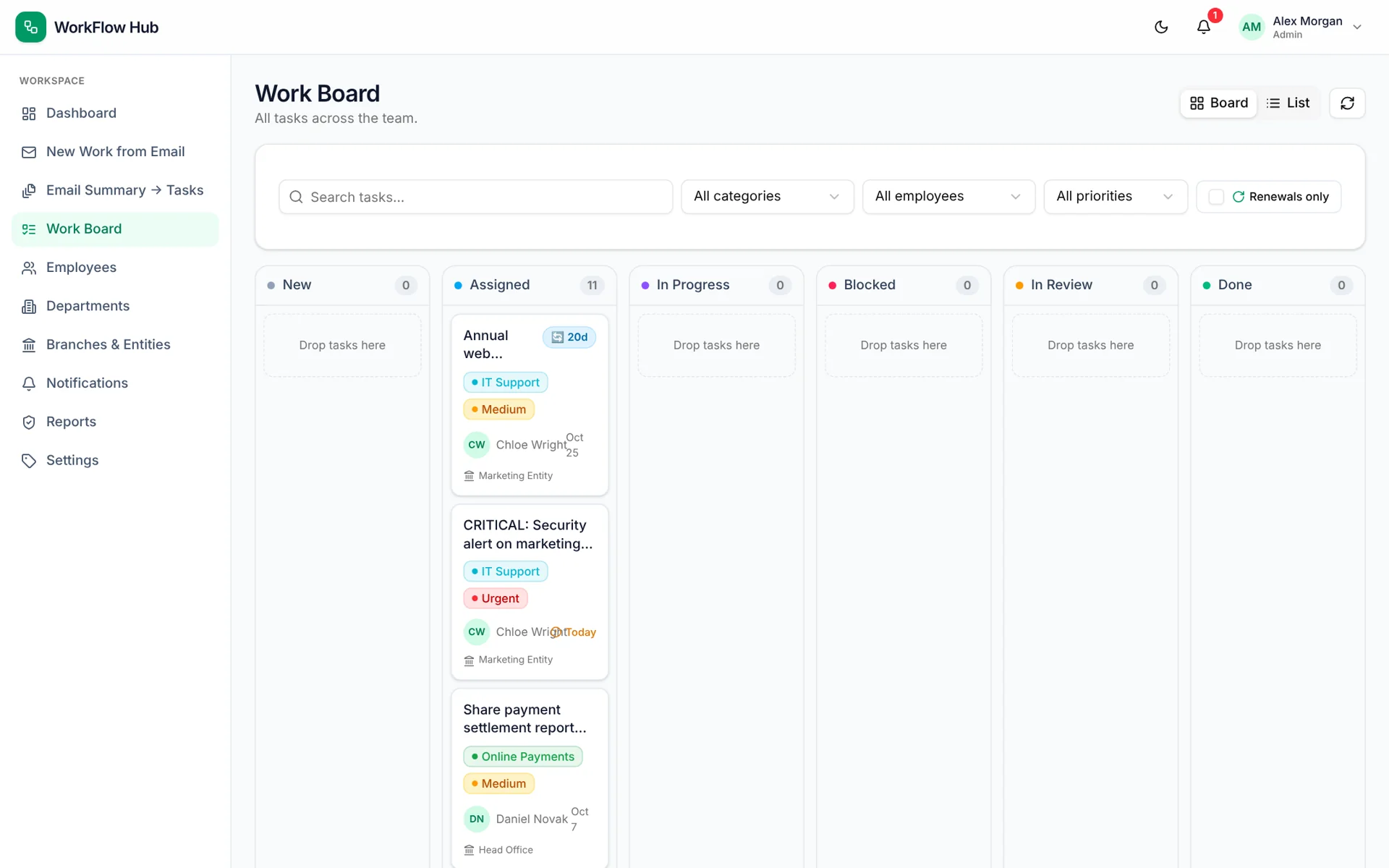
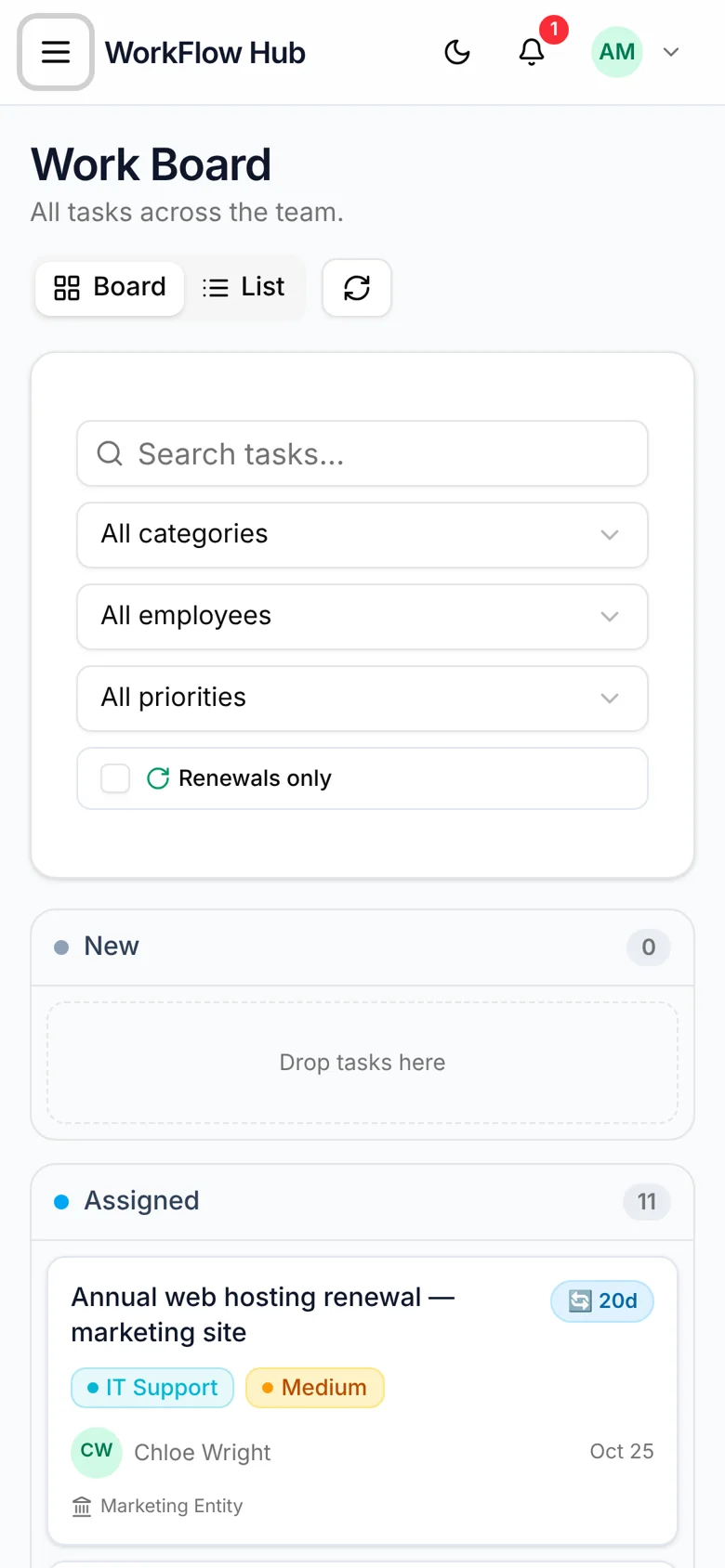
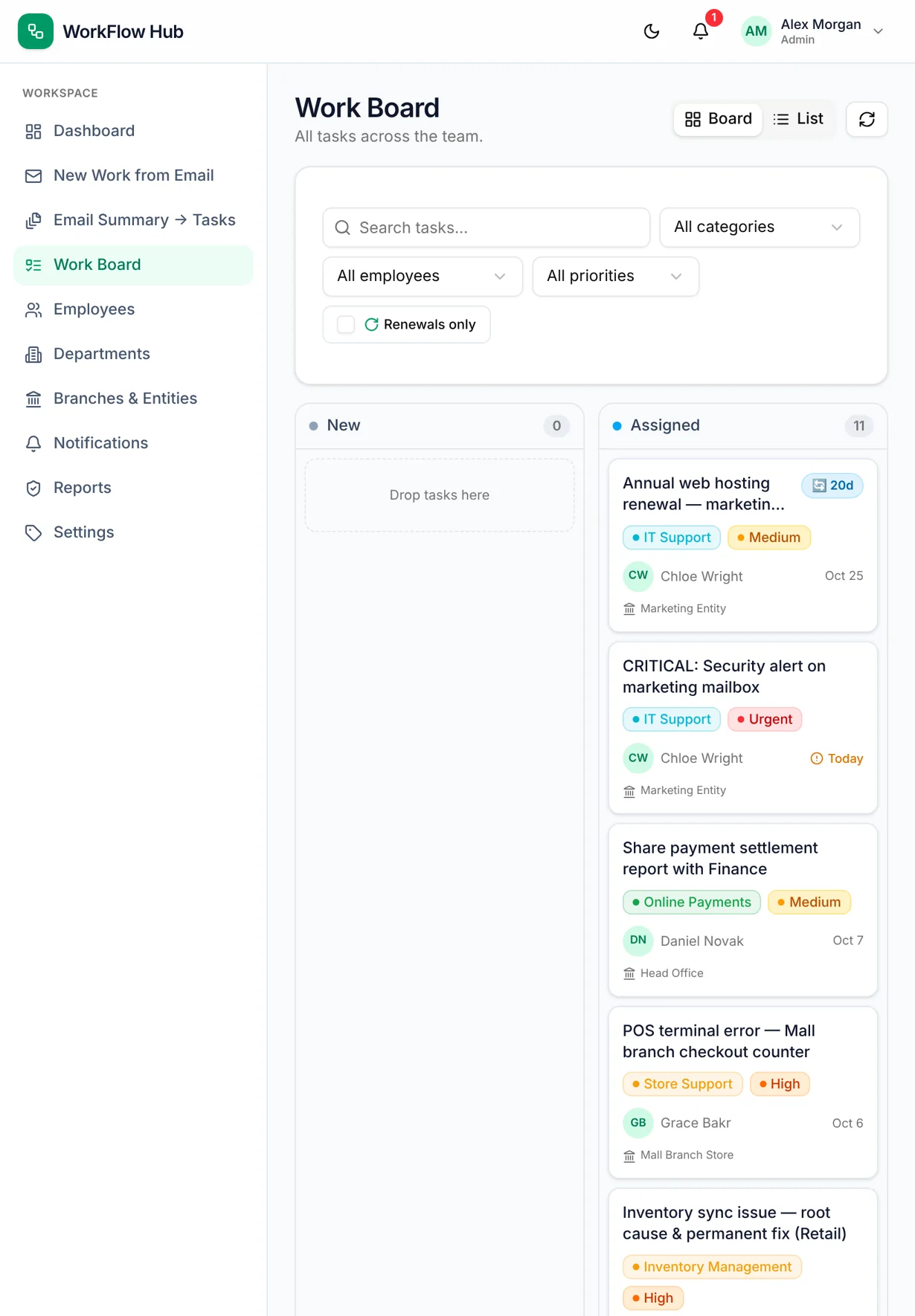
WorkFlow Hub Kanban work board grouped by status
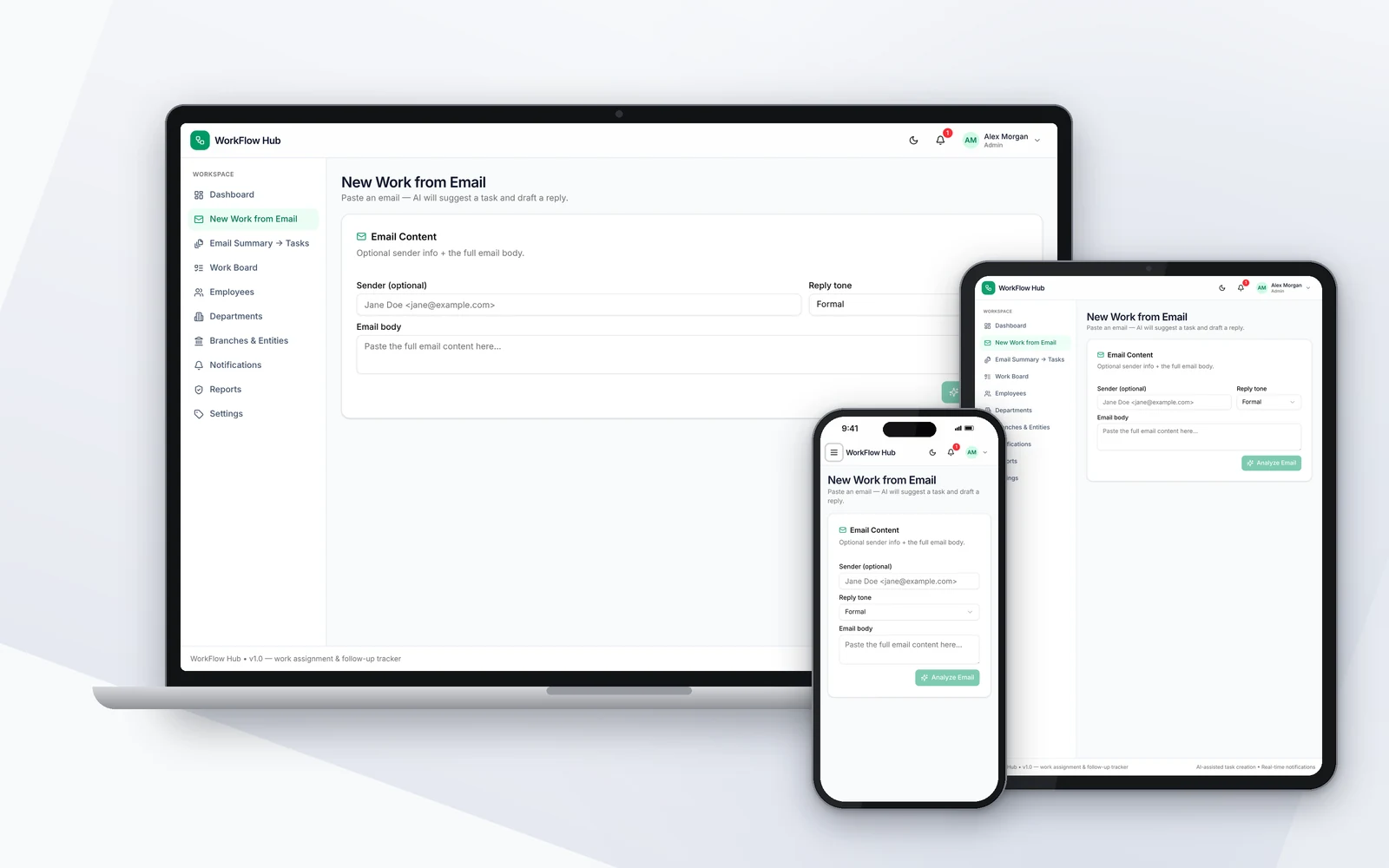
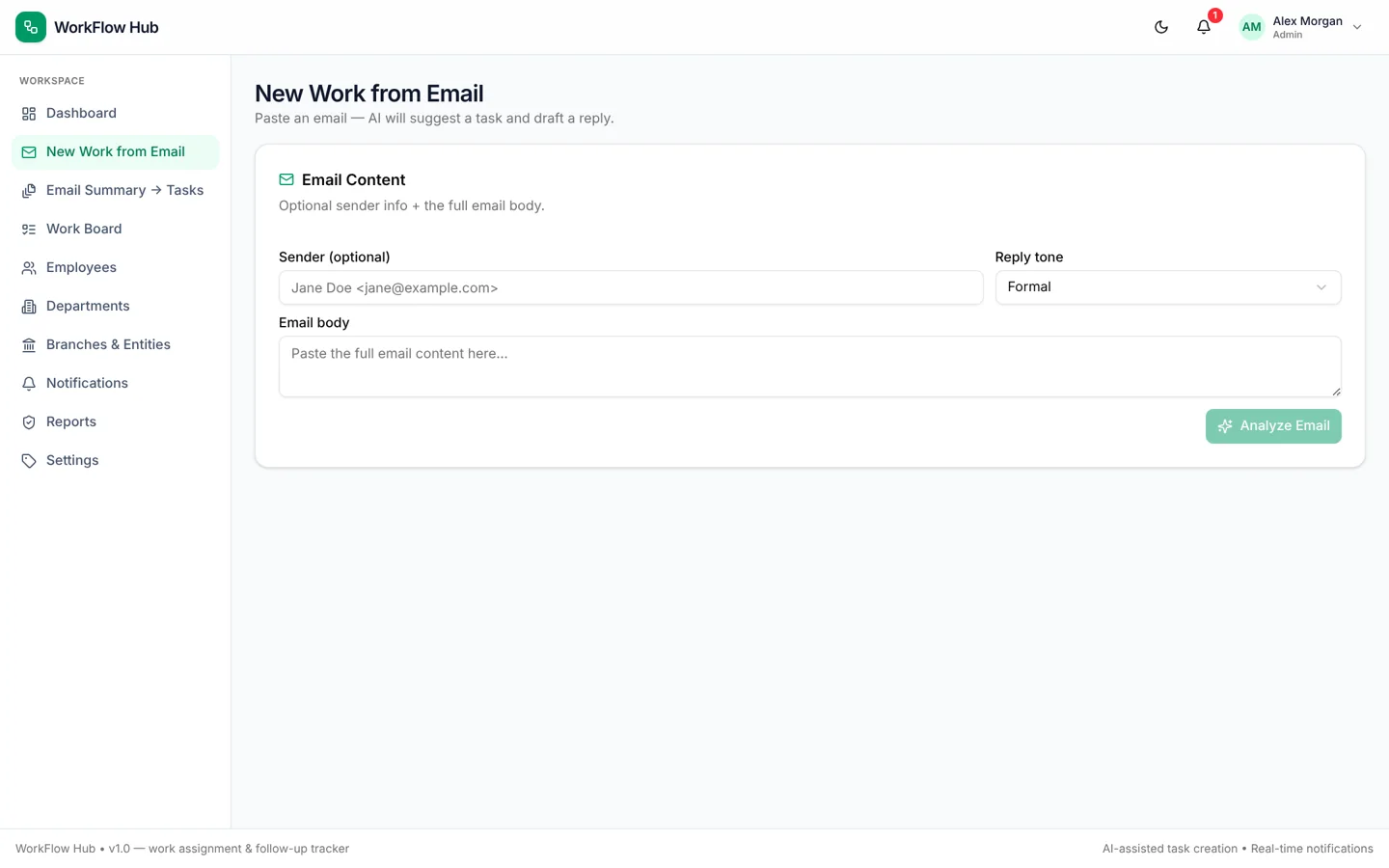
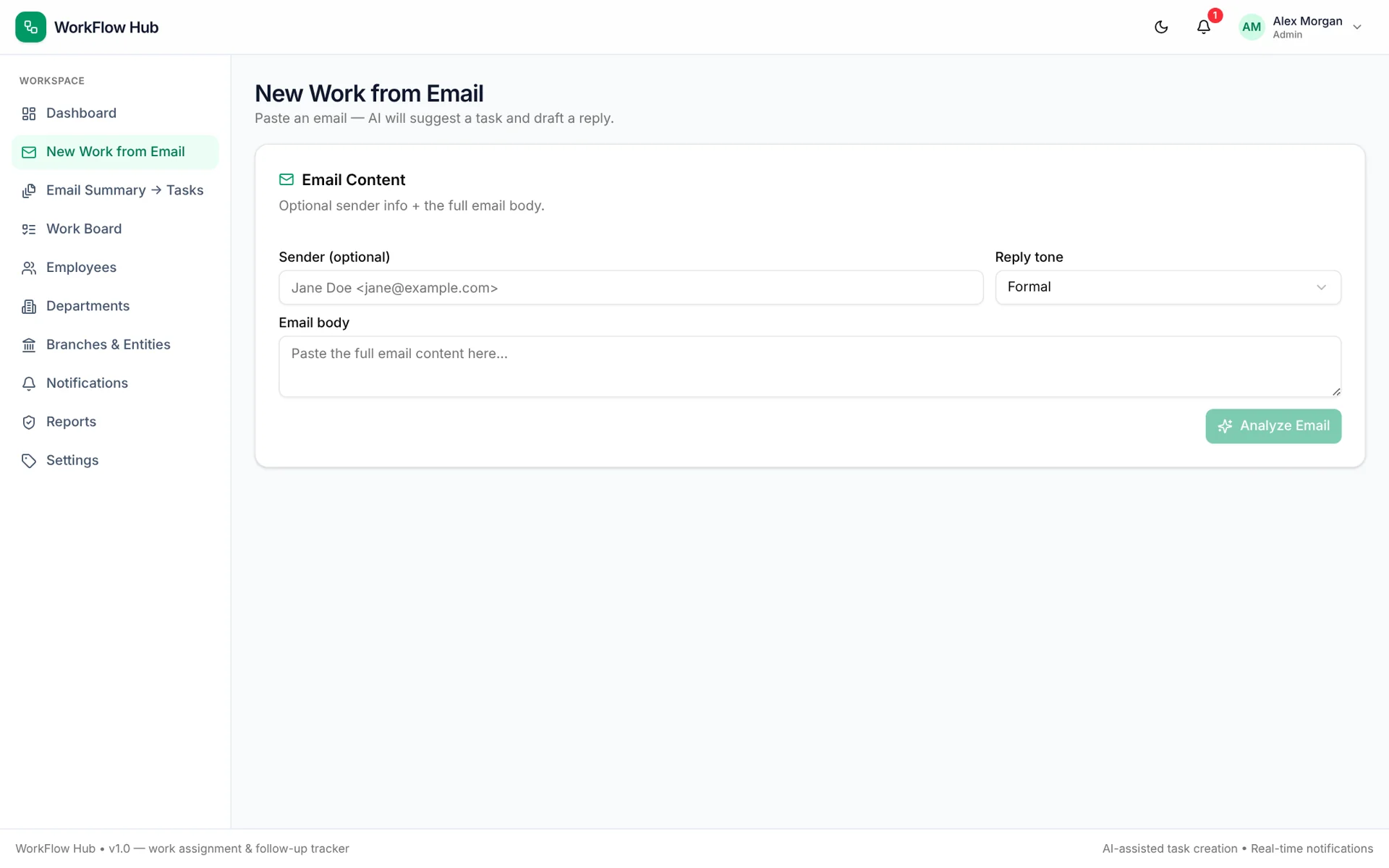
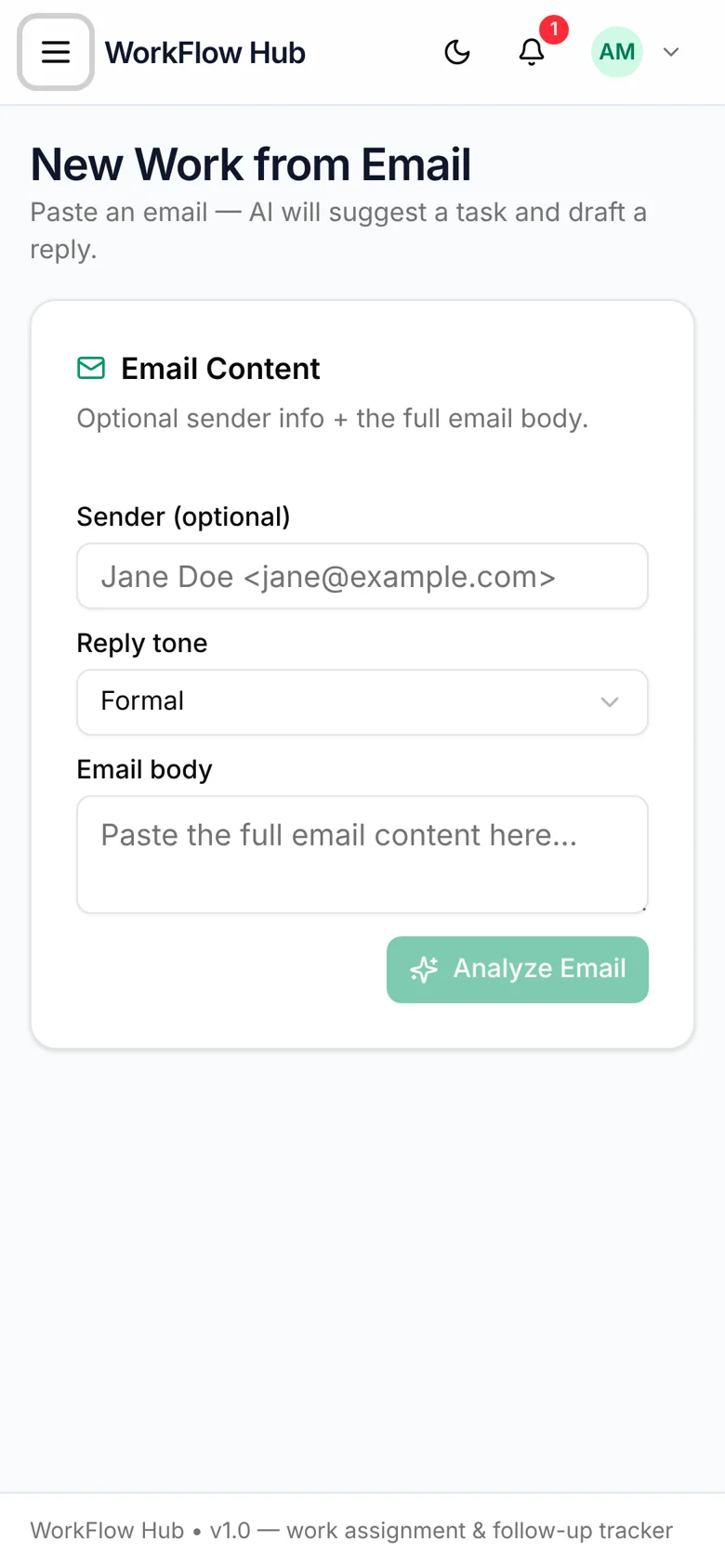
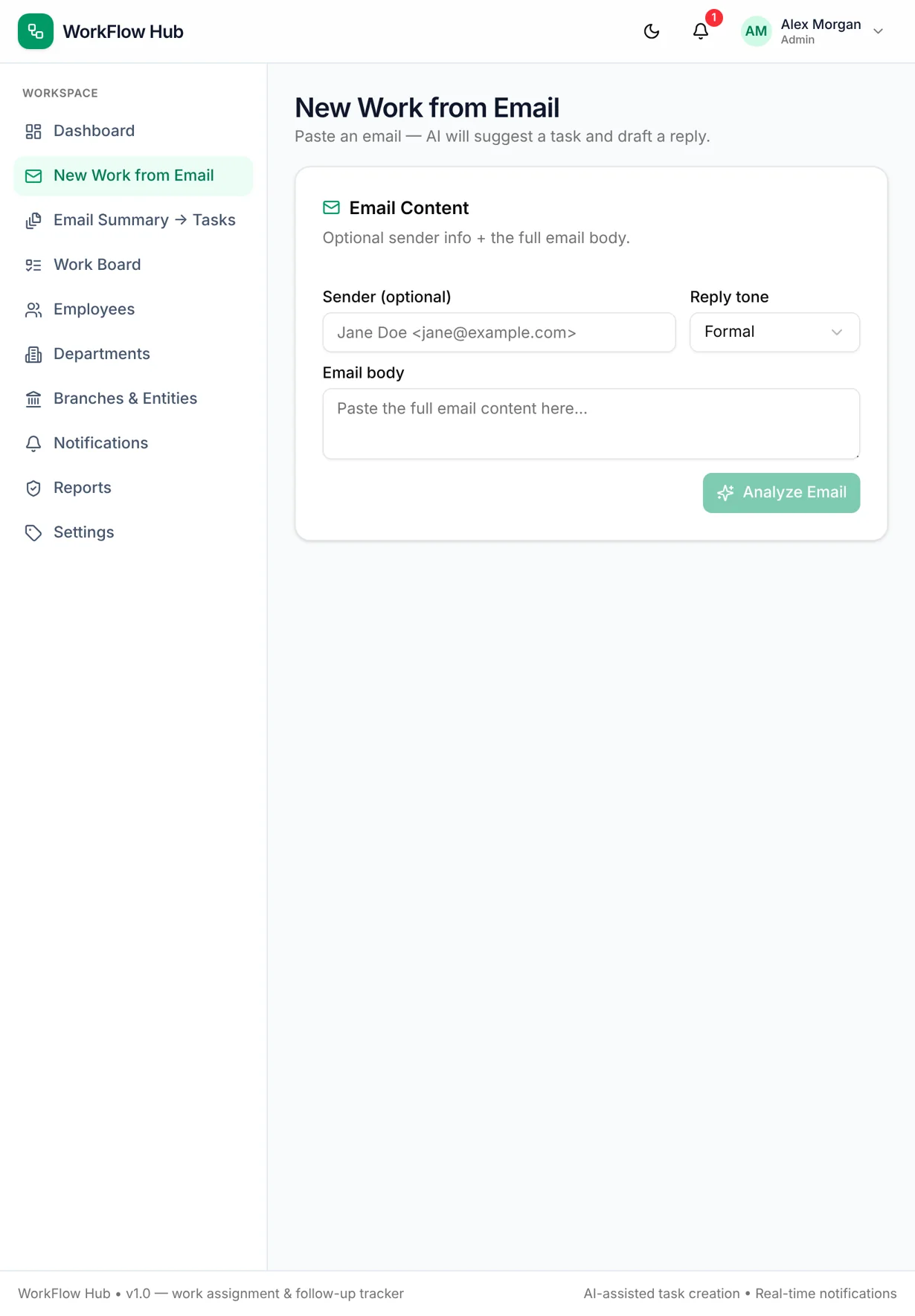
WorkFlow Hub — turning a pasted email into a task with an AI reply draft
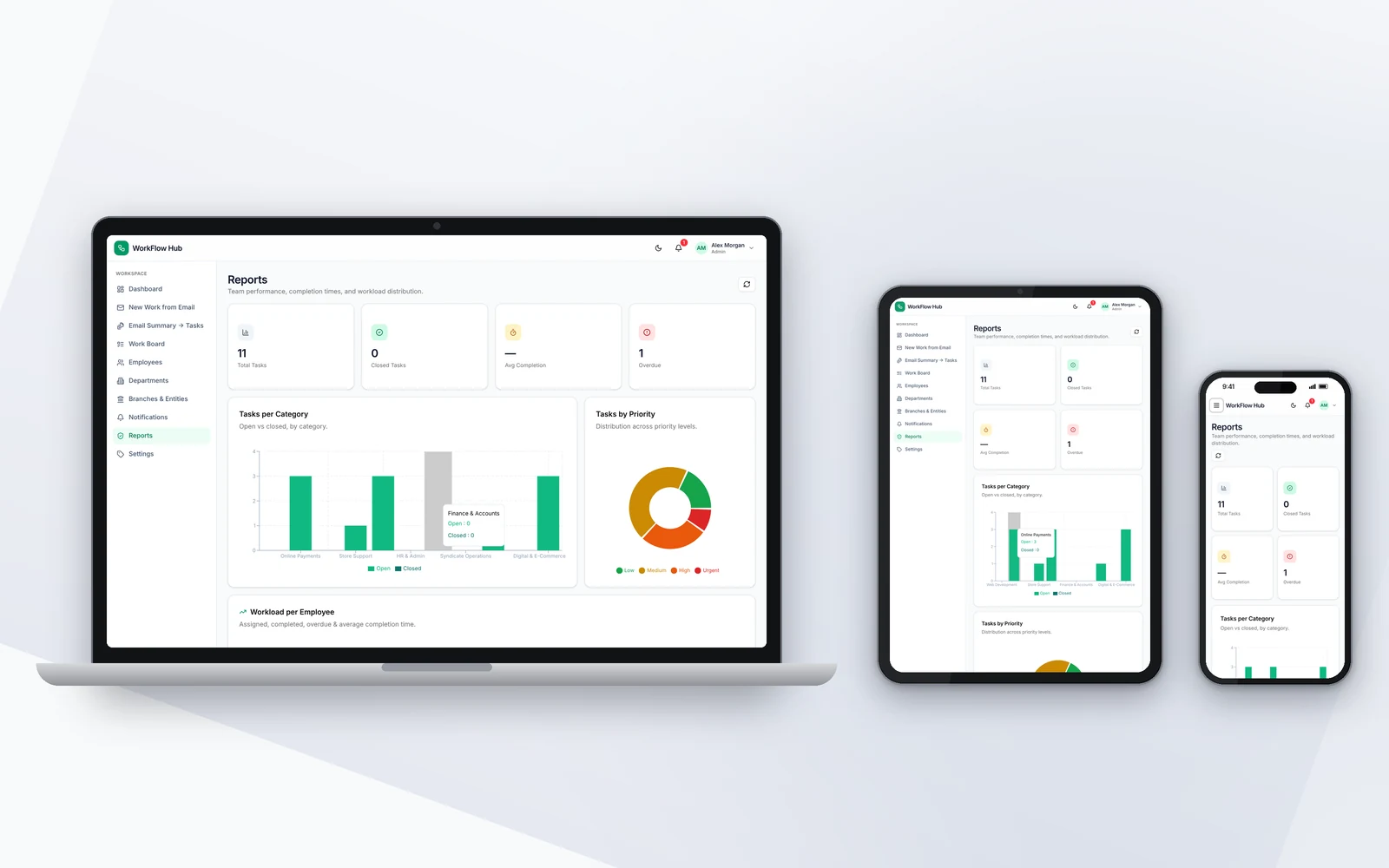
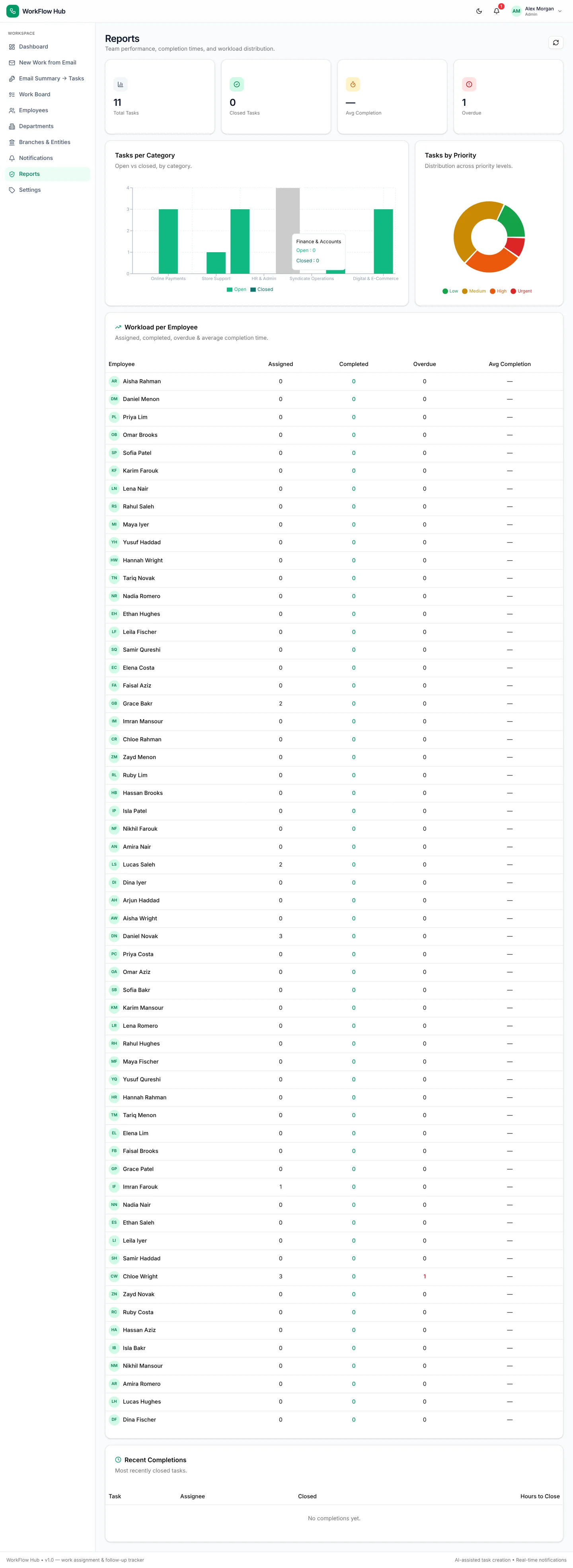
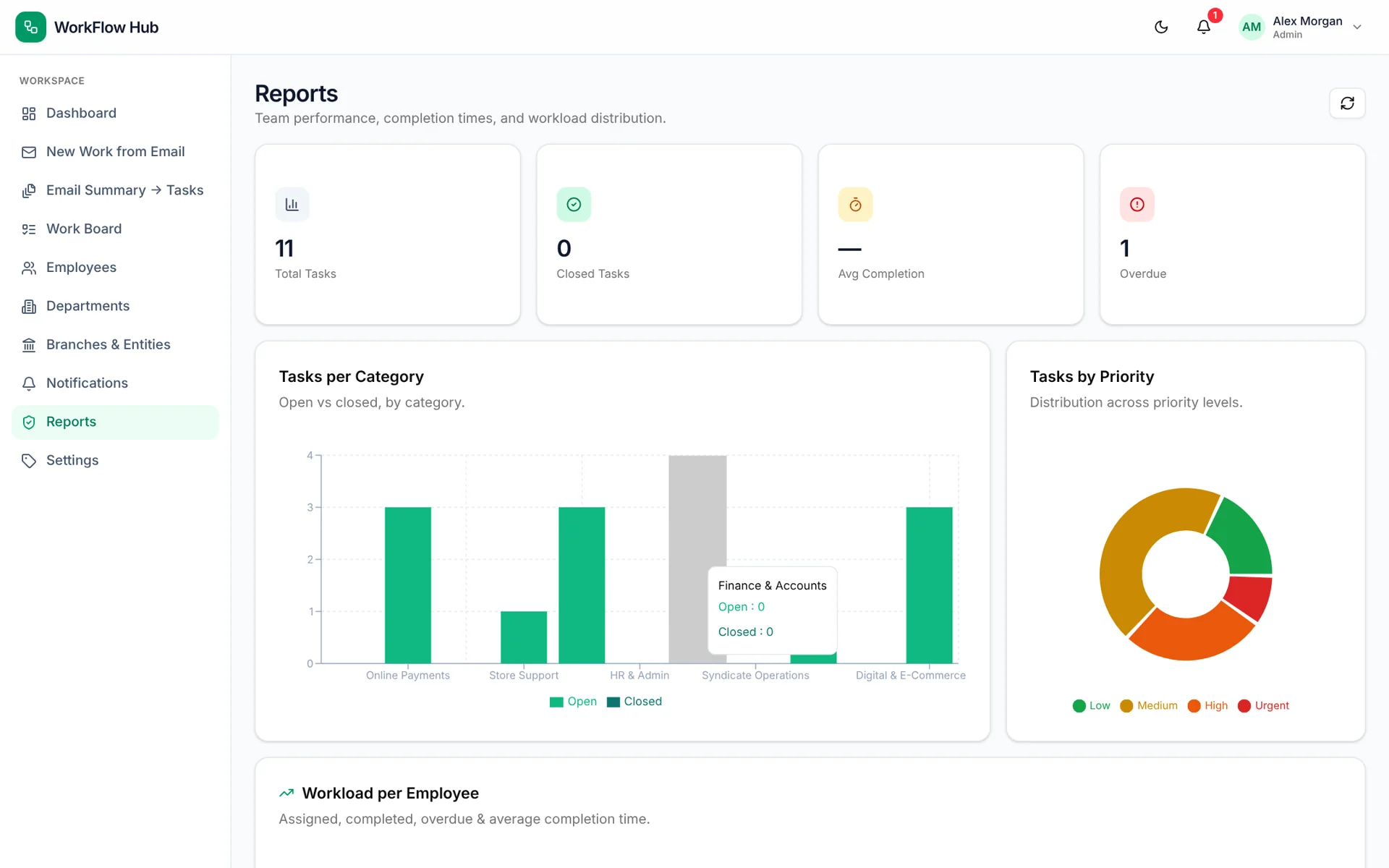
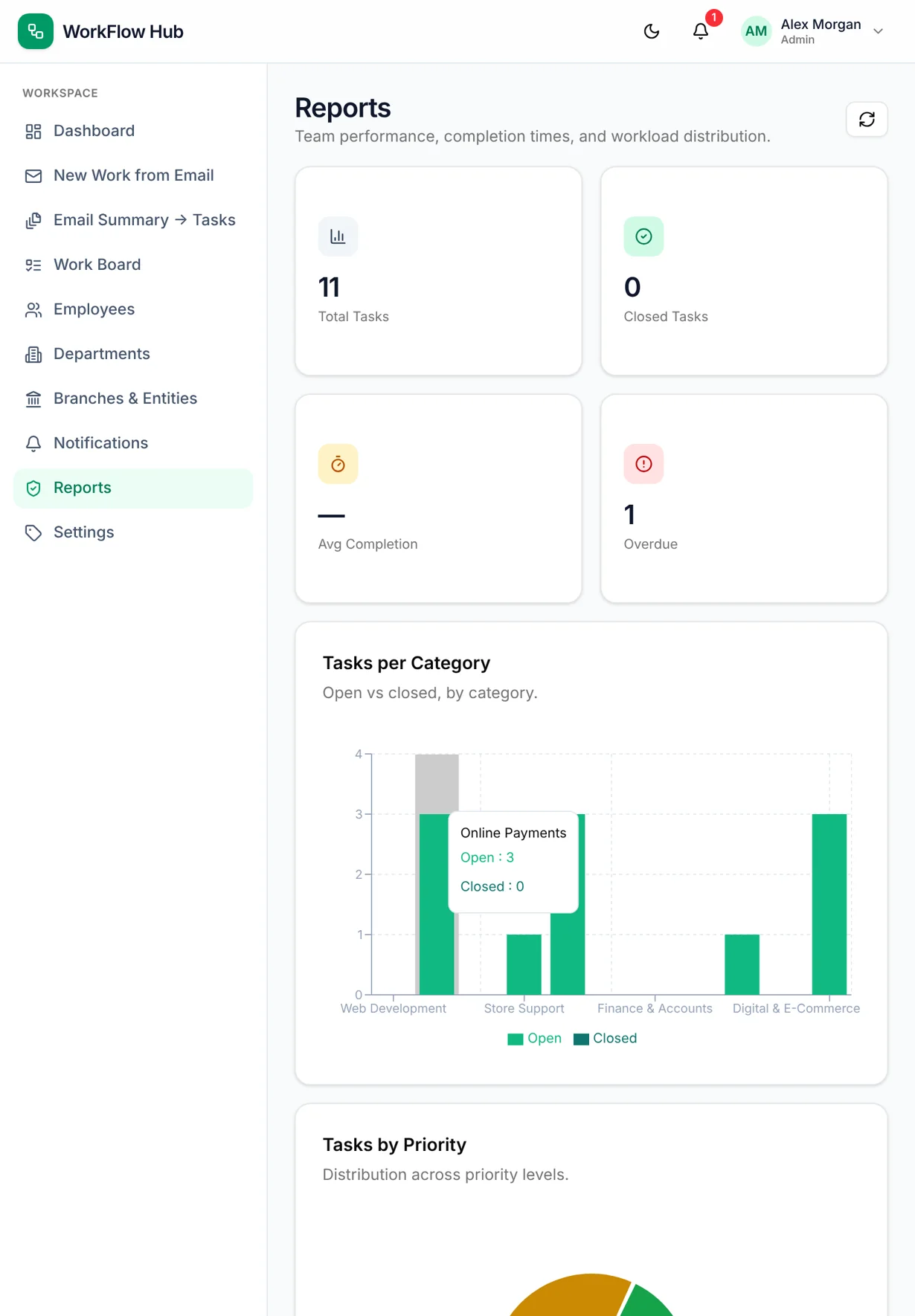
WorkFlow Hub reports by category, priority and employee workload
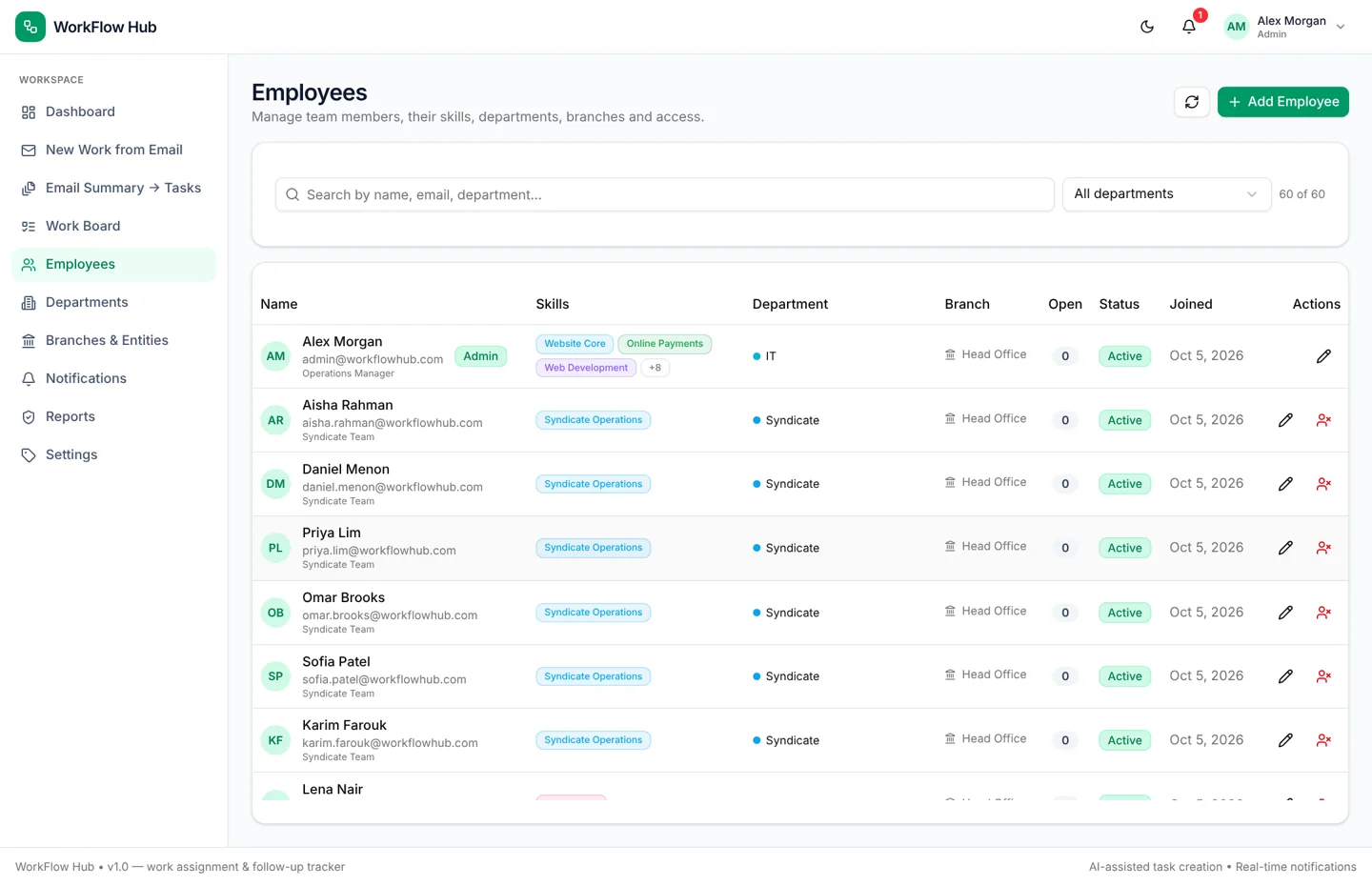
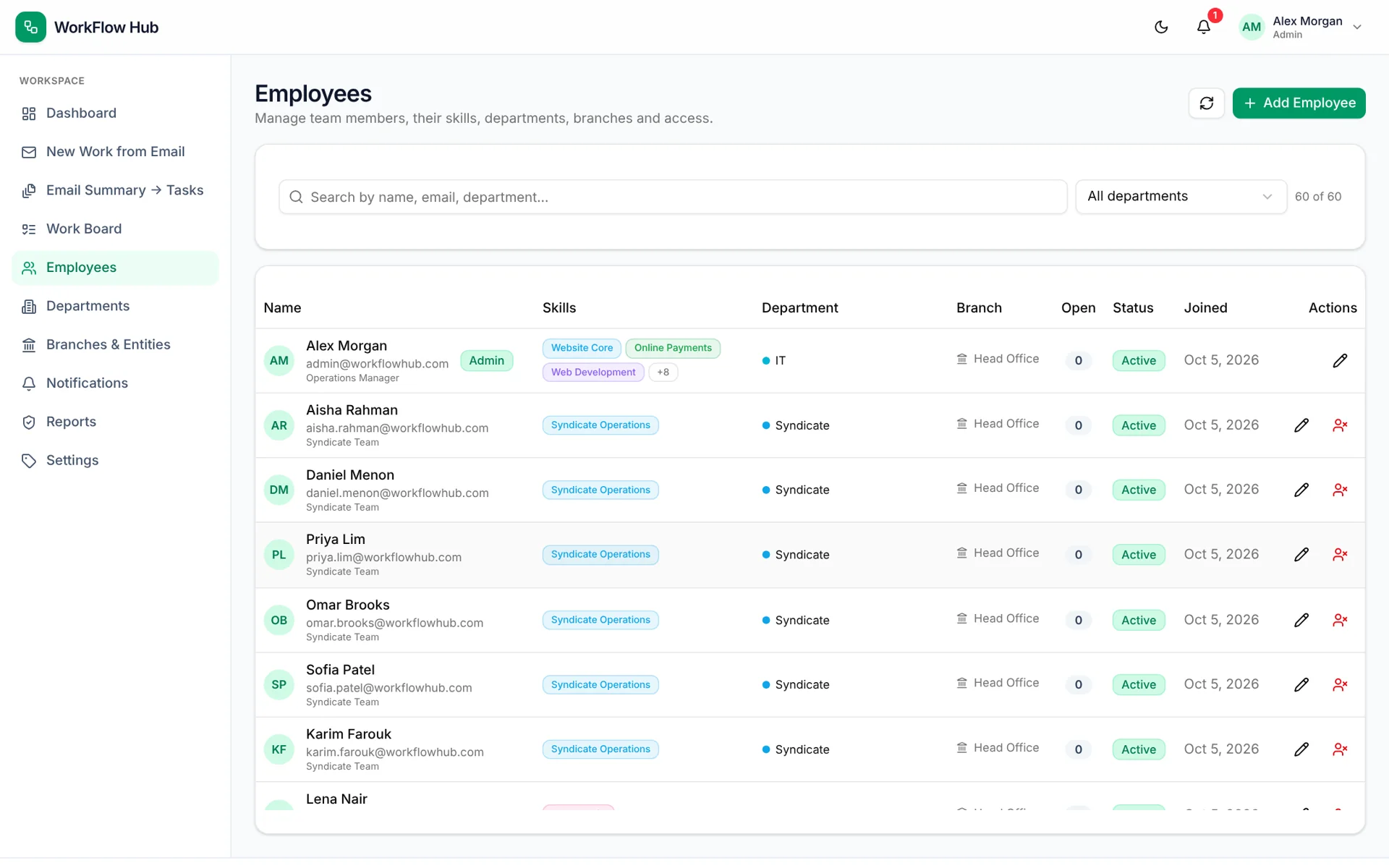
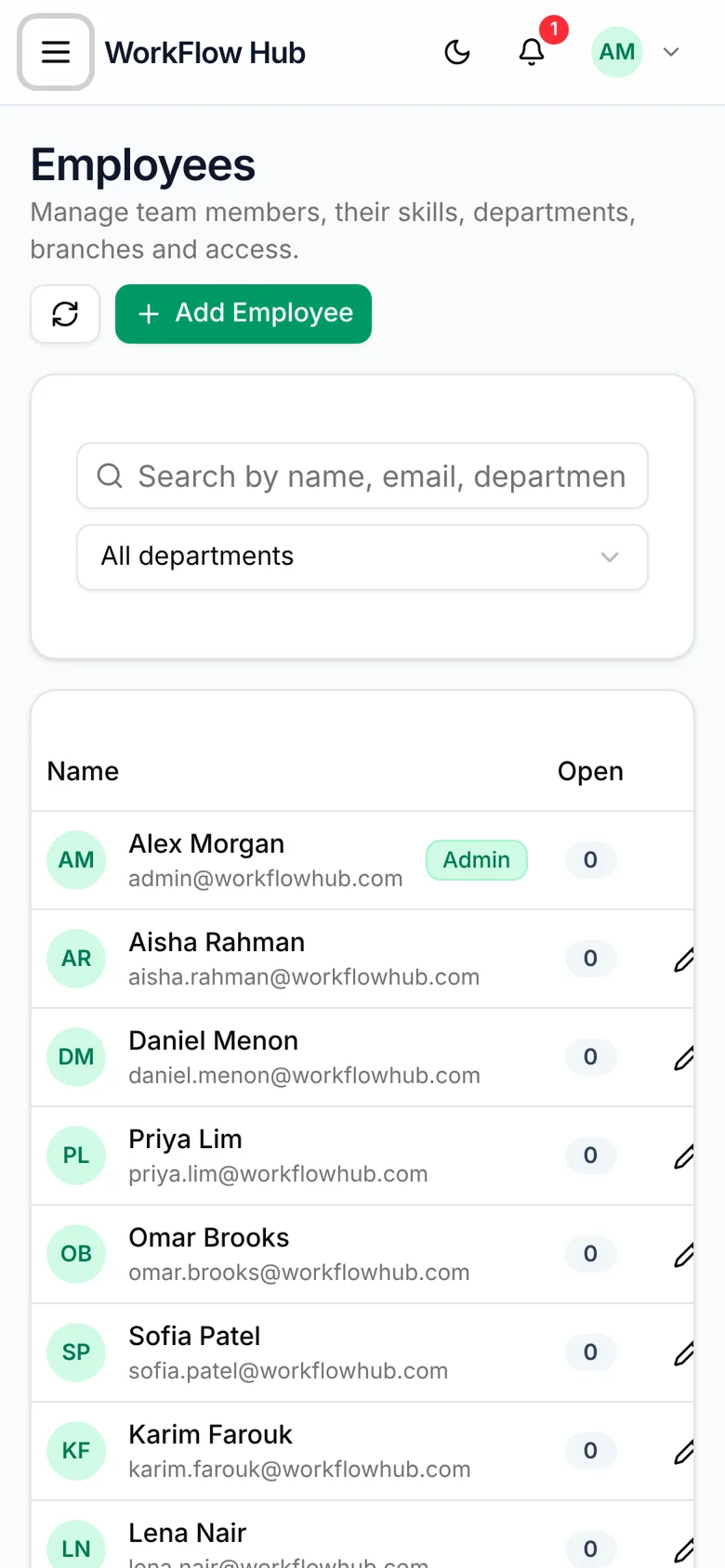
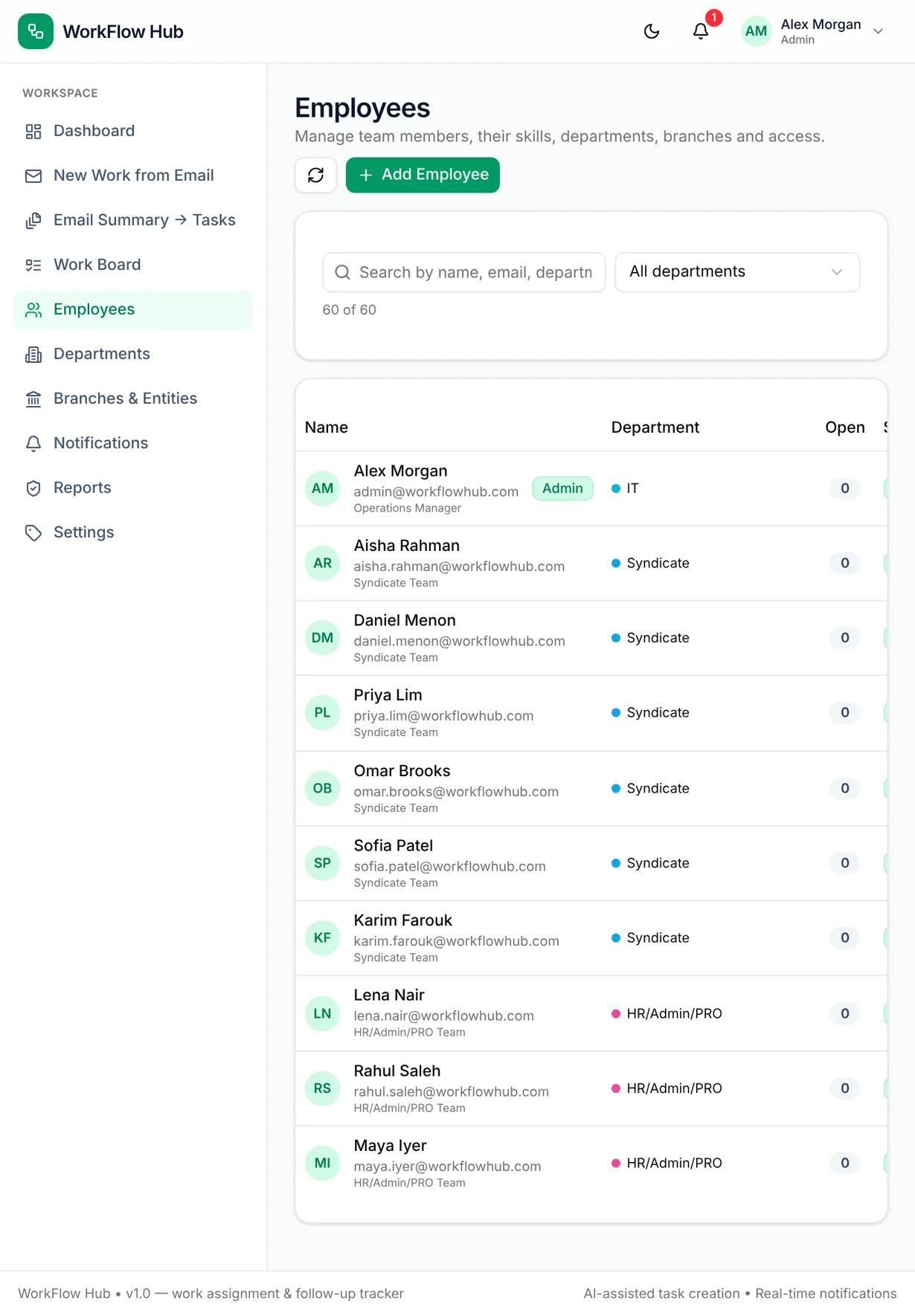
WorkFlow Hub employee directory with departments, branches and skills
1 / 5
Next.js

Work assignment & follow-up tracker

Screens

Desktop, tablet & mobile

Media

5 images

Explore the screens

Browse desktop, tablet and mobile views. Open any image to see it at full size.

View all 28 screens
WorkFlow Hub — board desktop full
board desktop full
WorkFlow Hub — board desktop
board desktop
WorkFlow Hub — board mobile
board mobile
WorkFlow Hub — board tablet
board tablet
WorkFlow Hub — dashboard desktop full
dashboard desktop full
WorkFlow Hub — dashboard desktop
dashboard desktop
WorkFlow Hub — dashboard mobile
dashboard mobile
WorkFlow Hub — dashboard tablet
dashboard tablet
WorkFlow Hub — employees desktop full
employees desktop full
WorkFlow Hub — employees desktop
employees desktop
WorkFlow Hub — employees mobile
employees mobile
WorkFlow Hub — employees tablet
employees tablet
WorkFlow Hub — new email desktop full
new email desktop full
WorkFlow Hub — new email desktop
new email desktop
WorkFlow Hub — new email mobile
new email mobile
WorkFlow Hub — new email tablet
new email tablet
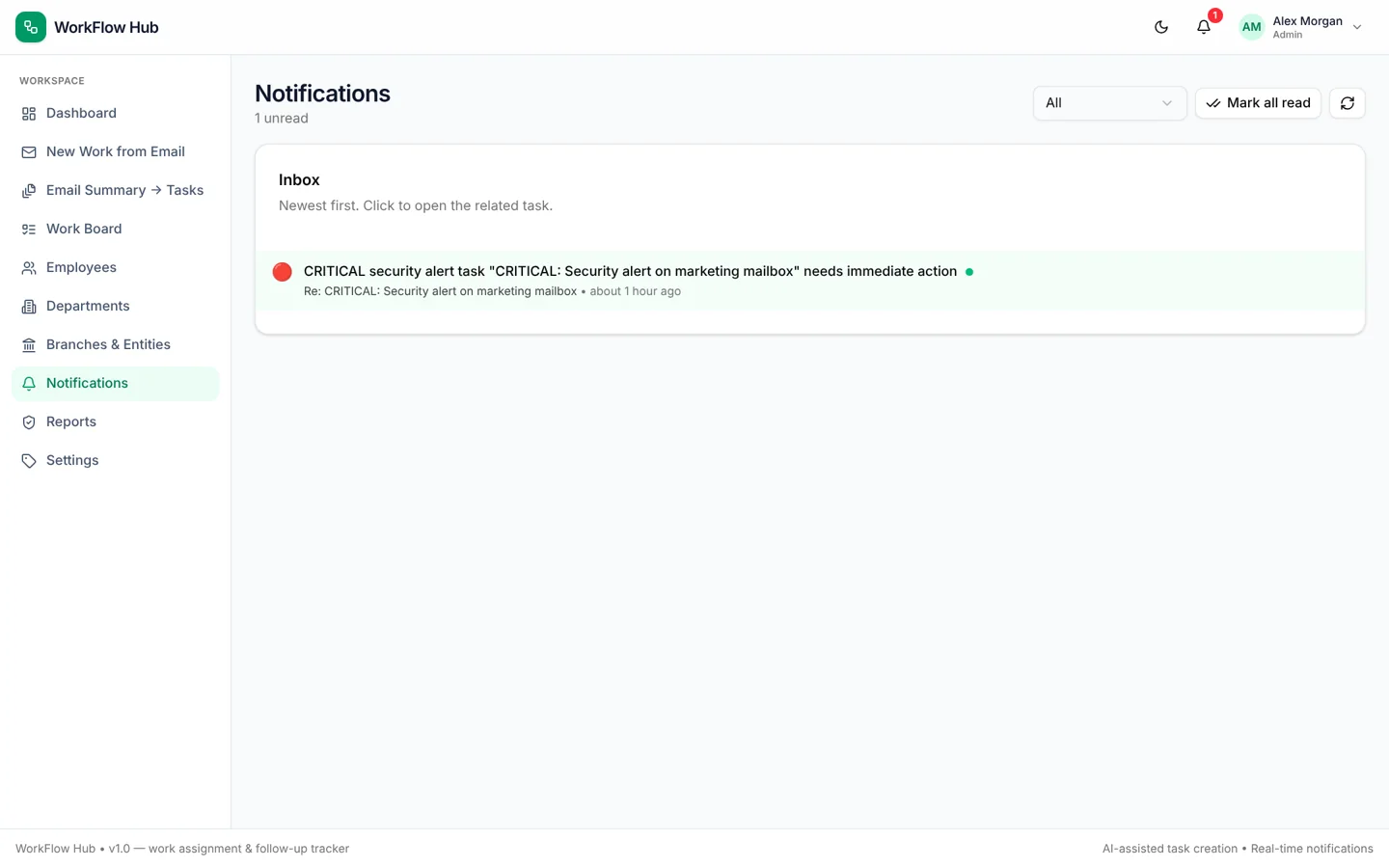
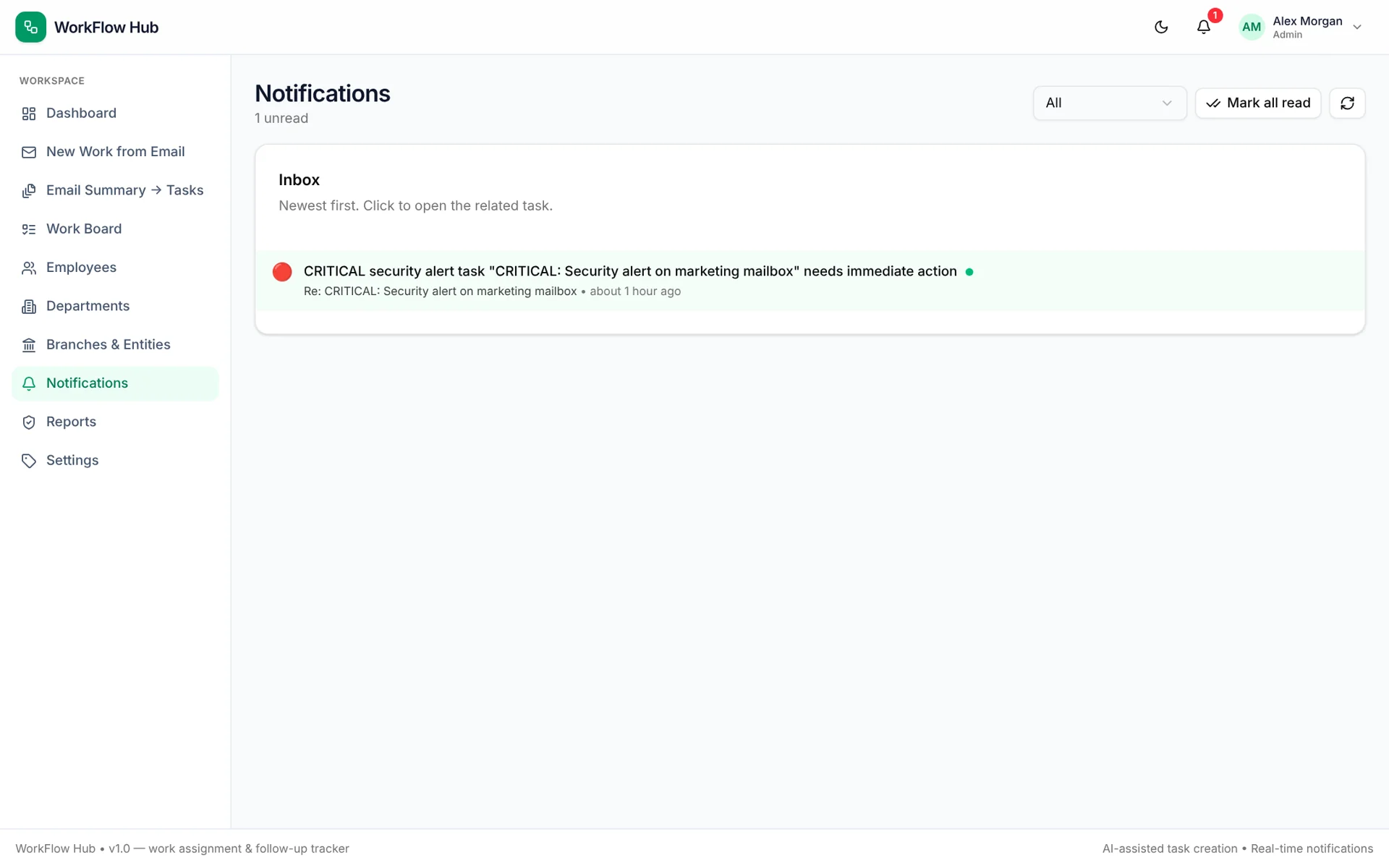
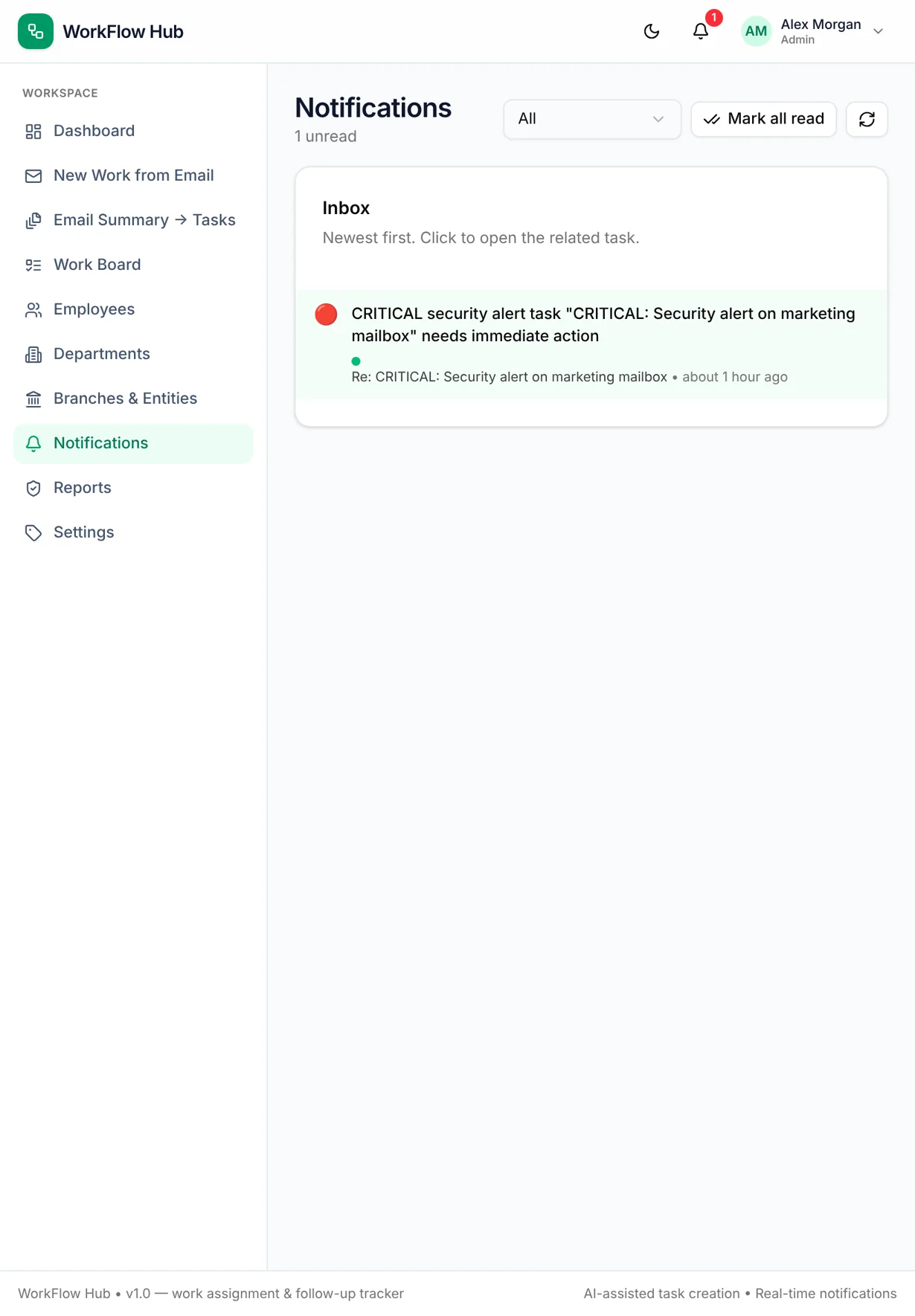
WorkFlow Hub — notifications desktop full
notifications desktop full
WorkFlow Hub — notifications desktop
notifications desktop
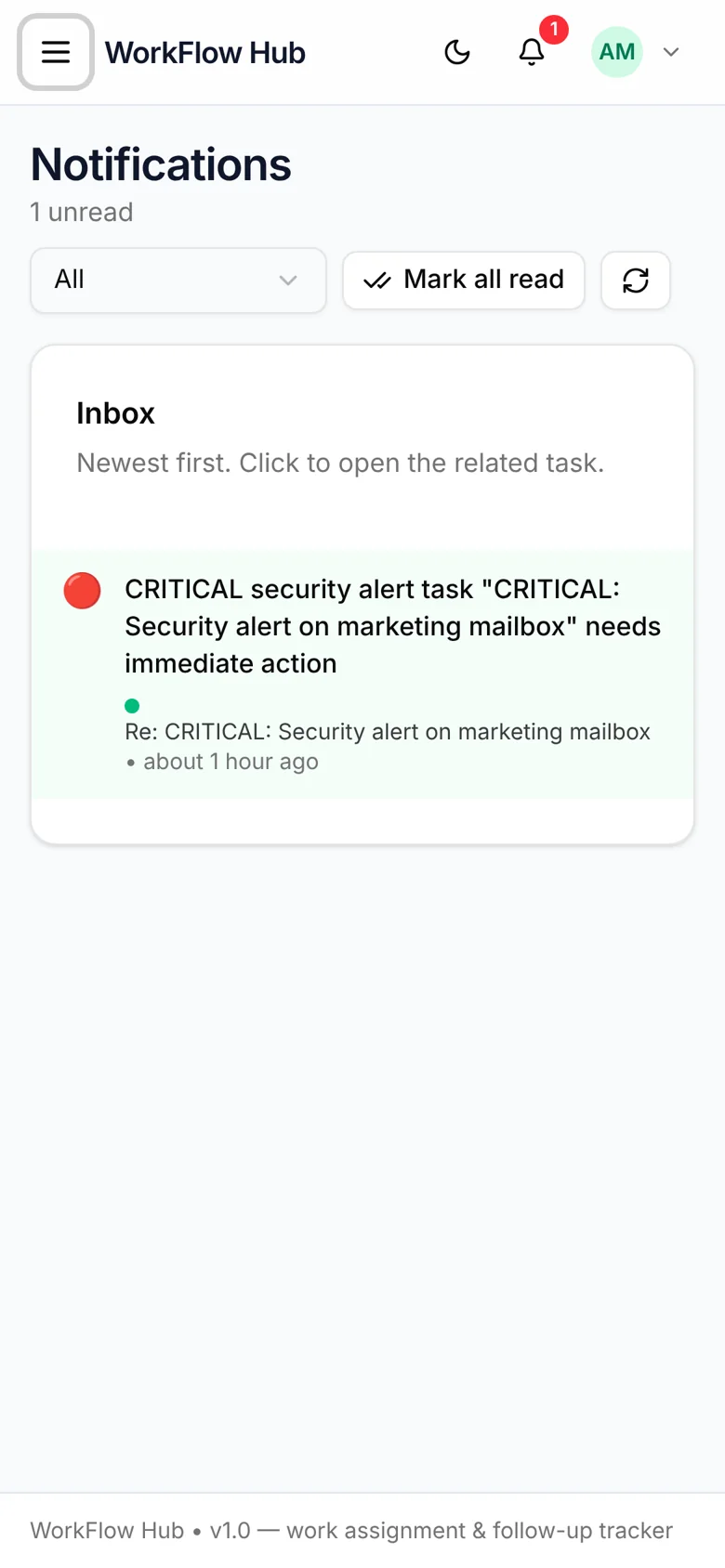
WorkFlow Hub — notifications mobile
notifications mobile
WorkFlow Hub — notifications tablet
notifications tablet
WorkFlow Hub — reports desktop full
reports desktop full
WorkFlow Hub — reports desktop
reports desktop
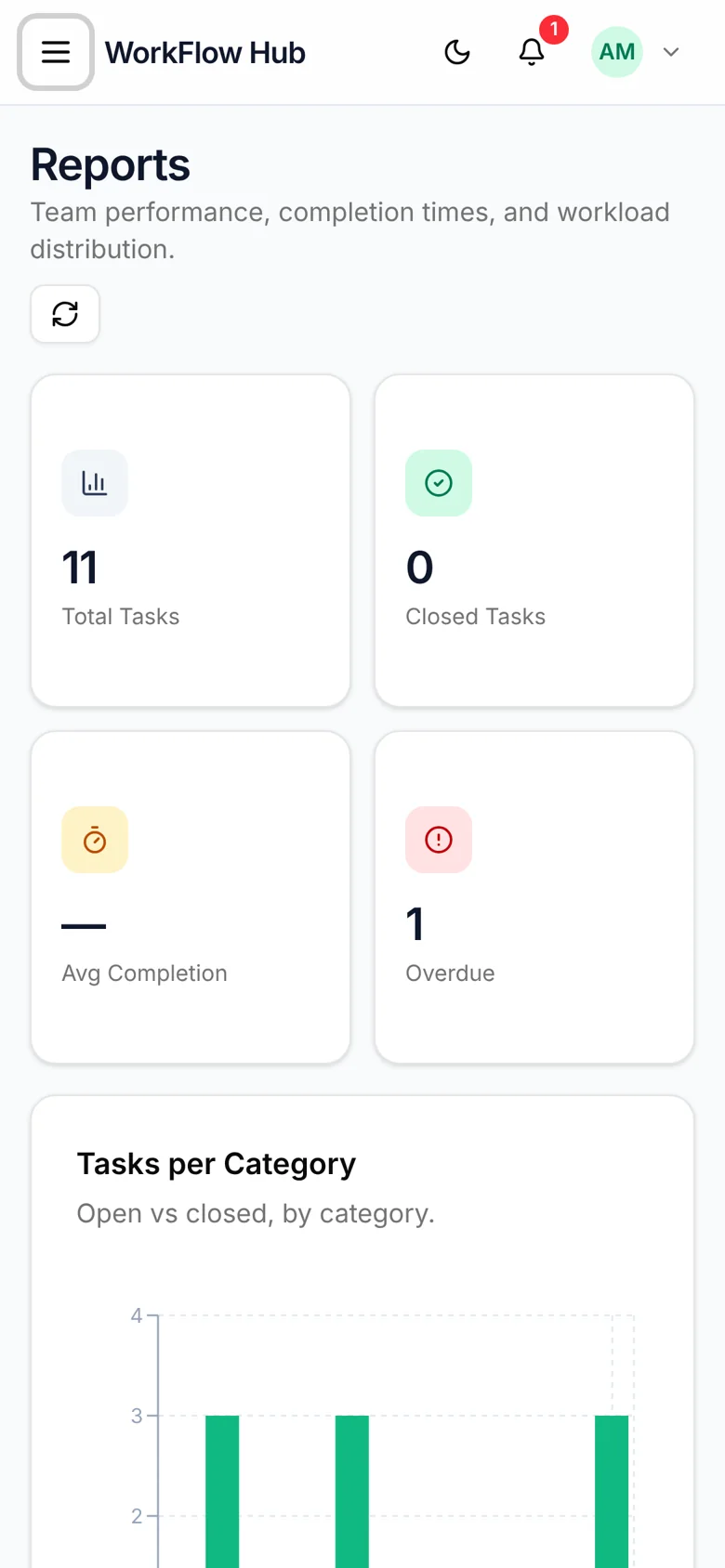
WorkFlow Hub — reports mobile
reports mobile
WorkFlow Hub — reports tablet
reports tablet
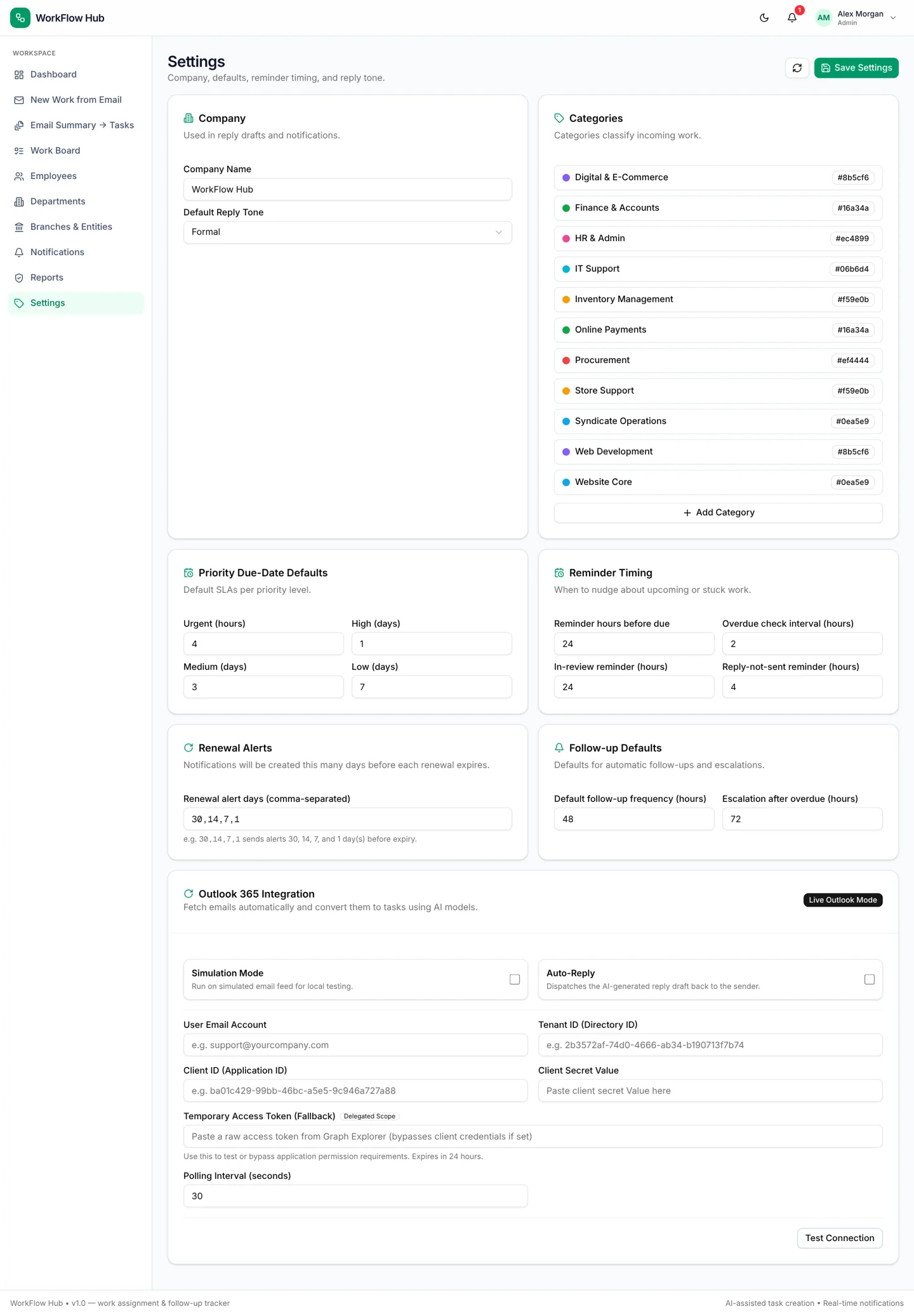
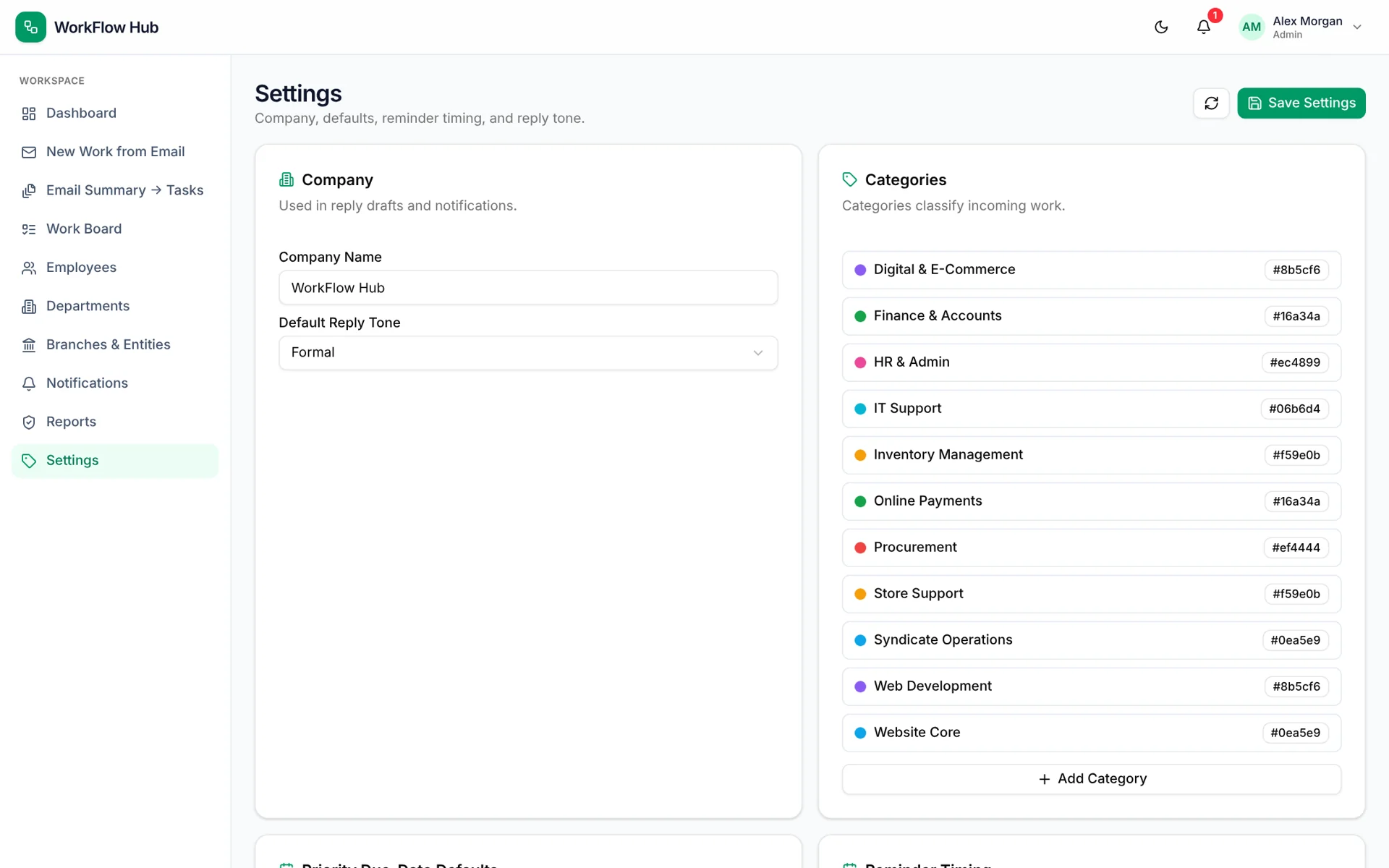
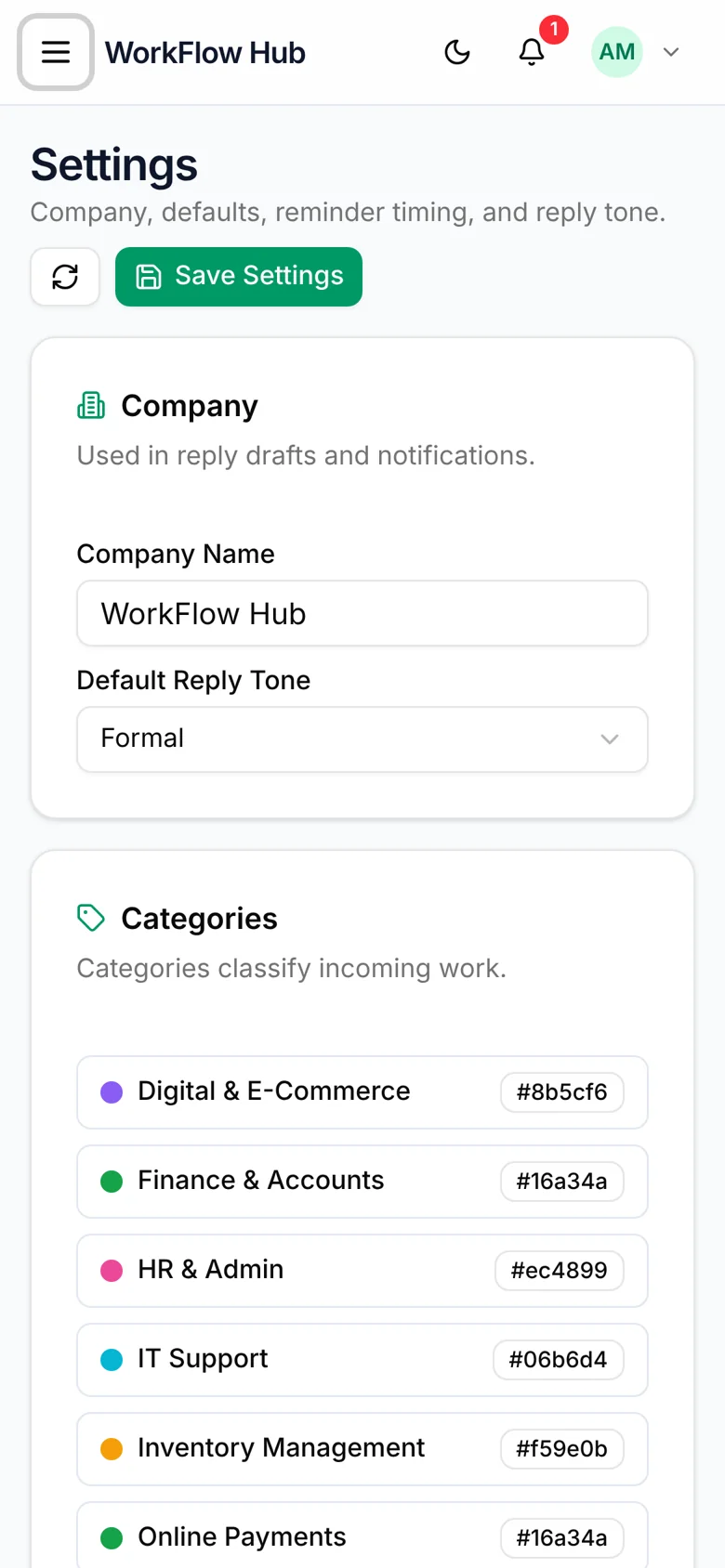
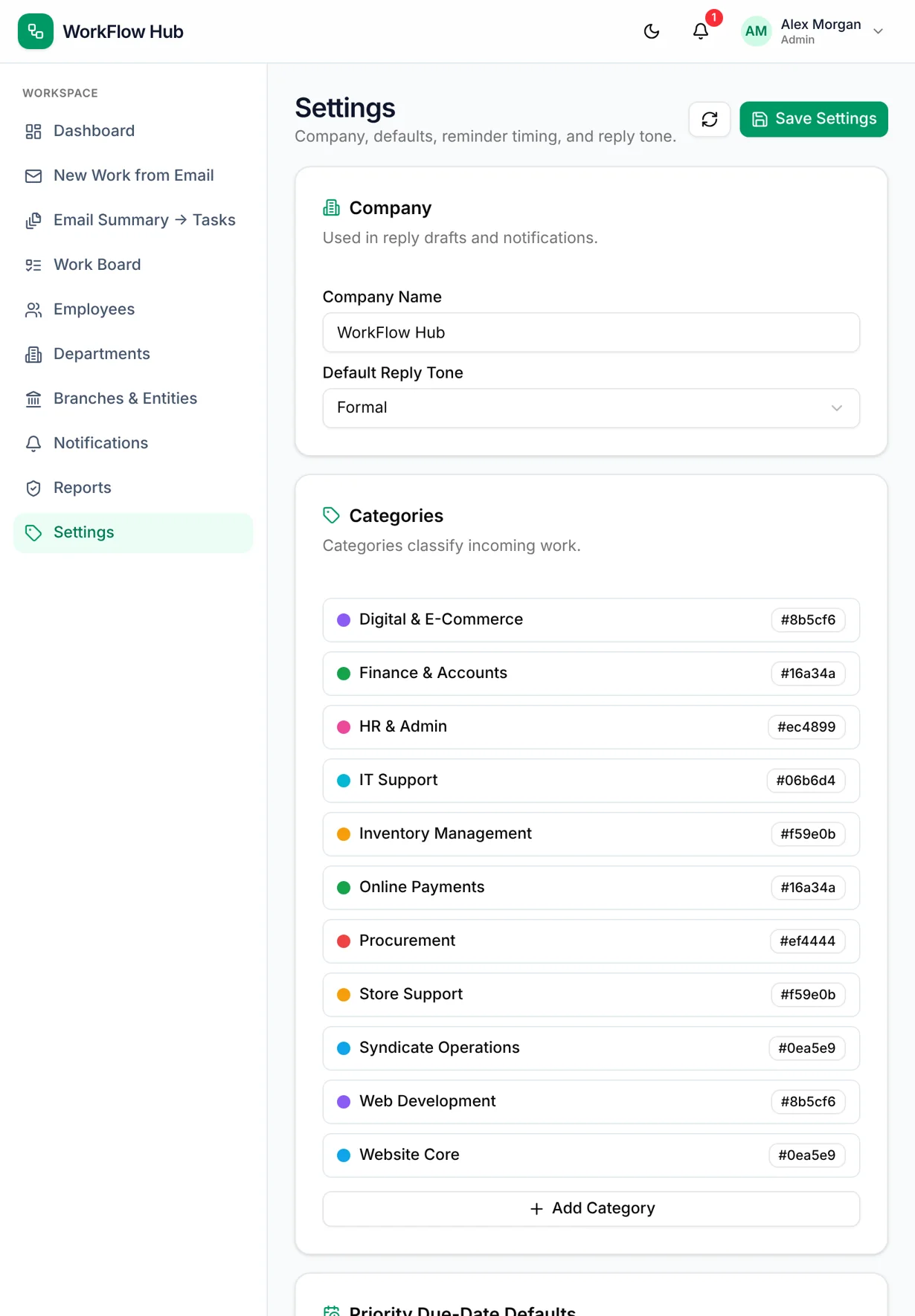
WorkFlow Hub — settings desktop full
settings desktop full
WorkFlow Hub — settings desktop
settings desktop
WorkFlow Hub — settings mobile
settings mobile
WorkFlow Hub — settings tablet
settings tablet

/ Project overview

WorkFlow Hub is built around a common operations loop: a request arrives by email, someone reads it, assigns it, replies and follows up until it is done. It covers website, online payments, web development, store support and back-office categories. Each task has a single owner, a due date and an activity history.

The application uses Next.js, TypeScript, Prisma and PostgreSQL with session-based sign-in for administrators and employees. An AI step extracts the subject, sender, summary, category and priority from a pasted email and drafts an editable reply. The device mockups were captured from a local build running demonstration data; names, branches and tasks are fictional.

Project
WorkFlow Hub
Technology
Next.js
Category
Work assignment & follow-up tracker

/ The customer journey

How the workflow works

An administrator pastes an email, reviews the extracted details and the suggested reply, then creates the task and assigns an employee. The assignee is notified, updates status on the board and adds comments. The follow-up engine reminds owners before due dates and flags work that stalls.

  • Email-to-task intake with AI summary and reply draft
  • Kanban board and filterable list views
  • Single-owner assignment with comments and activity log
  • Automatic reminders, overdue flags and follow-up cadence

/ Design and development focus

Design and development focus

Scheduled jobs evaluate due dates, review reminders and renewal windows against configurable thresholds. Status changes write activity logs and notifications. Role checks separate administrator screens such as employees, settings and reports from the employee workspace.

  • Kanban board and filterable list views
  • Single-owner assignment with comments and activity log
  • Automatic reminders, overdue flags and follow-up cadence
  • Domain, hosting and contract renewal tracking
  • Departments, branches, reports and notifications

Working features WorkFlow Hub

01

Explore

Capture incoming requests and summarise them into structured tasks.

  • Email-to-task intake with AI summary and reply draft
  • Kanban board and filterable list views
  • Single-owner assignment with comments and activity log
  • Automatic reminders, overdue flags and follow-up cadence
02

Connect

Assign one clear owner, a priority and a due date.

  • Kanban board and filterable list views
  • Single-owner assignment with comments and activity log
  • Automatic reminders, overdue flags and follow-up cadence
  • Domain, hosting and contract renewal tracking
03

Operate

Track progress on the board and keep context in comments.

  • Single-owner assignment with comments and activity log
  • Automatic reminders, overdue flags and follow-up cadence
  • Domain, hosting and contract renewal tracking
  • Departments, branches, reports and notifications
04

Review

Let reminders, renewals and reports keep work moving to completion.

  • Automatic reminders, overdue flags and follow-up cadence
  • Domain, hosting and contract renewal tracking
  • Departments, branches, reports and notifications
  • Email-to-task intake with AI summary and reply draft

/ Content and interface considerations

Implementation and scope

Developed internal application. Outlook mailbox integration and AI drafting depend on configured providers; drafts are always reviewed before a reply is sent from the user's own mail client.

  • Single-owner assignment with comments and activity log
  • Automatic reminders, overdue flags and follow-up cadence
  • Domain, hosting and contract renewal tracking
  • Departments, branches, reports and notifications

/ Project scope and next steps

Planning a similar project

WorkFlow Hub shows how a focused internal tool can replace scattered email threads and spreadsheets. A similar project starts with the real request sources, the categories of work and the follow-up rules the team already uses.

  • Automatic reminders, overdue flags and follow-up cadence
  • Domain, hosting and contract renewal tracking
  • Departments, branches, reports and notifications
  • Email-to-task intake with AI summary and reply draft

/ Our project commitments

Clear commitments throughout your project

Define pages, features, dependencies and acceptance criteria before implementation. Review scope changes against that shared brief.

NexPixels project teamNexPixels approach

Connect approved interface decisions to working components, clear interaction states and content controls your team can use.

NexPixels project teamNexPixels approach

Test mobile navigation, forms and purchase paths with realistic content, including empty results and invalid inputs.

NexPixels project teamNexPixels approach

Ready to discuss your website project?

  • Share your goals and current website.
  • Agree scope, milestones and review points.
  • Connect design, development and launch.

Discuss your project on WhatsApp:

NP
NexPixels teamDubai-based project team
Discuss your project

How can we help you?

Prefer email?
johnsantonyjo@gmail.com

Send your brief to the NexPixels enquiry inbox. Prefer a direct conversation? Email johnsantonyjo@gmail.com or WhatsApp +971 58 810 2728.

ShopifyCustom stores and Liquid development
FigmaResponsive UI/UX and design systems
ReactComponent-based websites and applications
ShopifyStorefront customisation and integrations
DjangoBackend platforms and REST APIs