

/ Selected project

Nexora: help desk & work management

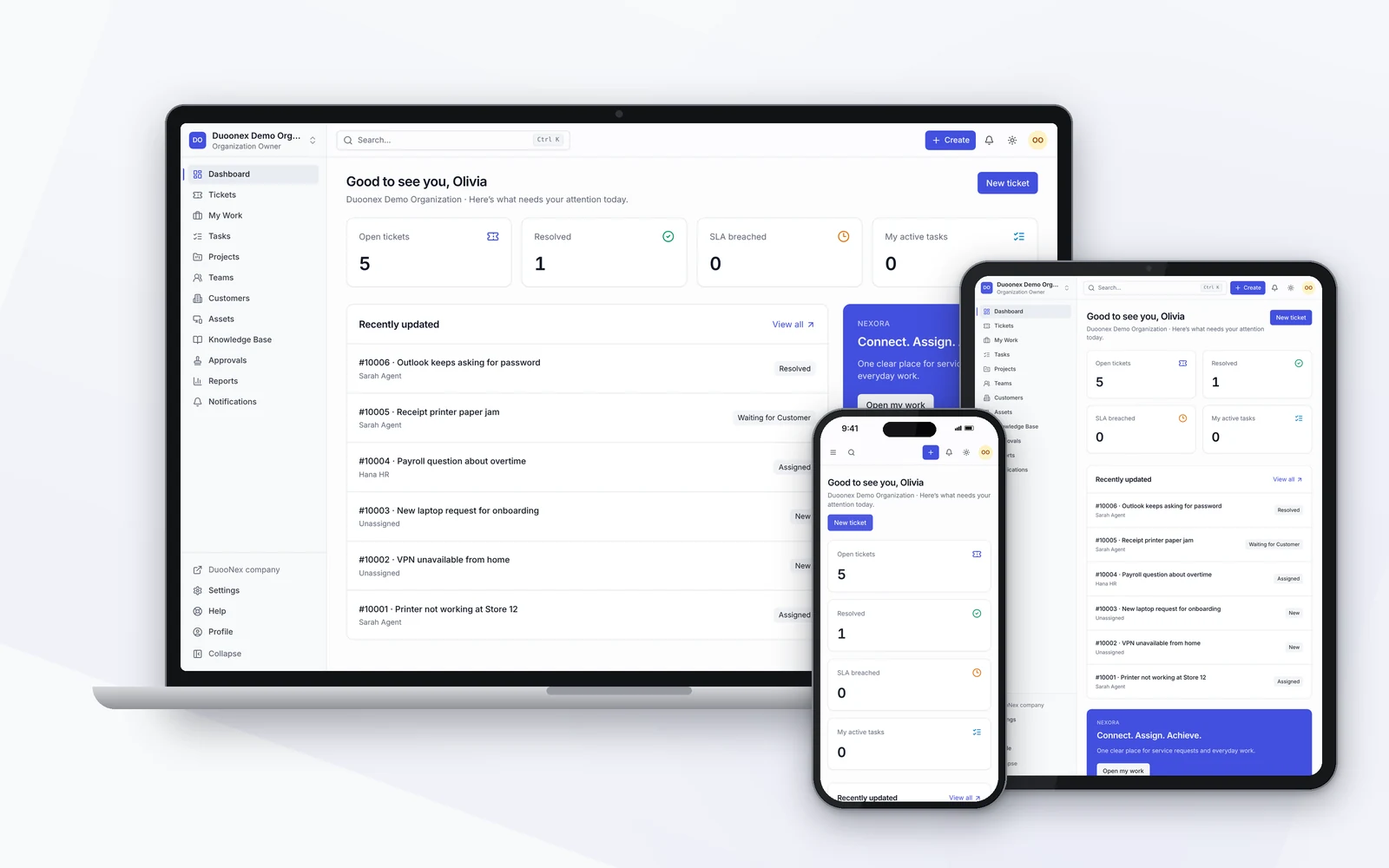
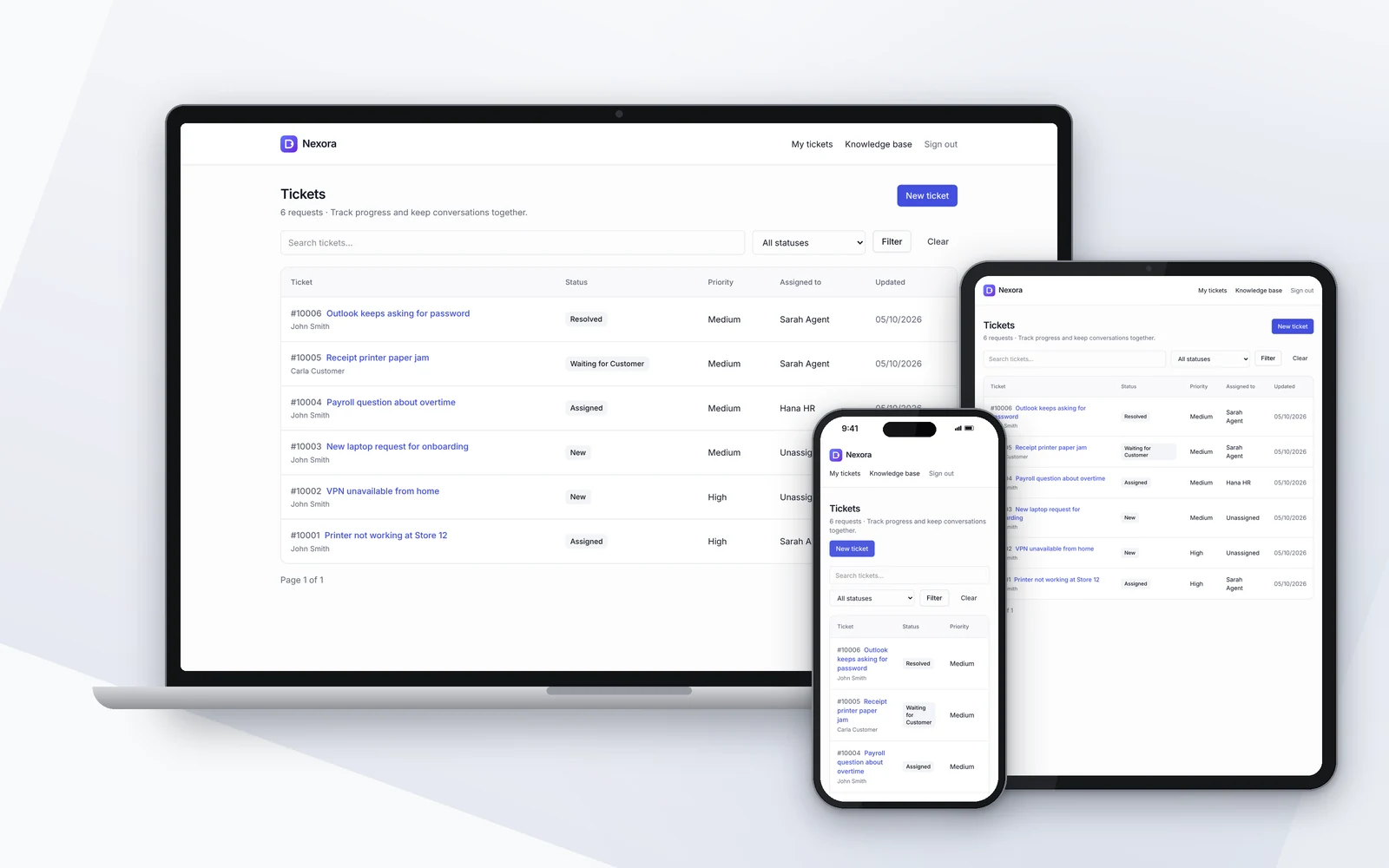
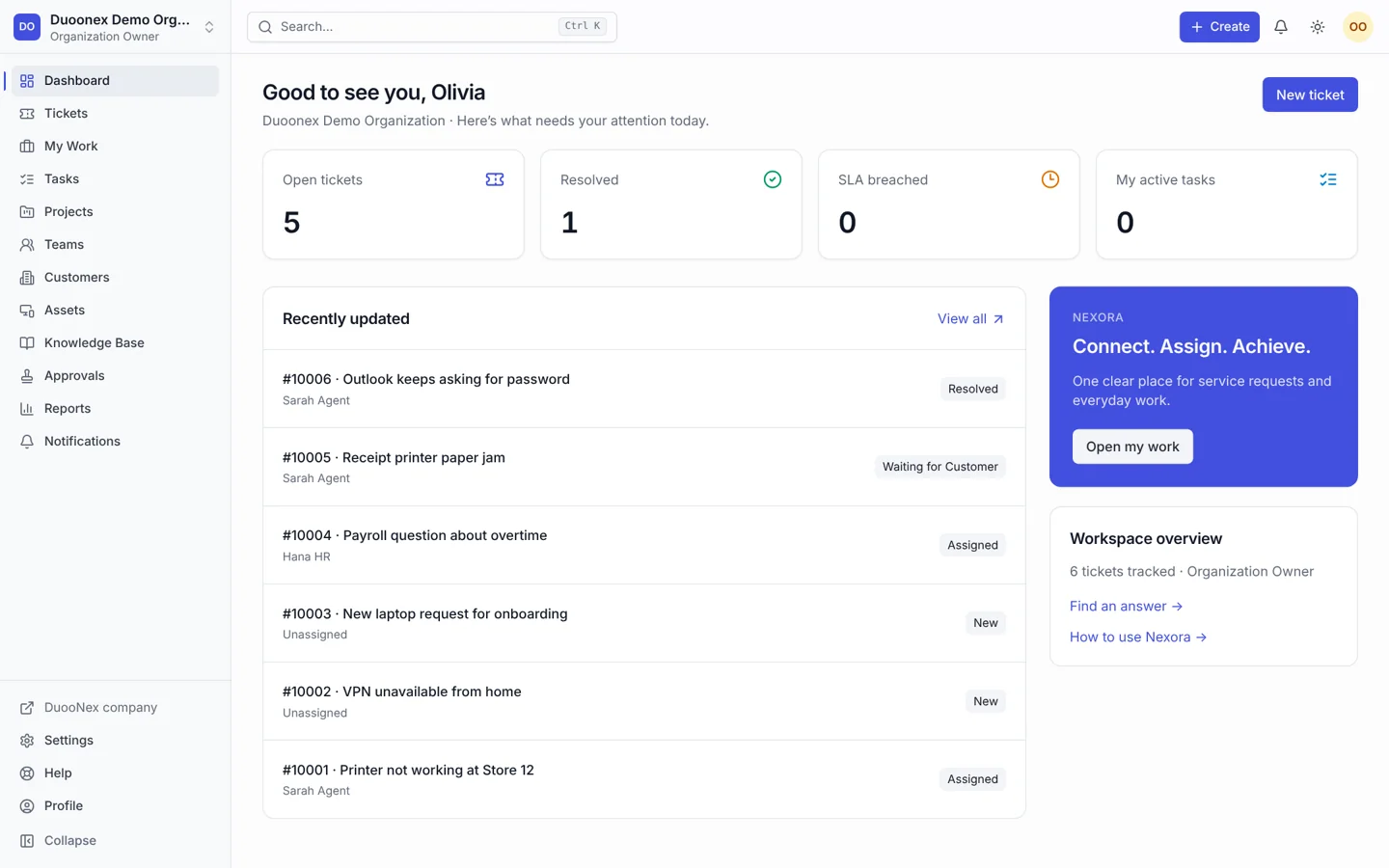
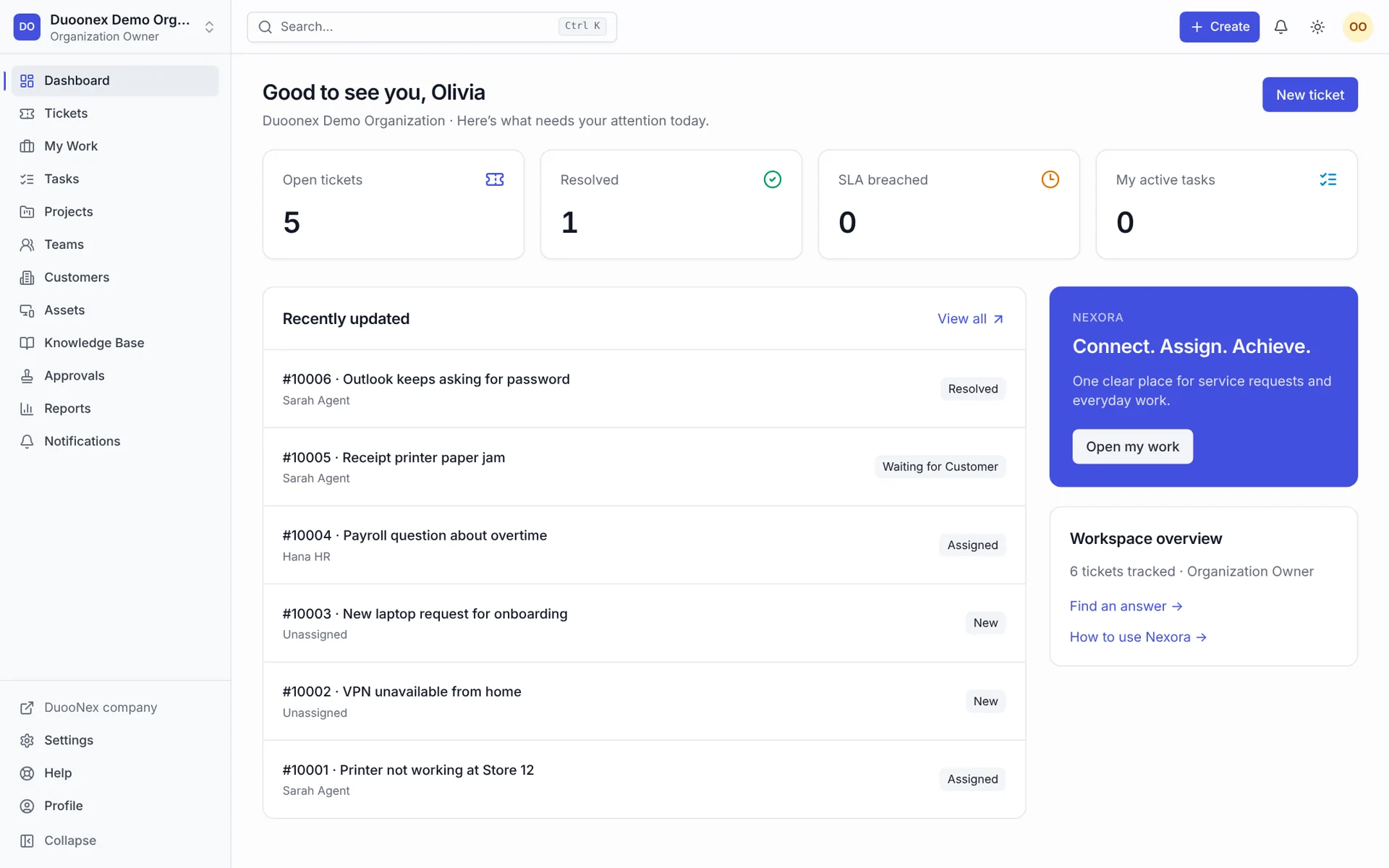
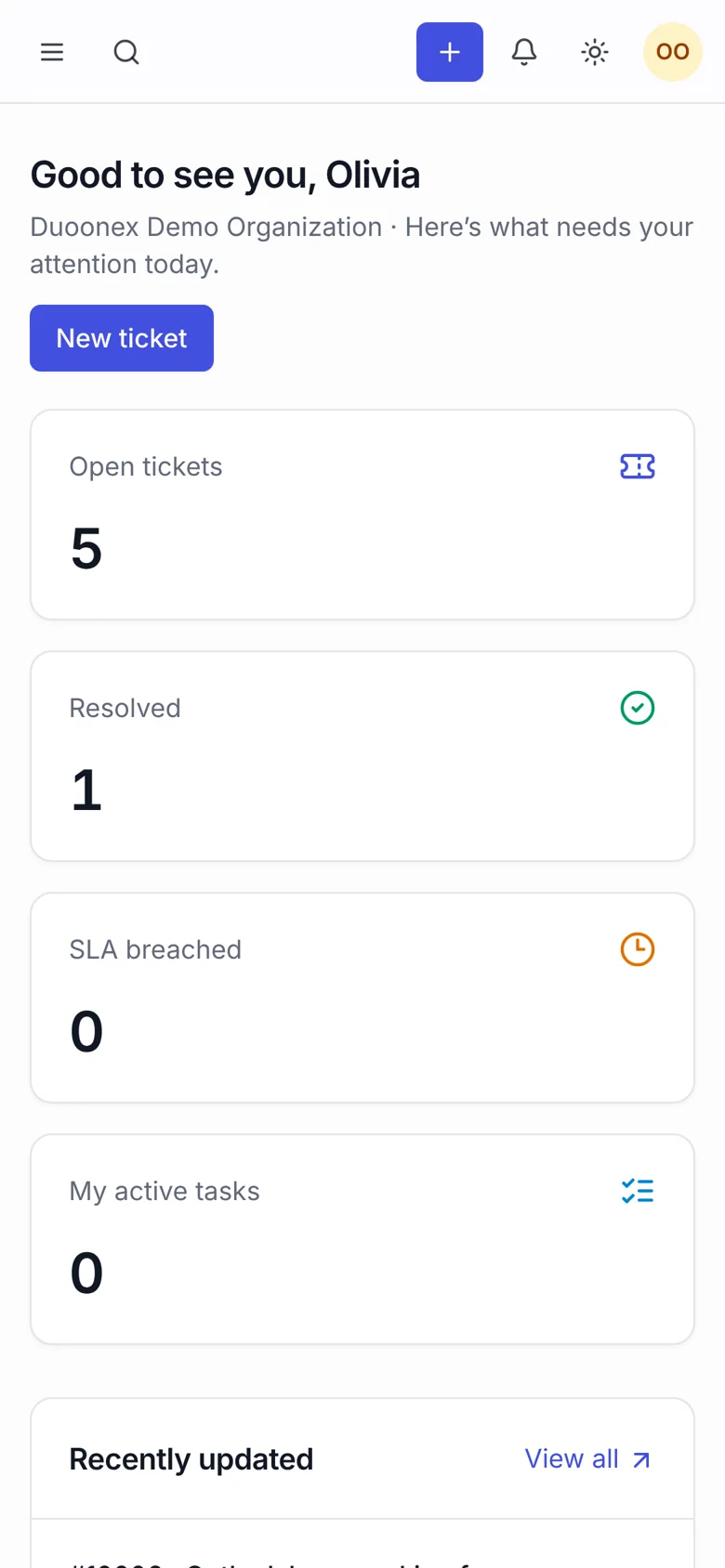
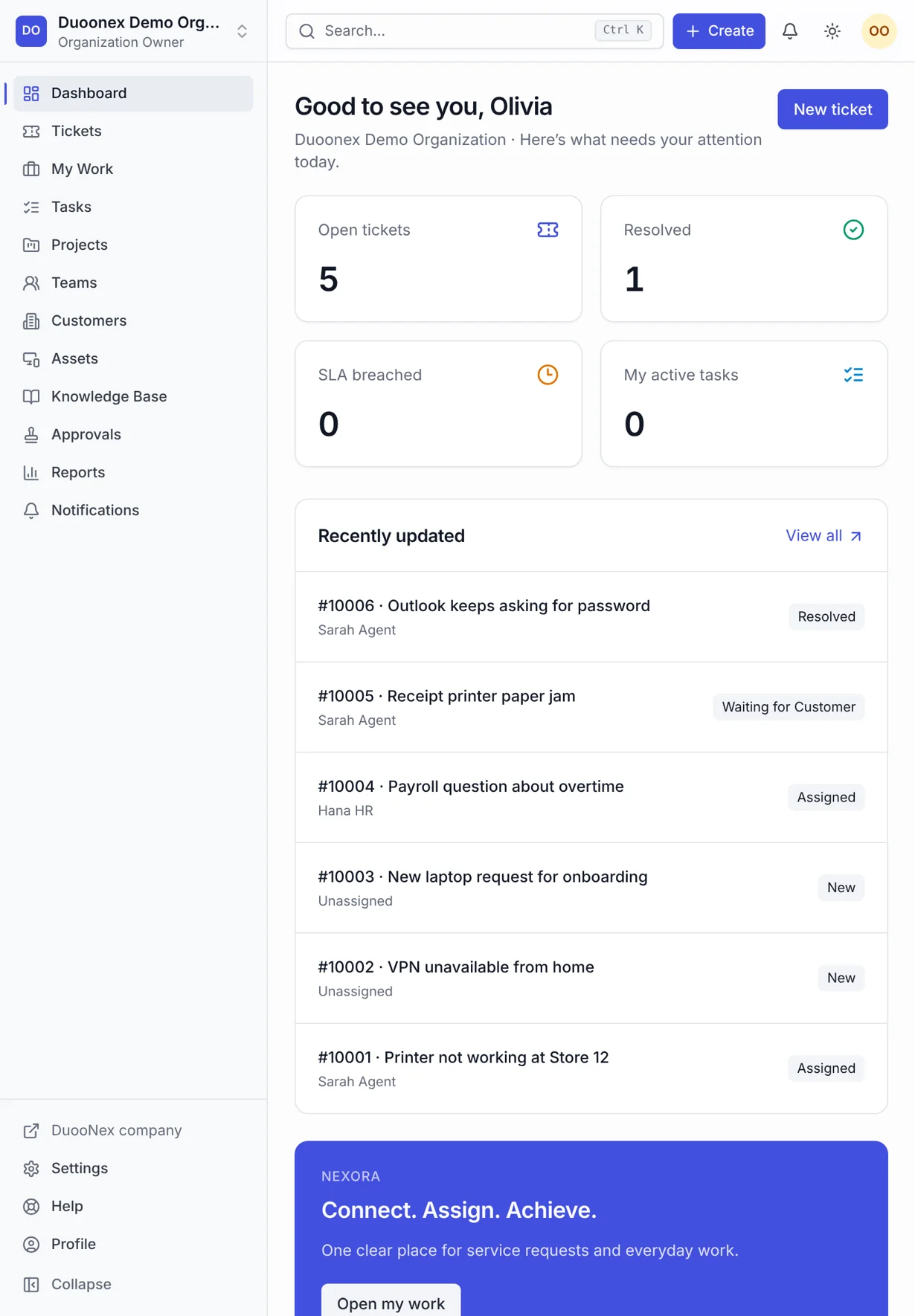
Nexora workspace dashboard on laptop, tablet and phone
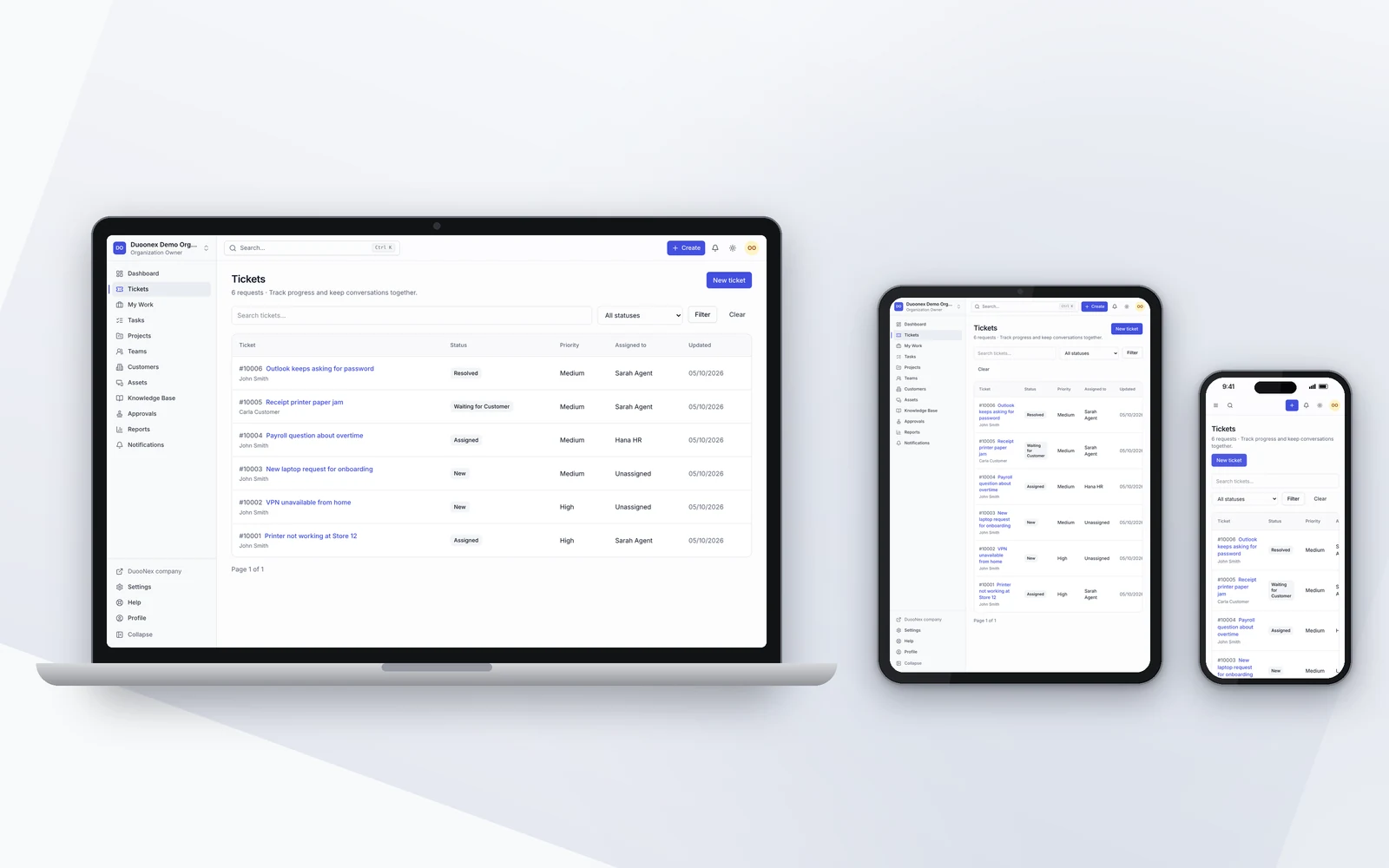
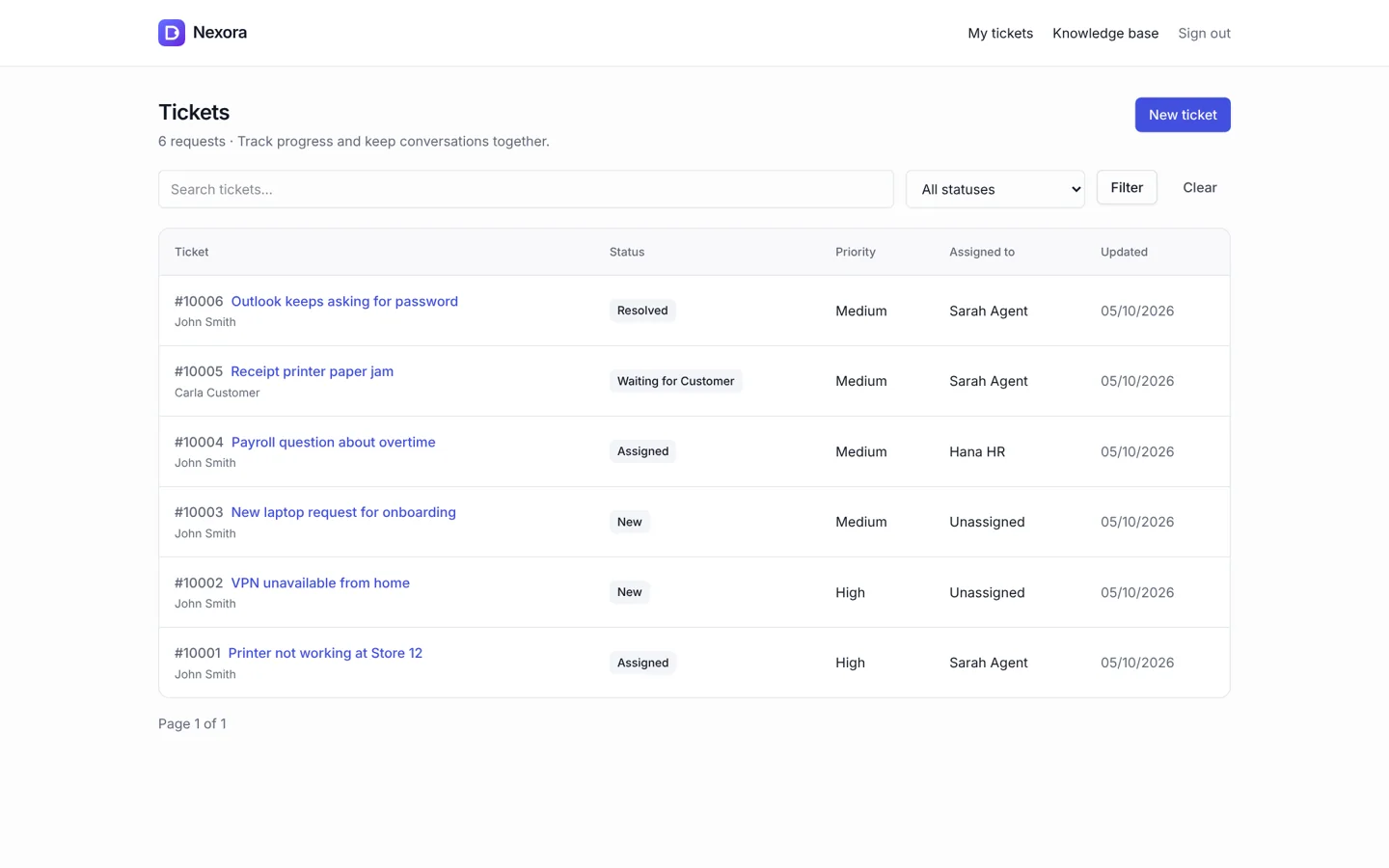
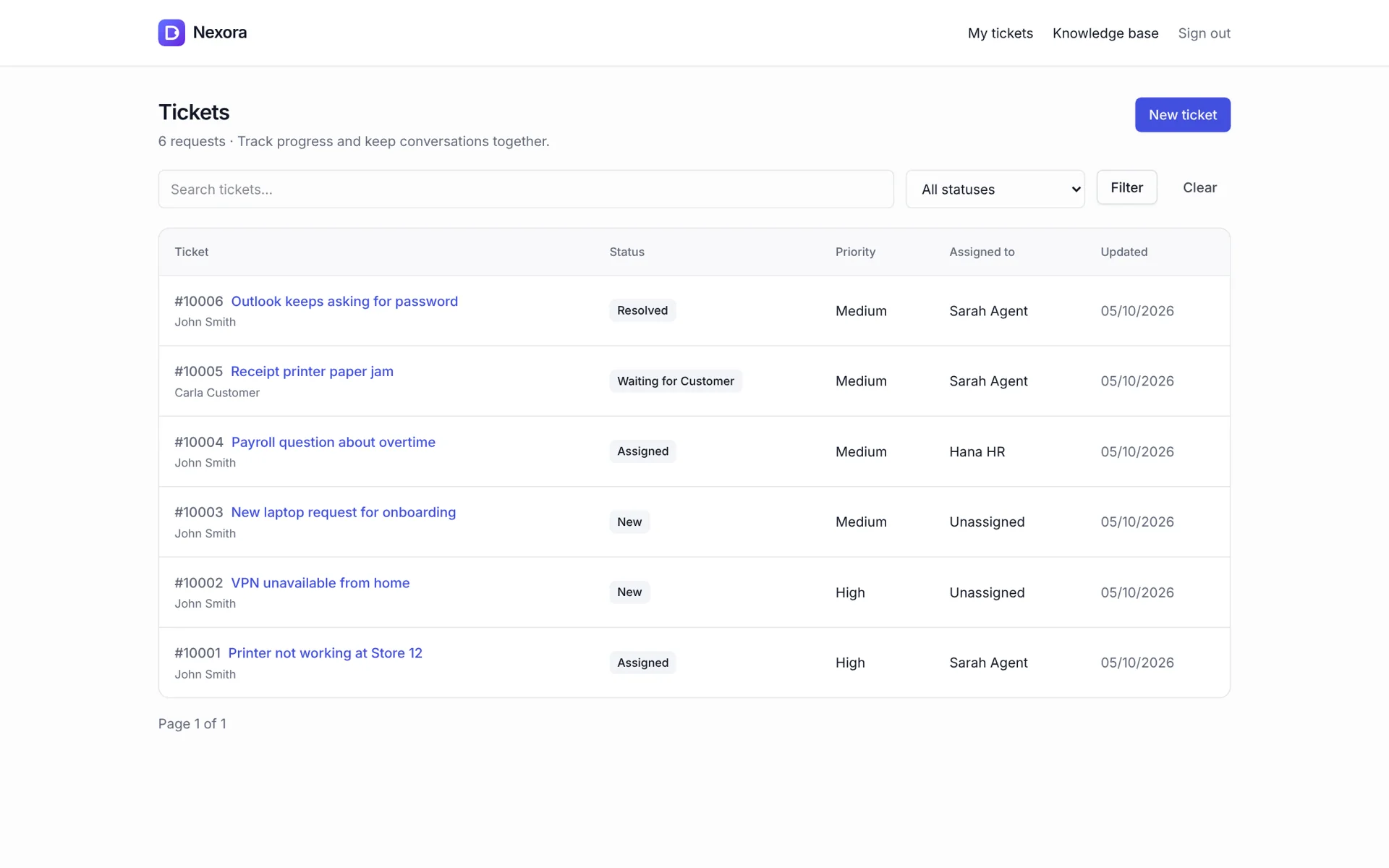
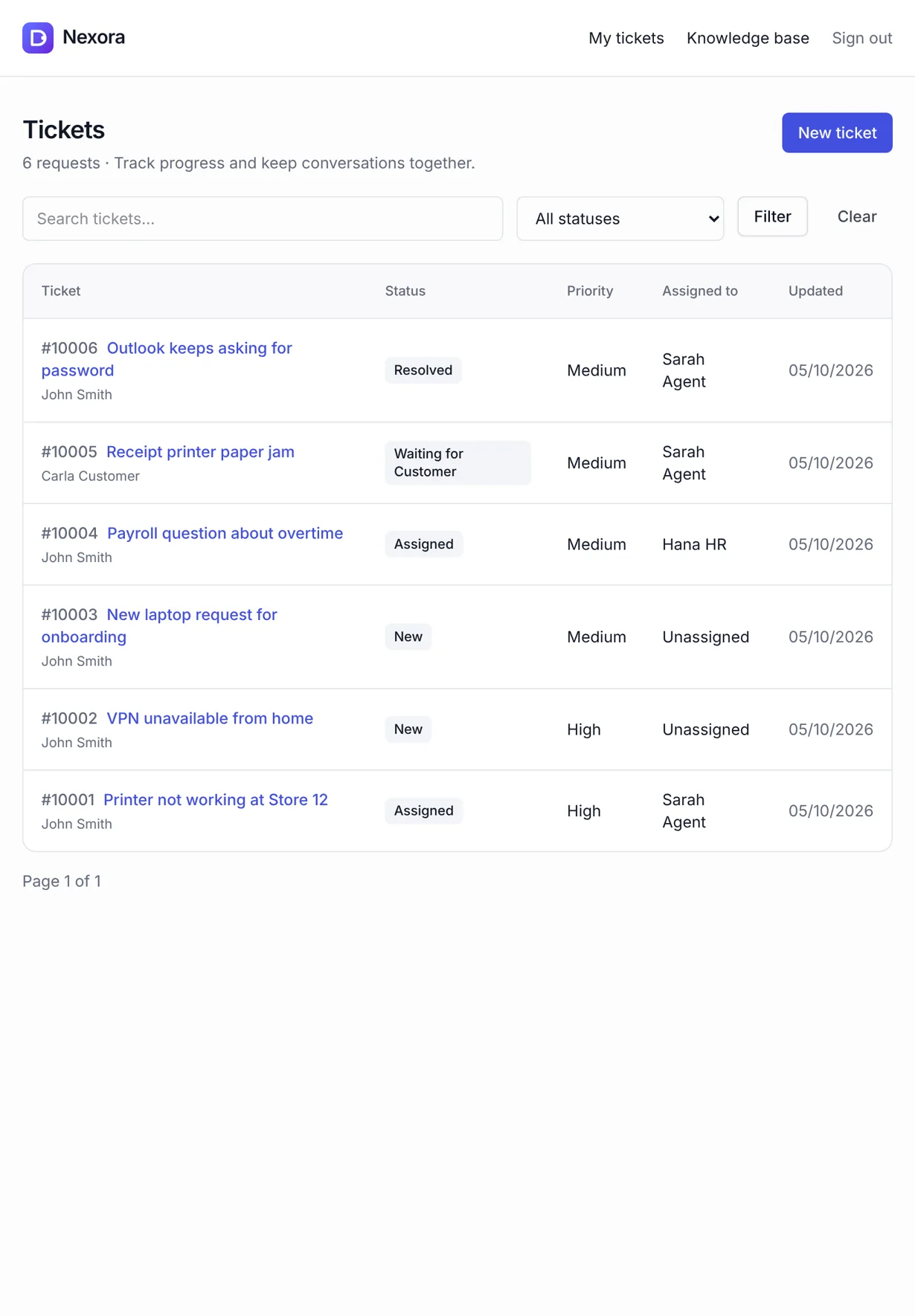
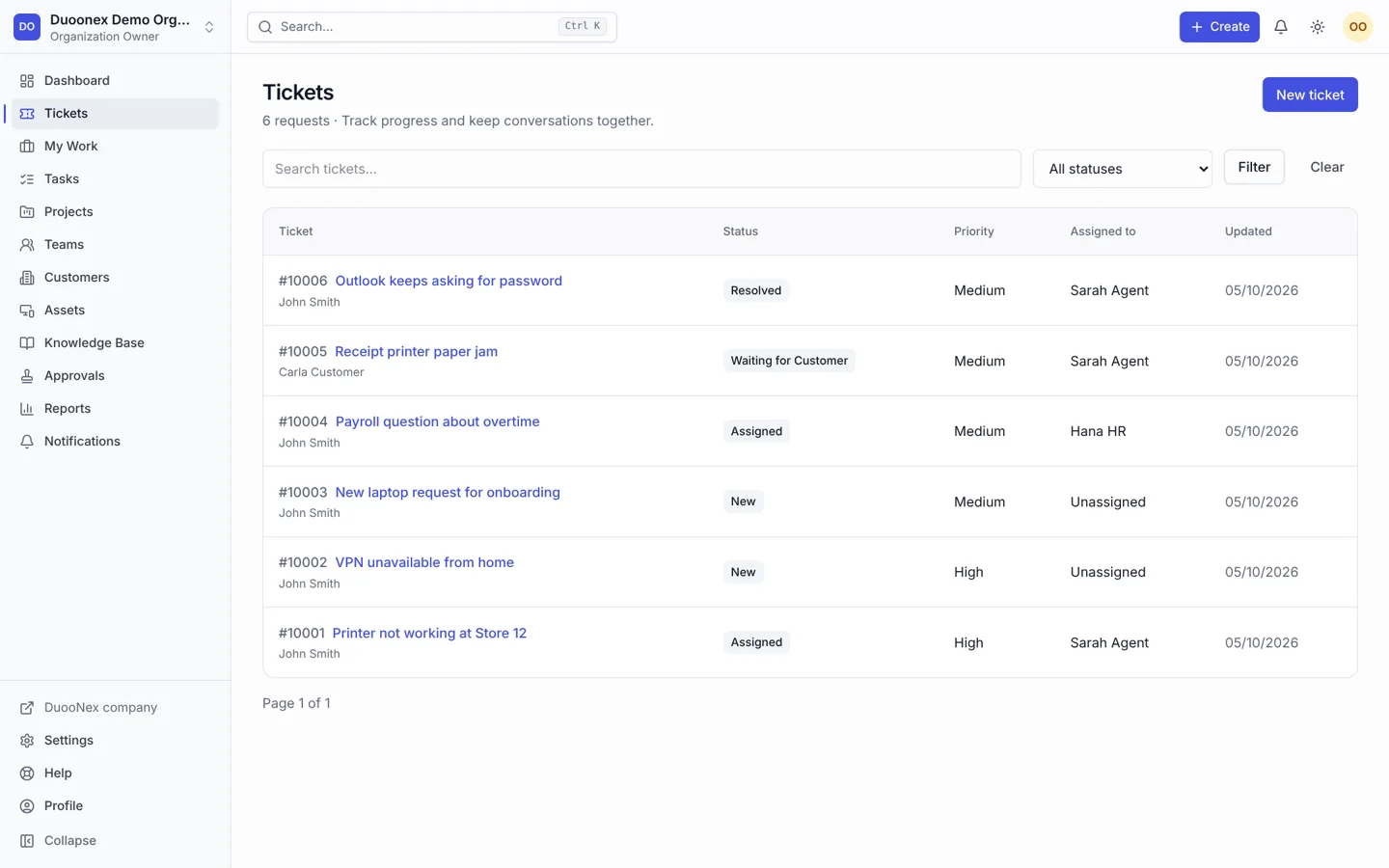
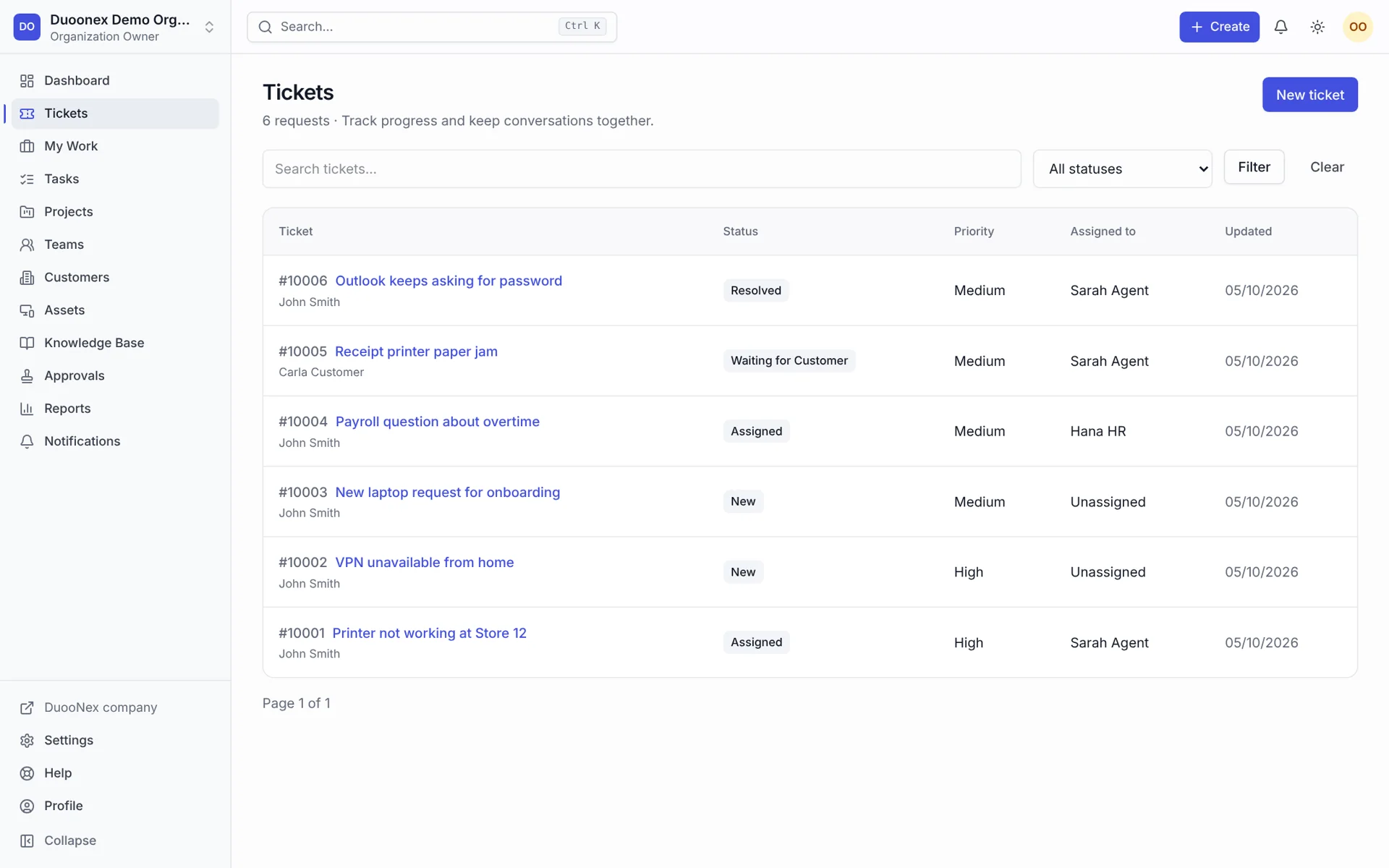
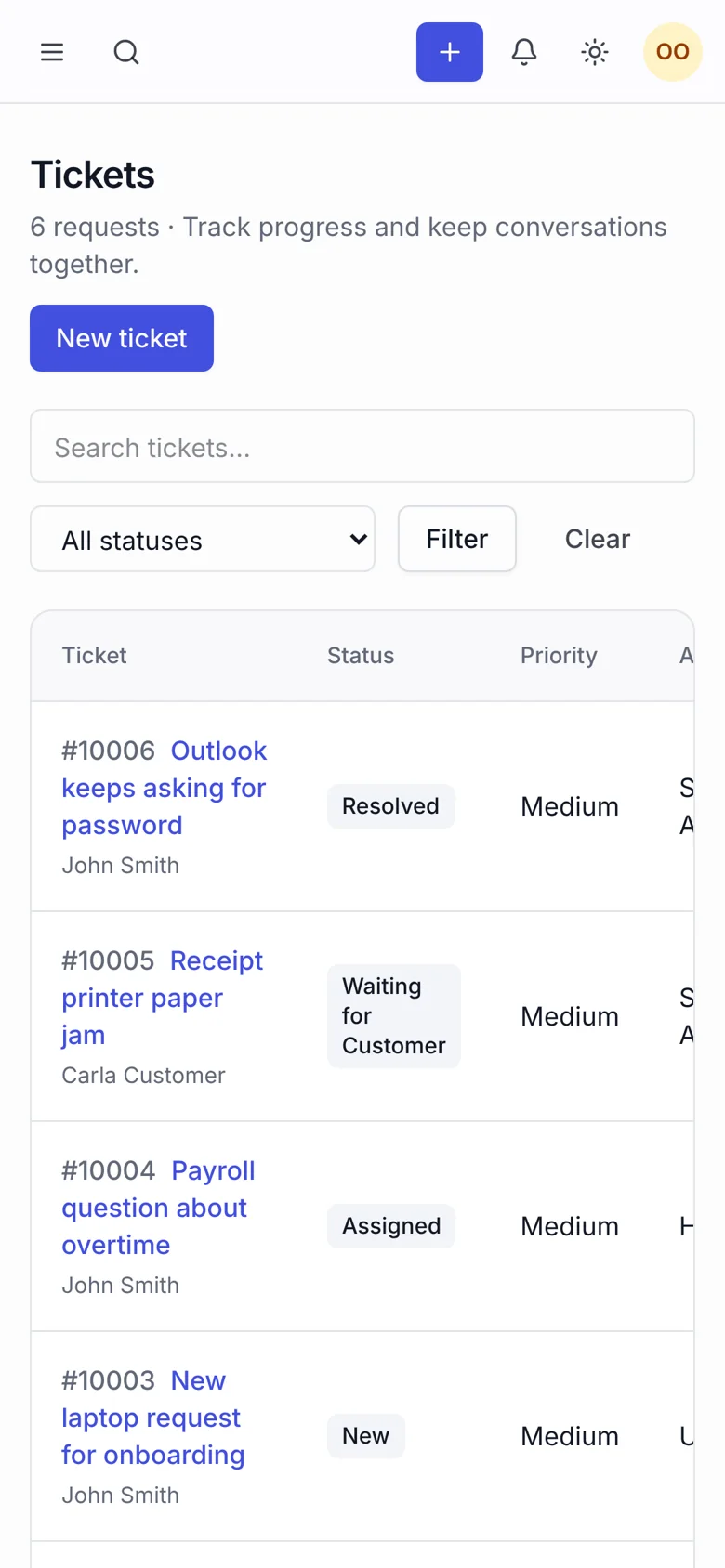
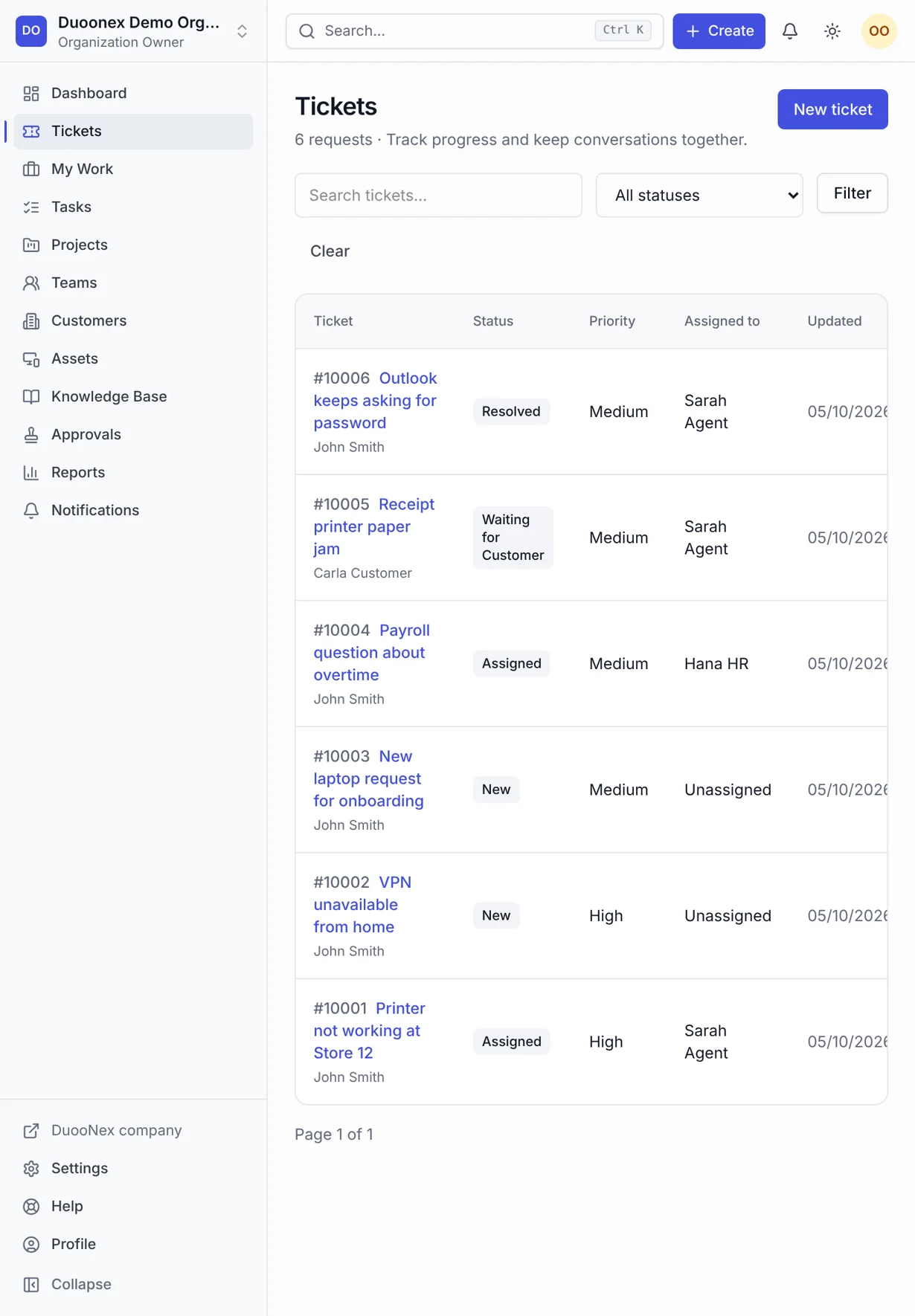
Nexora ticket queue with status, priority and assignee columns
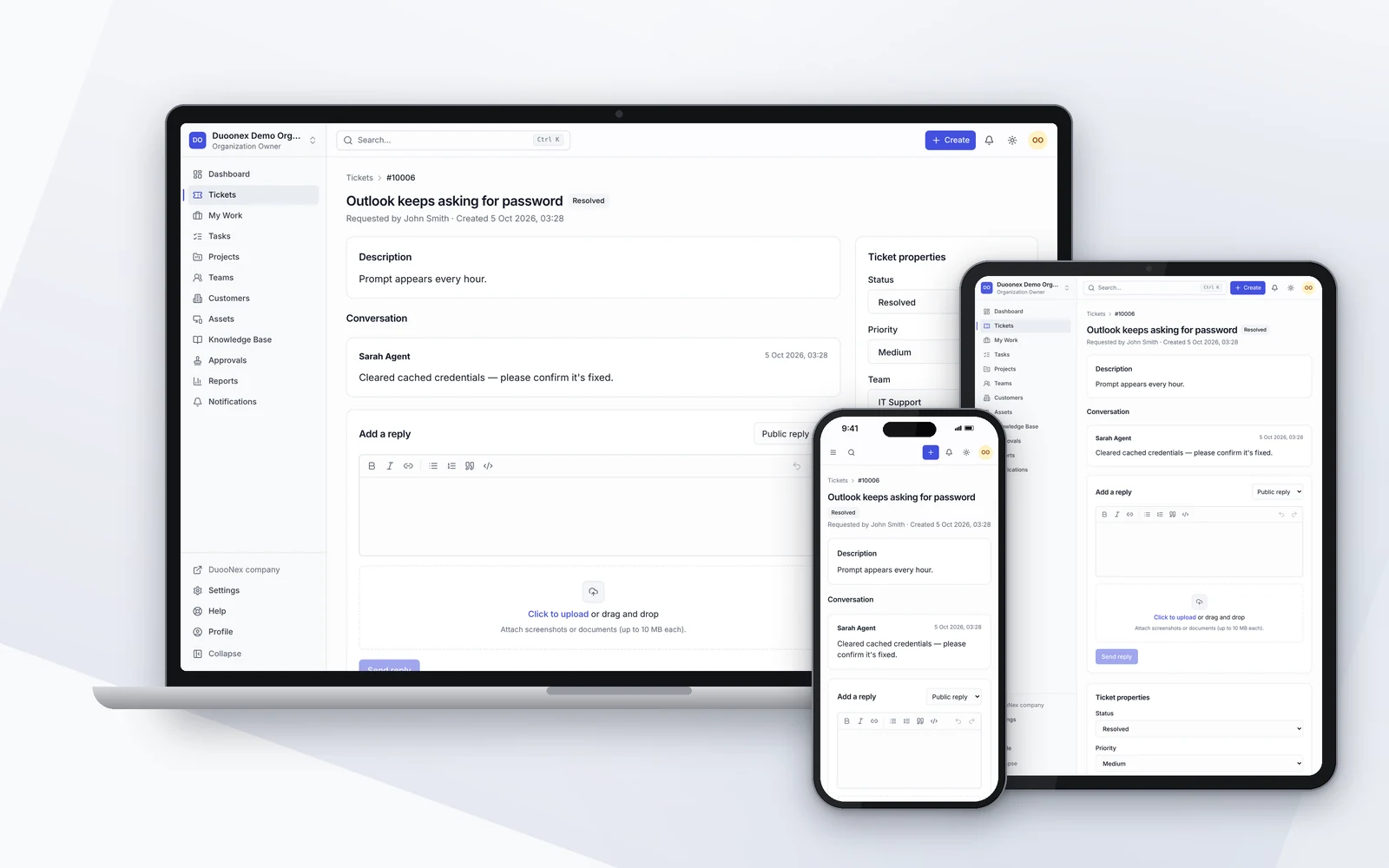
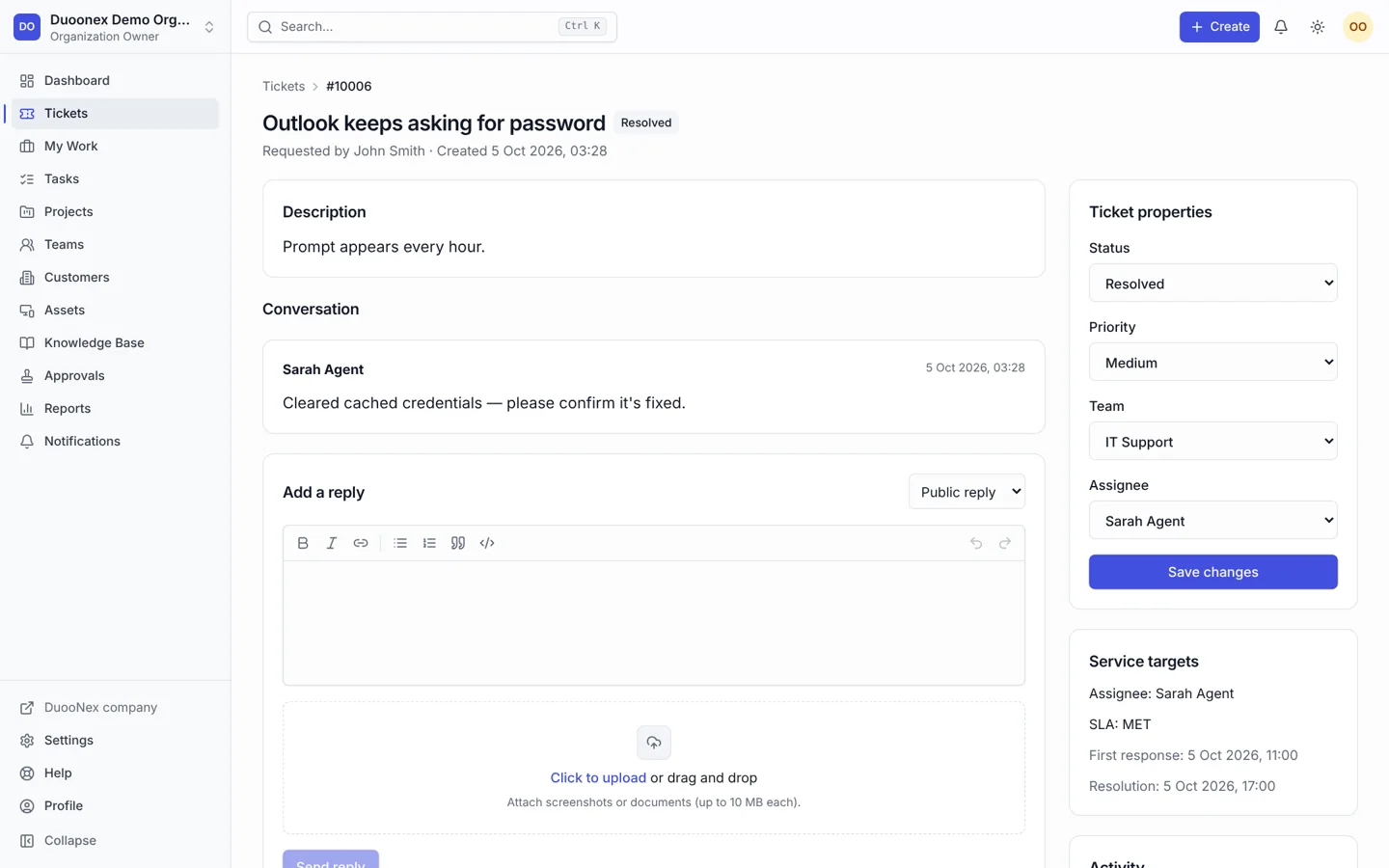
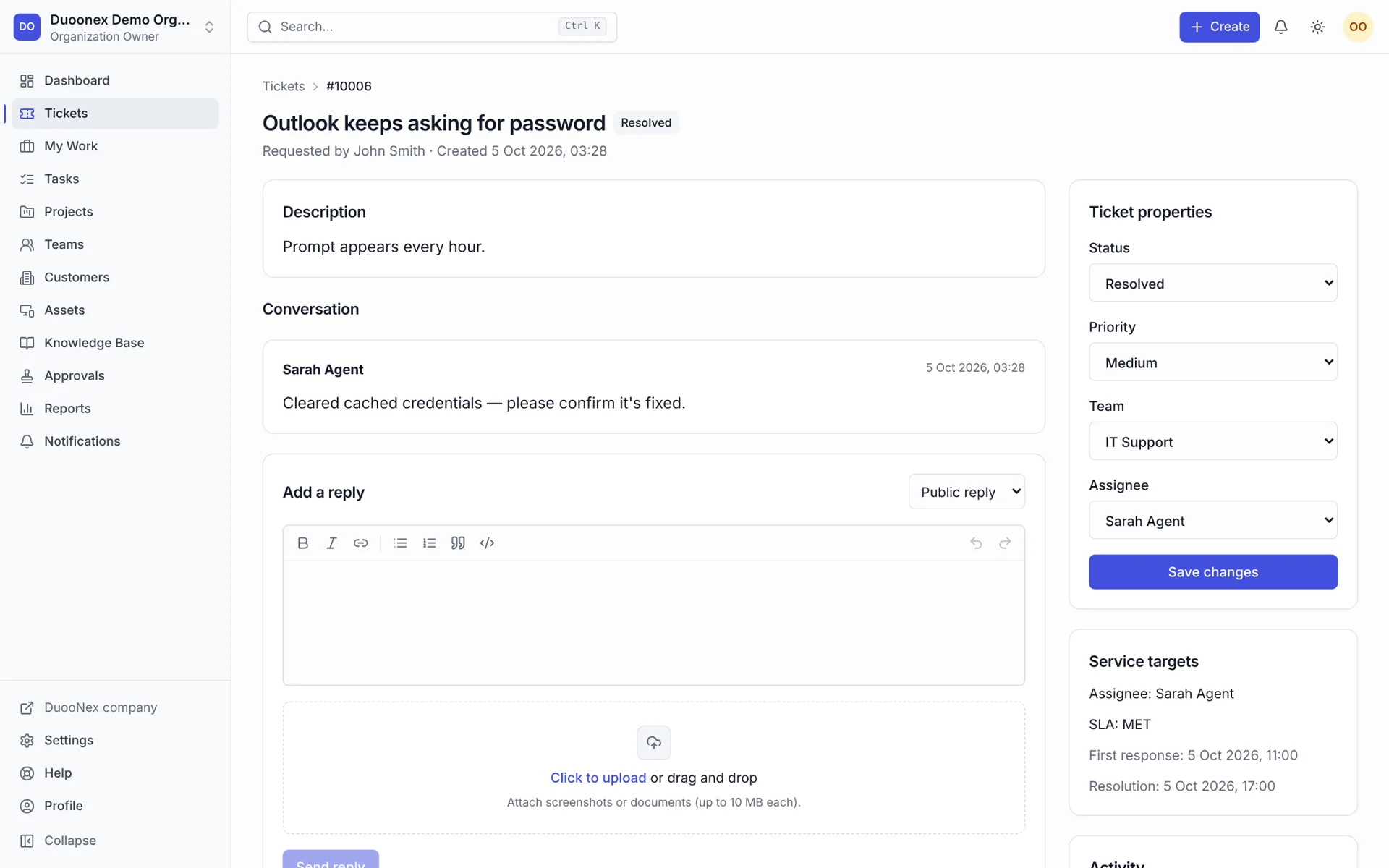
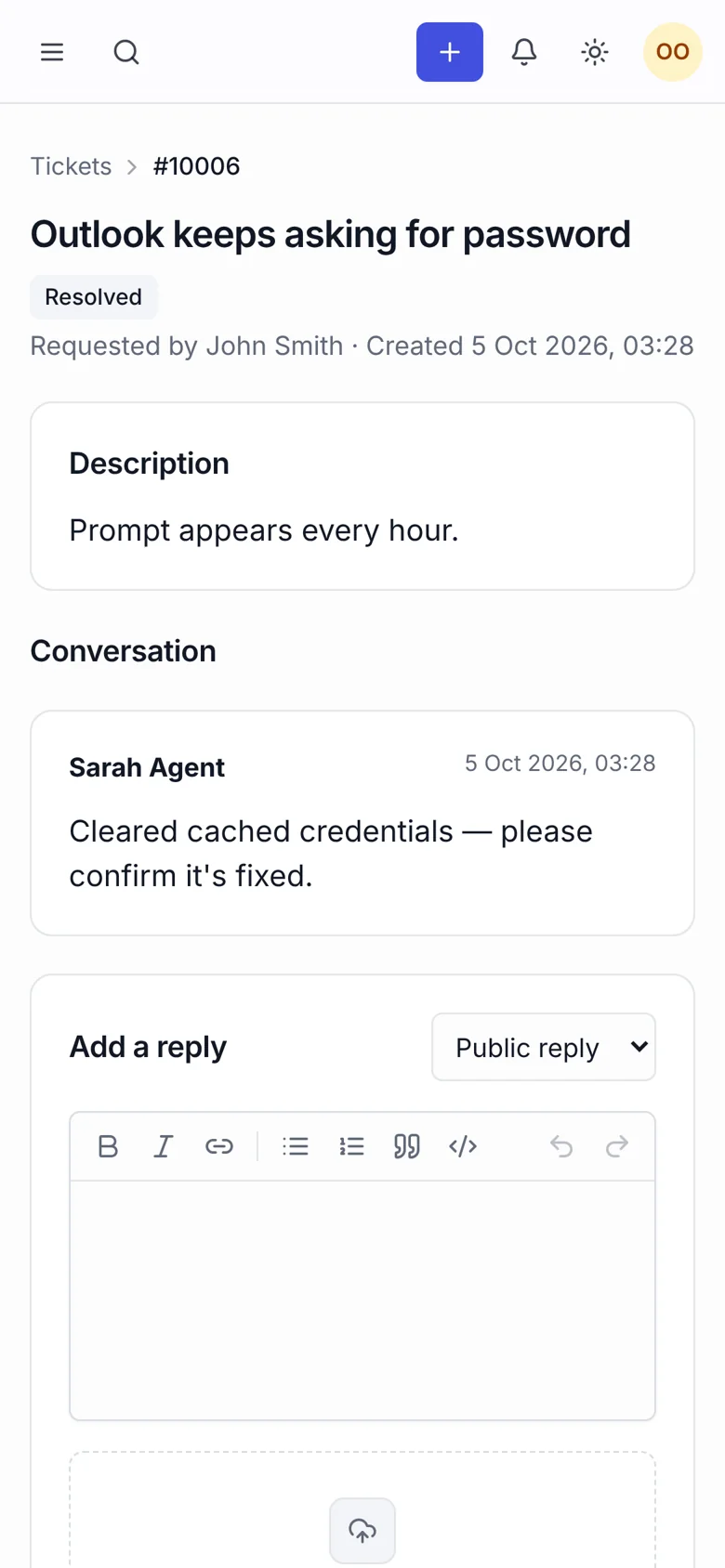
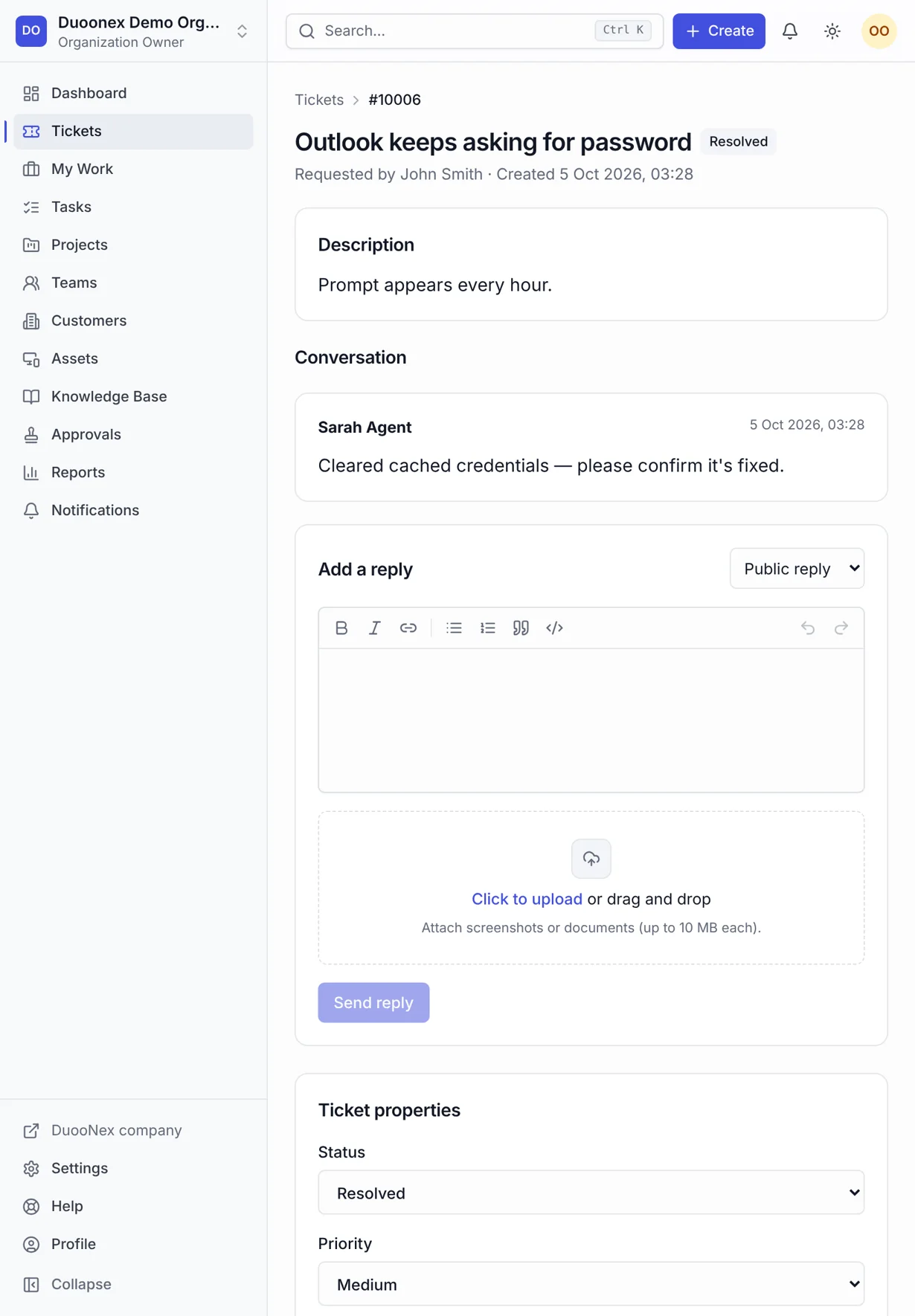
Nexora ticket detail with conversation, properties and service targets
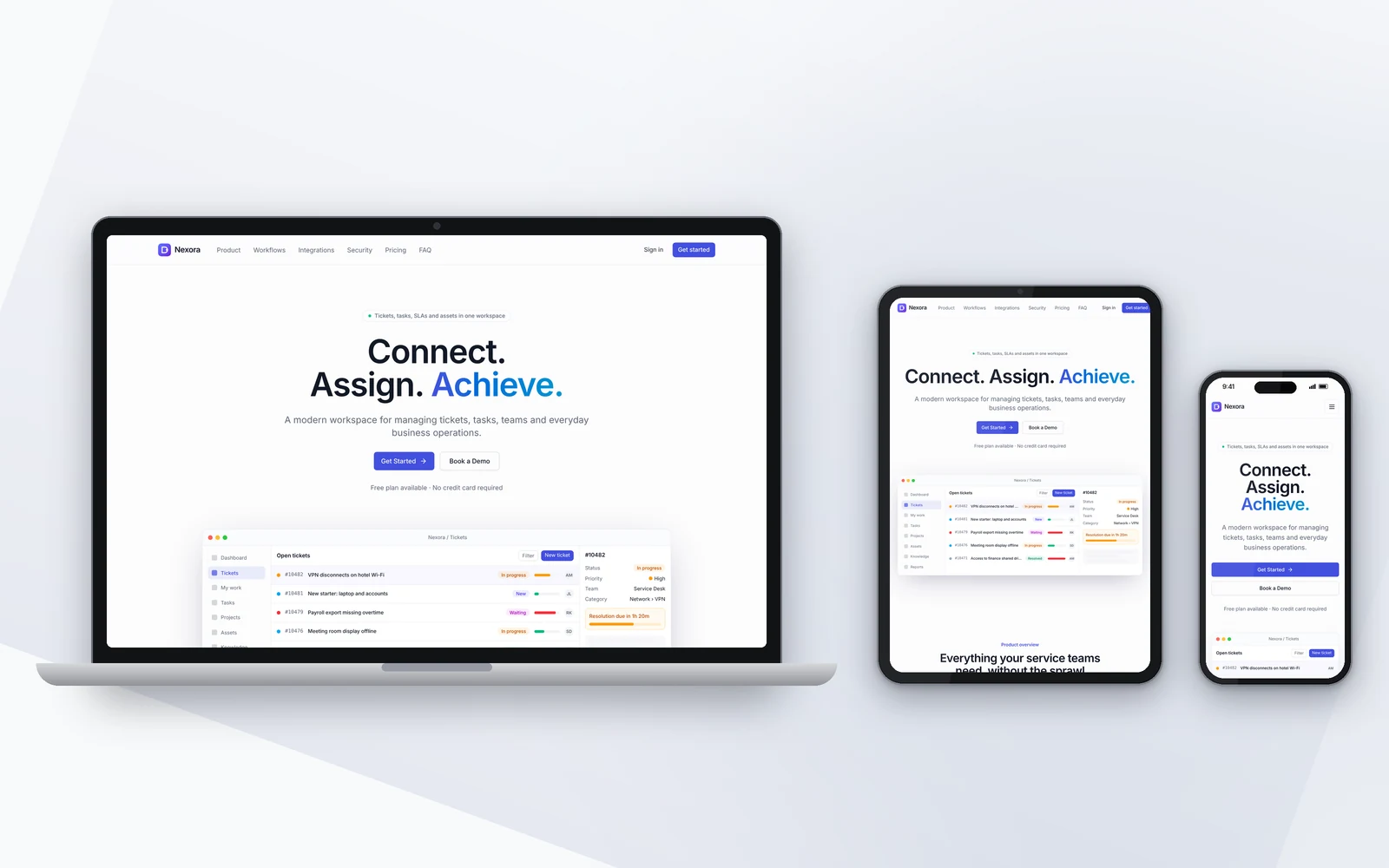
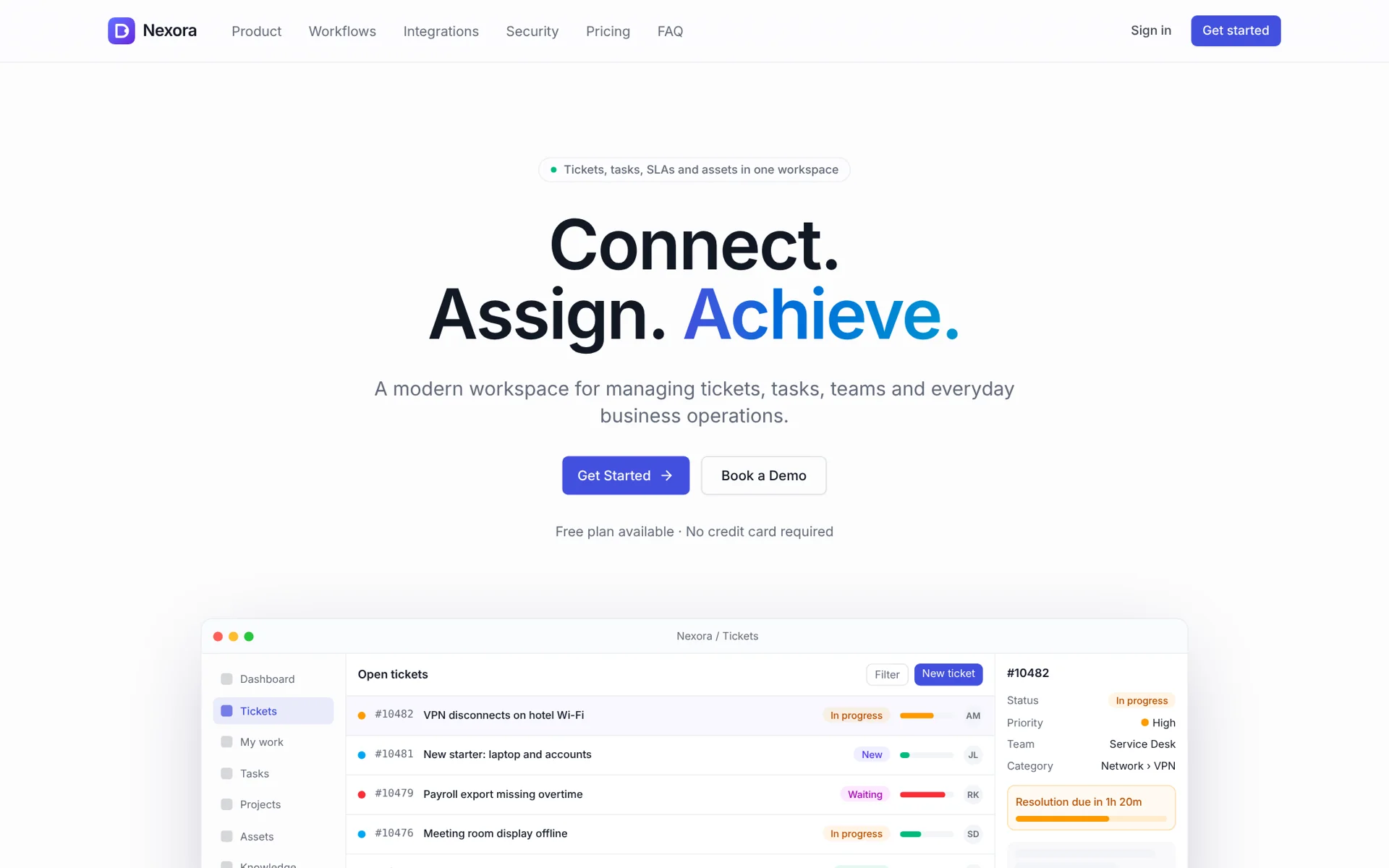
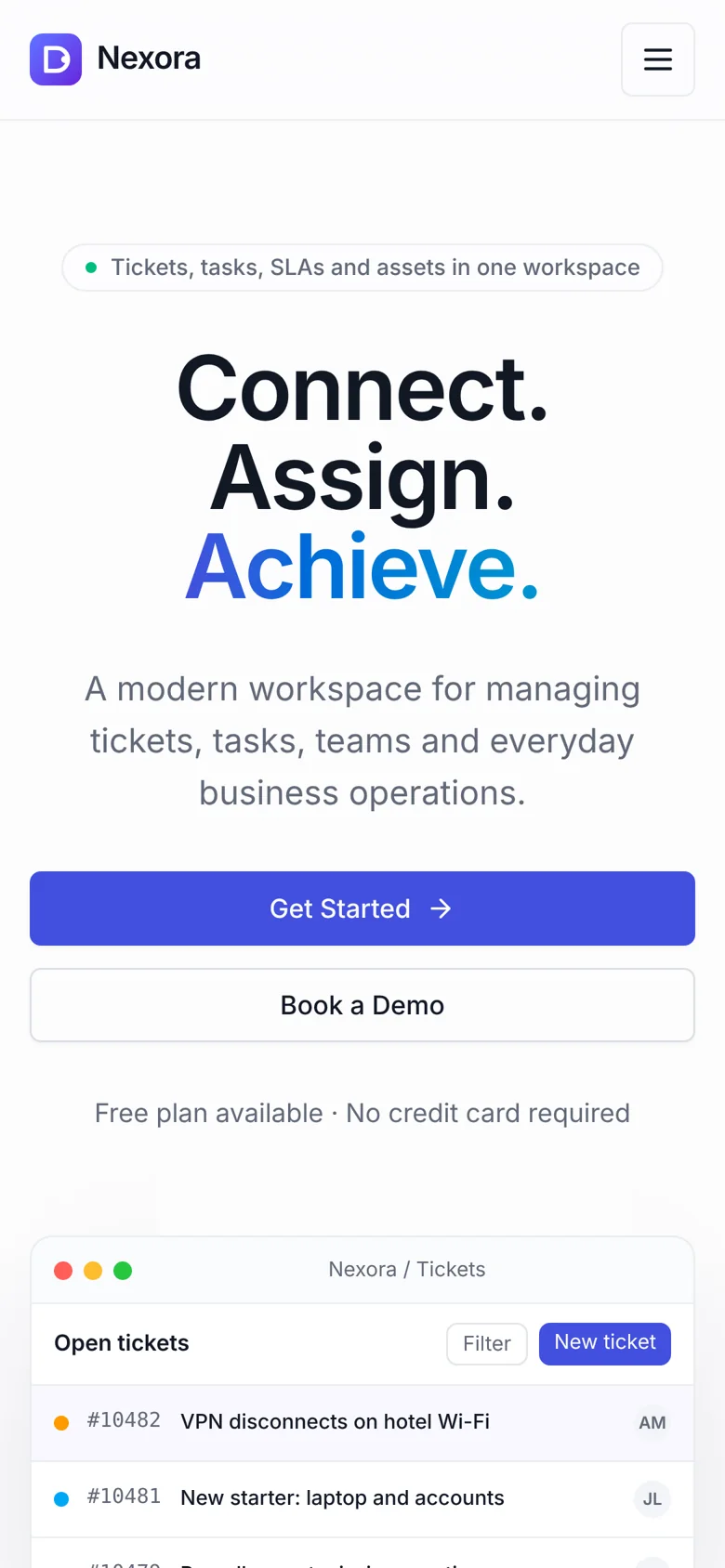
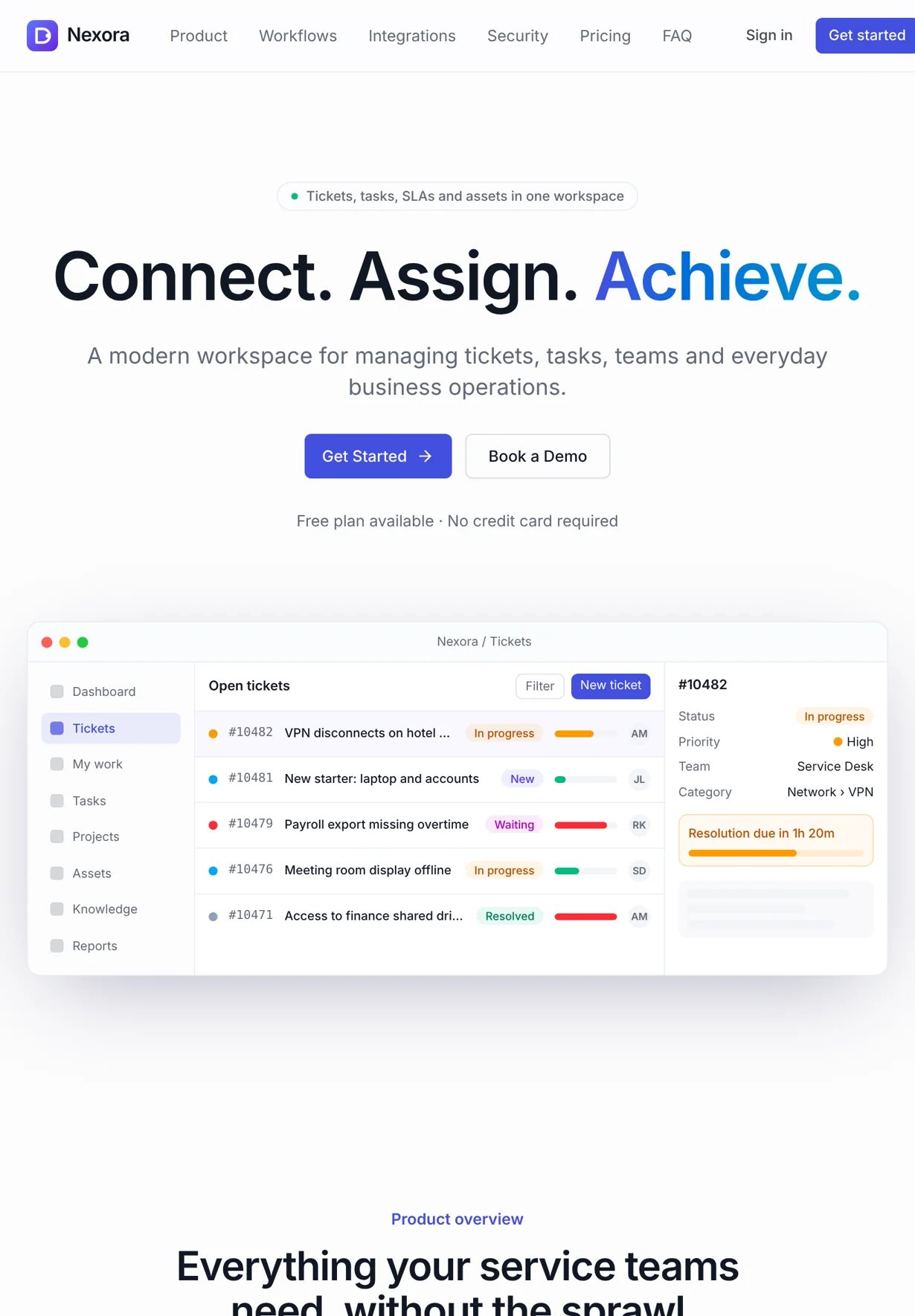
Nexora public product page — Connect. Assign. Achieve.
Nexora customer portal listing a customer's own requests
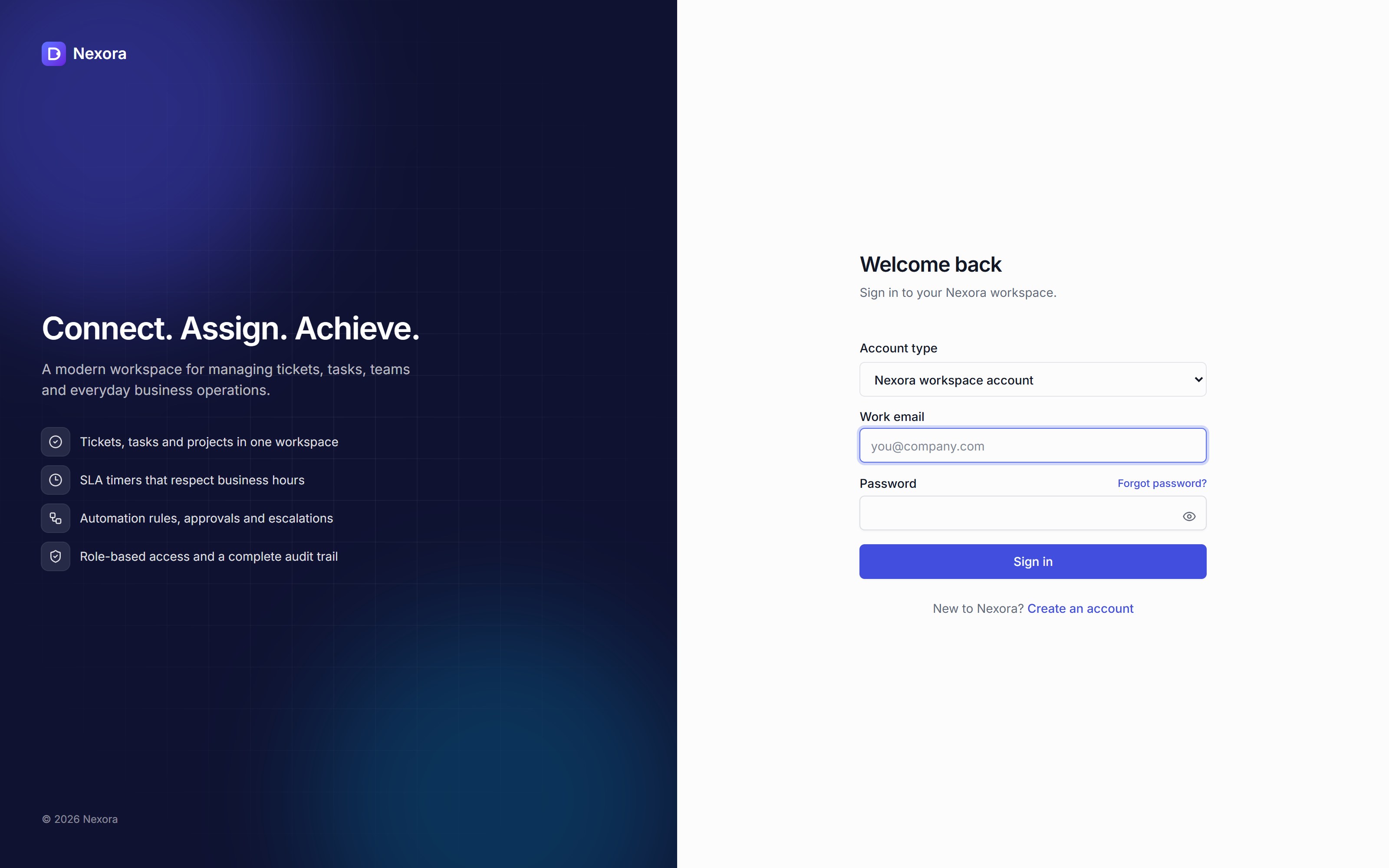
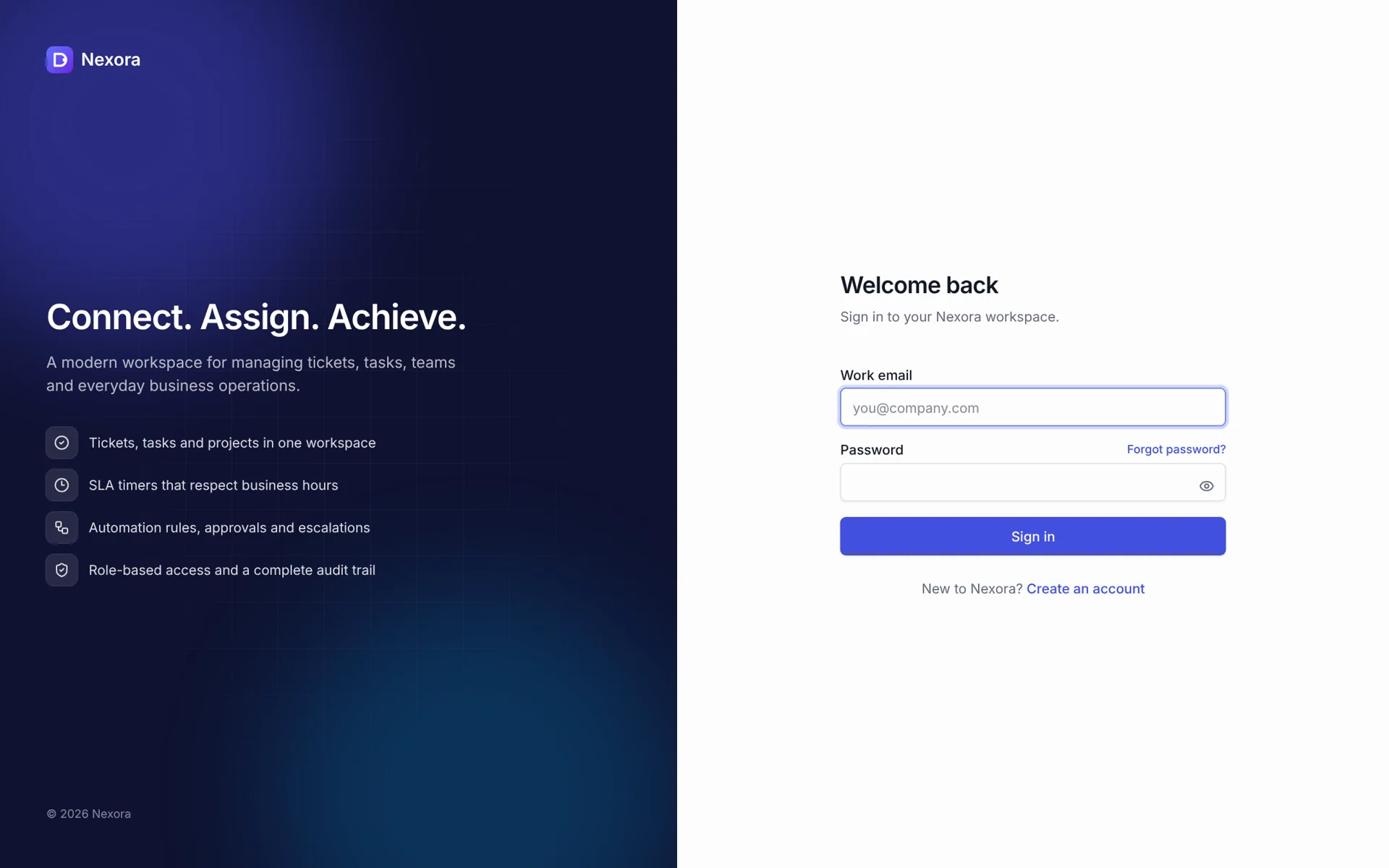
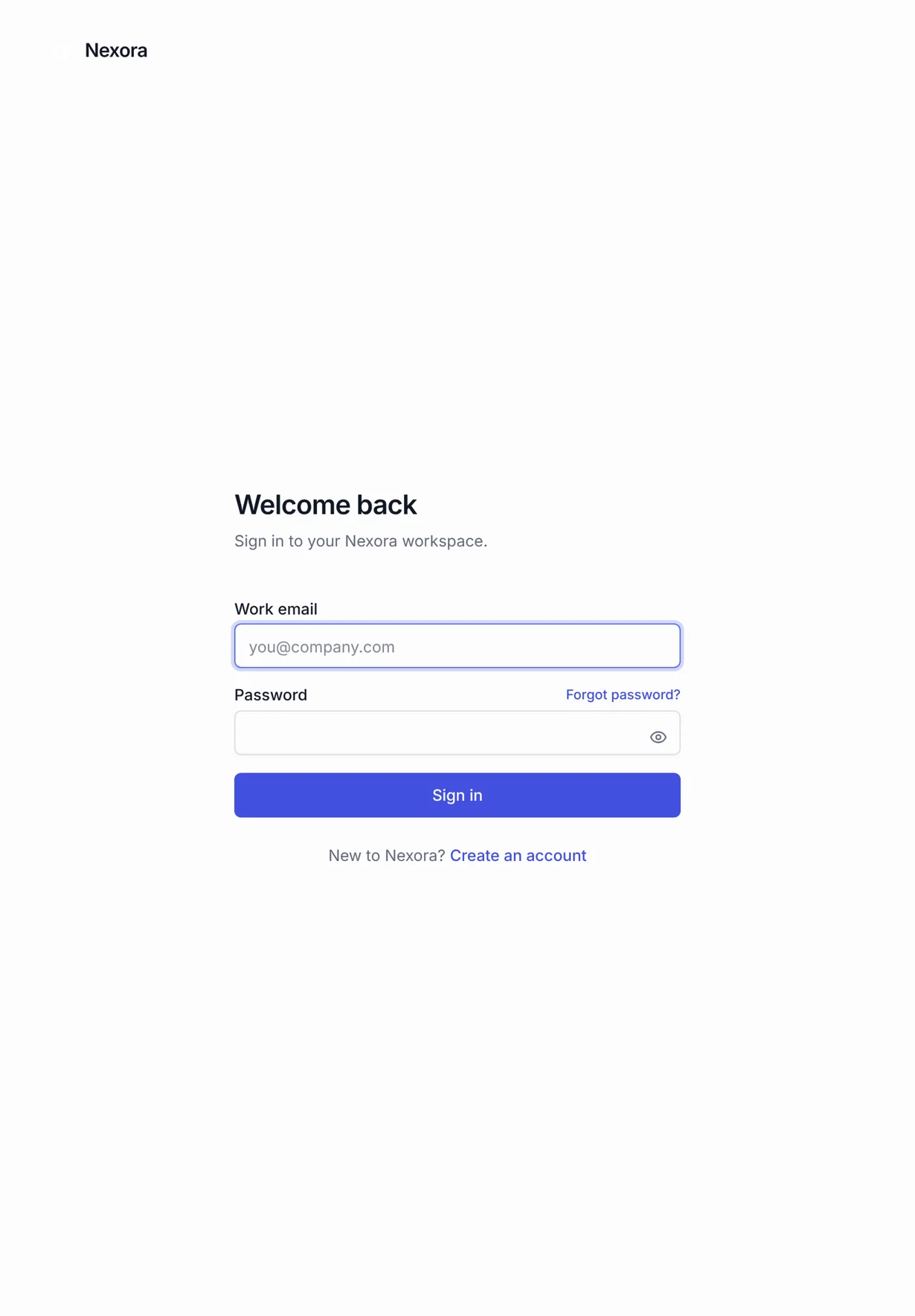
Nexora public sign-in interface, captured from the developed application
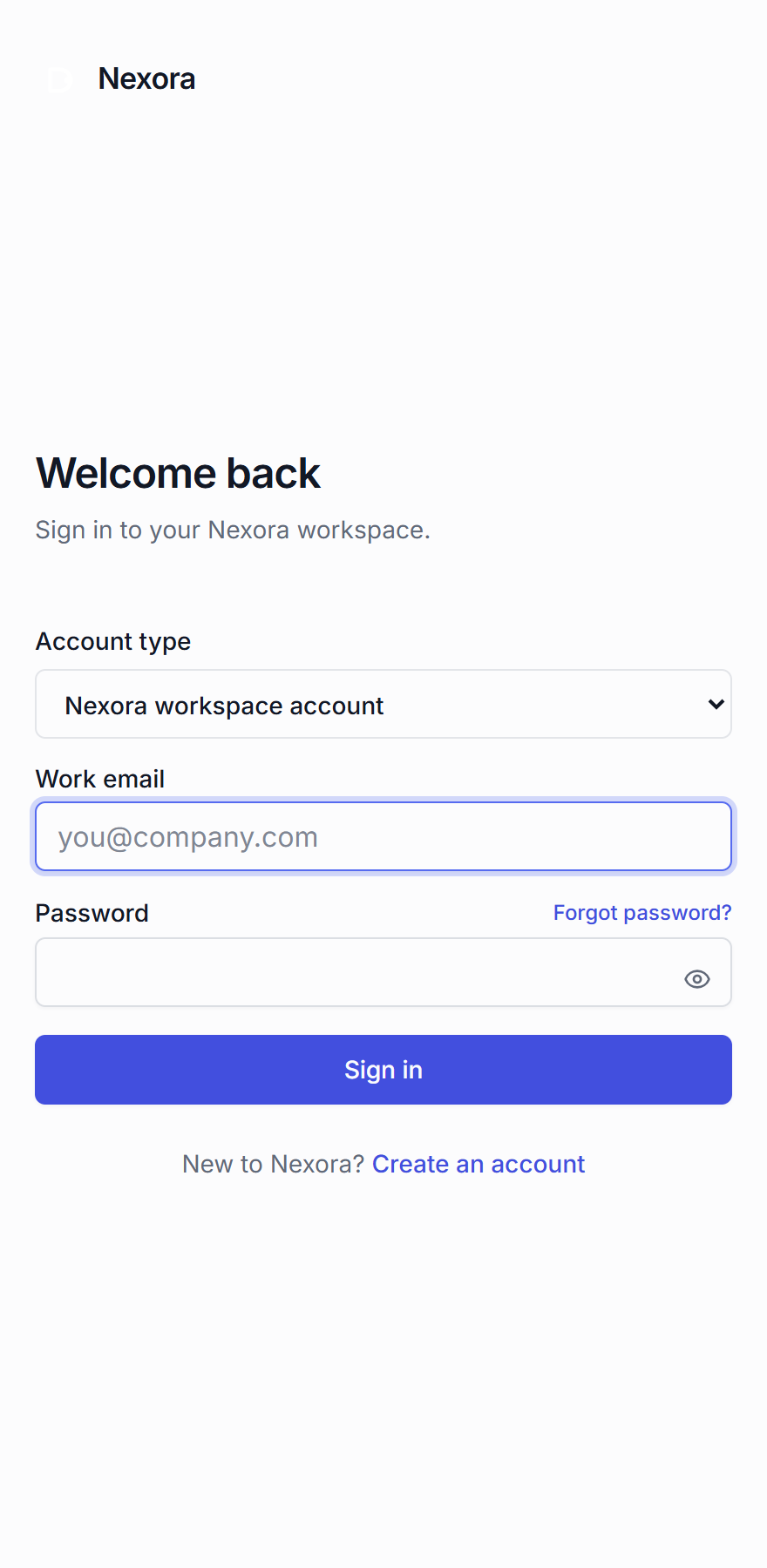
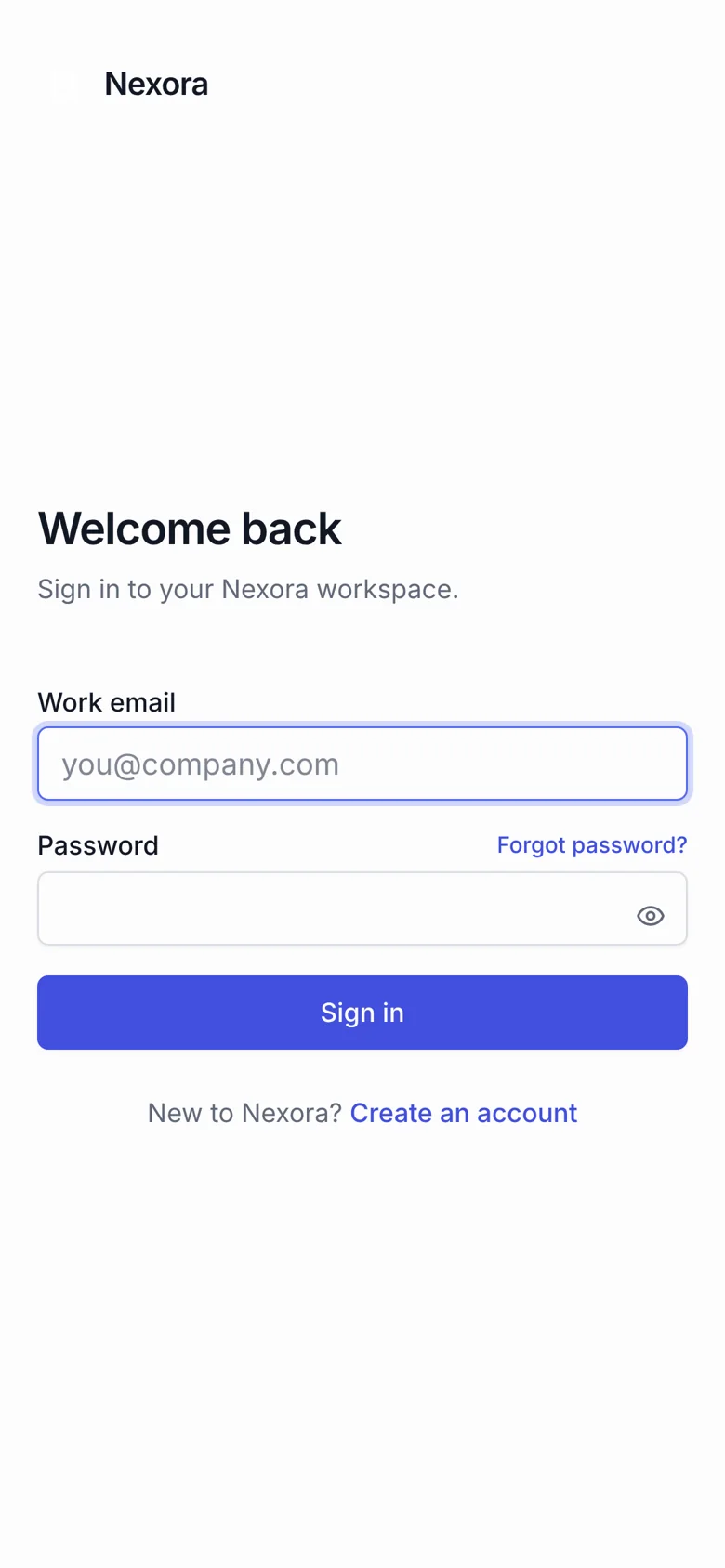
Nexora mobile sign-in interface
1 / 7
Next.js

Help desk & work management

Screens

Desktop, tablet & mobile

Media

7 images

Explore the screens

Browse desktop, tablet and mobile views. Open any image to see it at full size.

View all 35 screens
Nexora — dashboard desktop full
dashboard desktop full
Nexora — dashboard desktop
dashboard desktop
Nexora — dashboard mobile
dashboard mobile
Nexora — dashboard tablet
dashboard tablet
Nexora — landing desktop full
landing desktop full
Nexora — landing desktop
landing desktop
Nexora — landing mobile
landing mobile
Nexora — landing tablet
landing tablet
Nexora — login desktop
login desktop
Nexora — login mobile
login mobile
Nexora — login tablet
login tablet
Nexora — portal desktop full
portal desktop full
Nexora — portal desktop
portal desktop
Nexora — portal mobile
portal mobile
Nexora — portal tablet
portal tablet
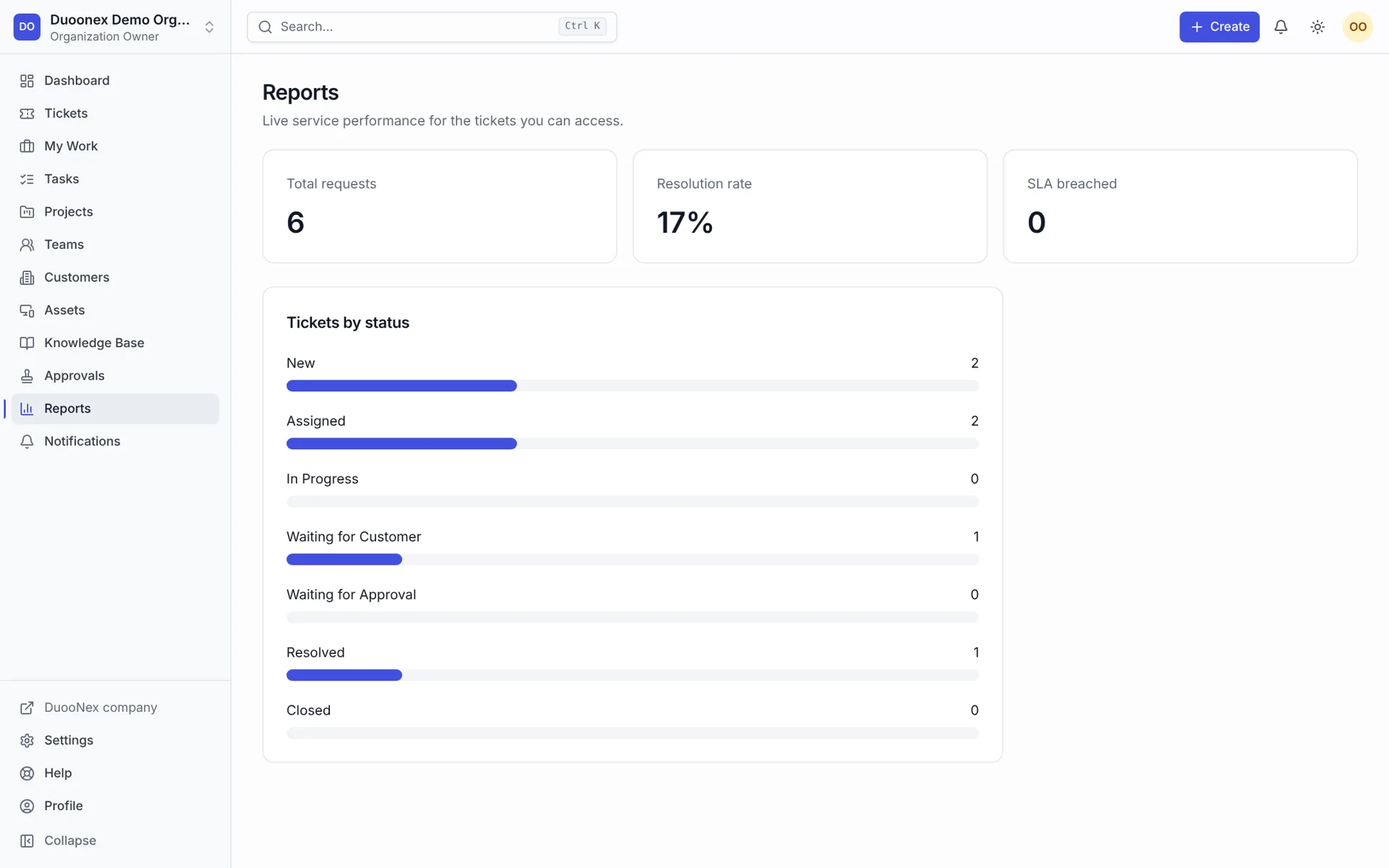
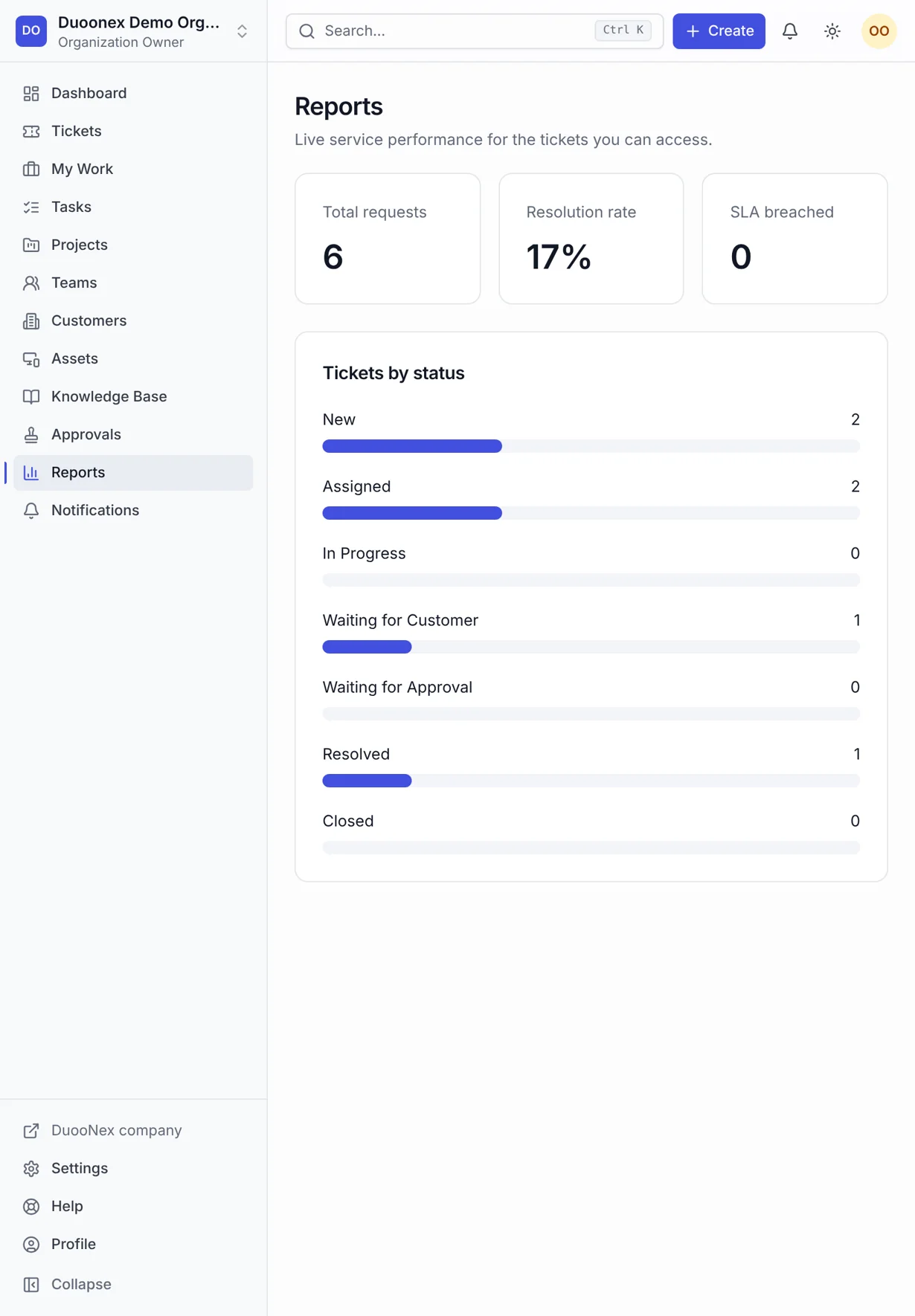
Nexora — reports desktop full
reports desktop full
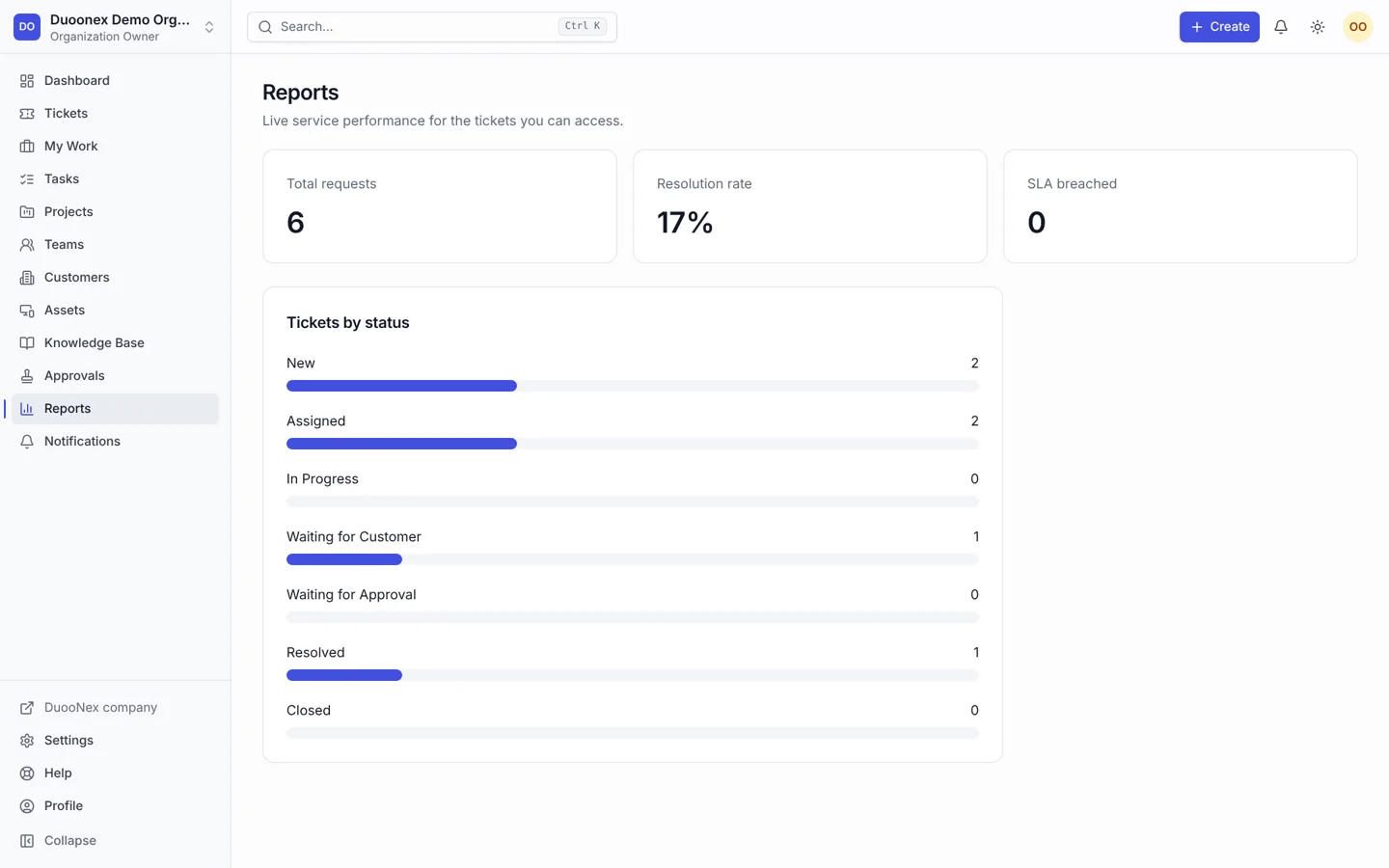
Nexora — reports desktop
reports desktop
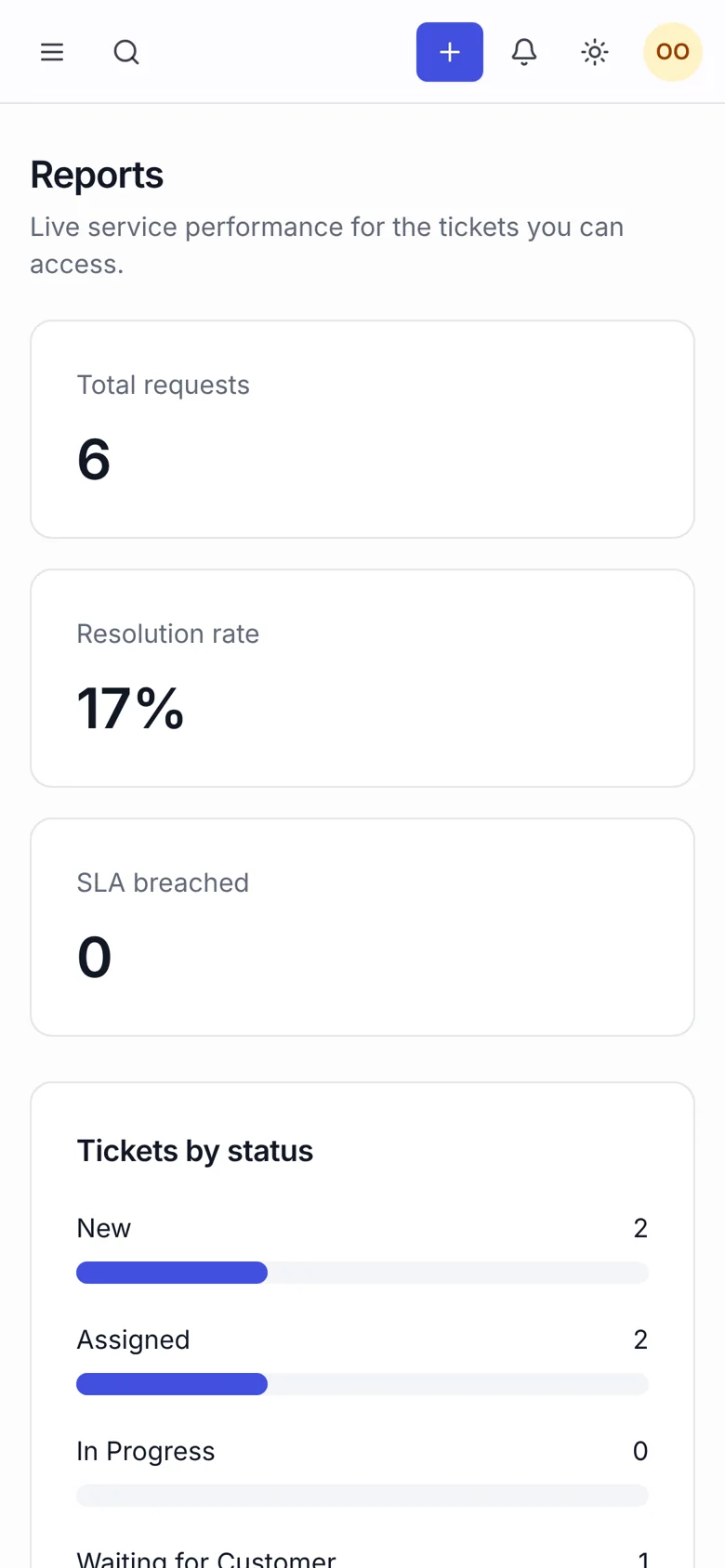
Nexora — reports mobile
reports mobile
Nexora — reports tablet
reports tablet
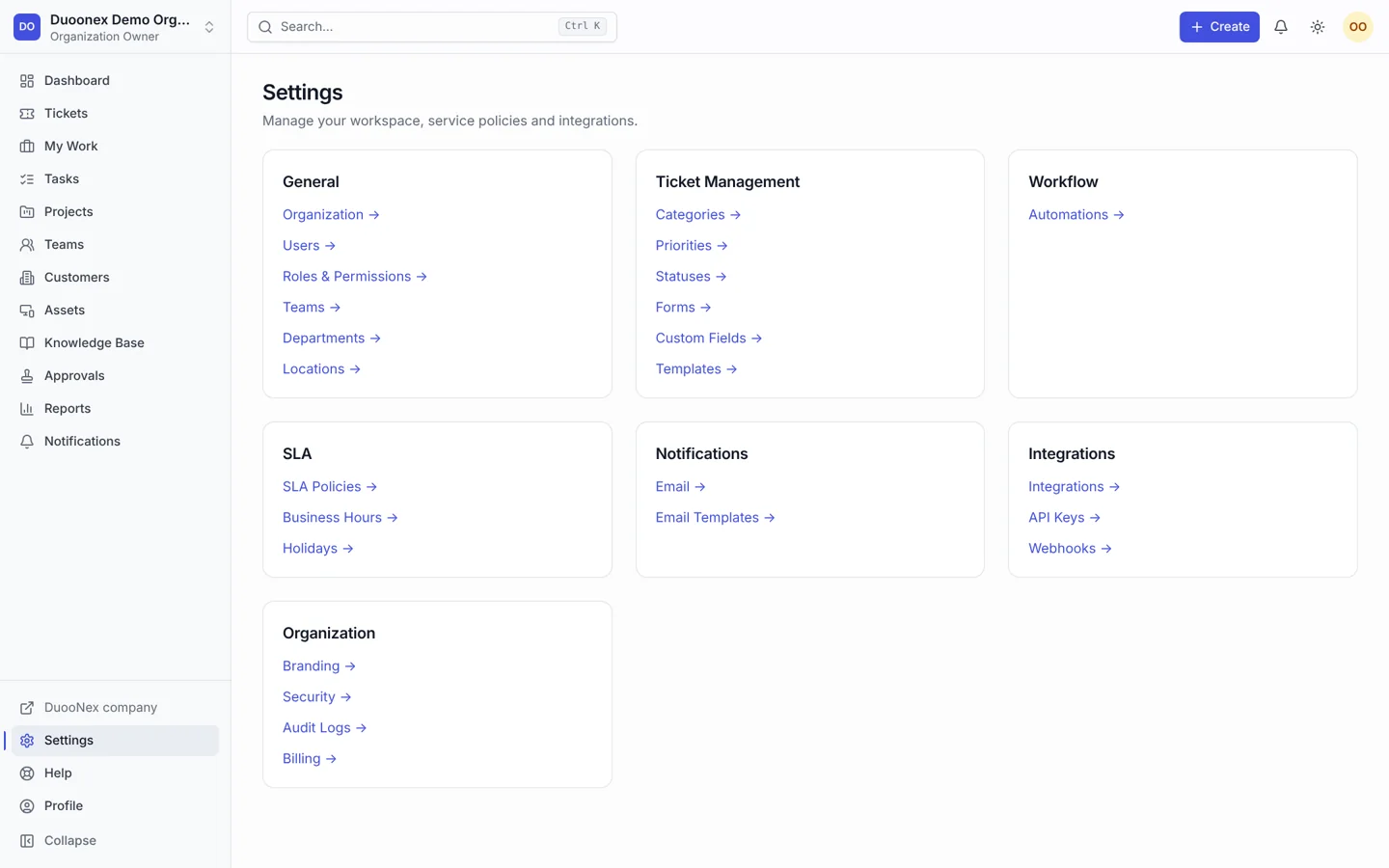
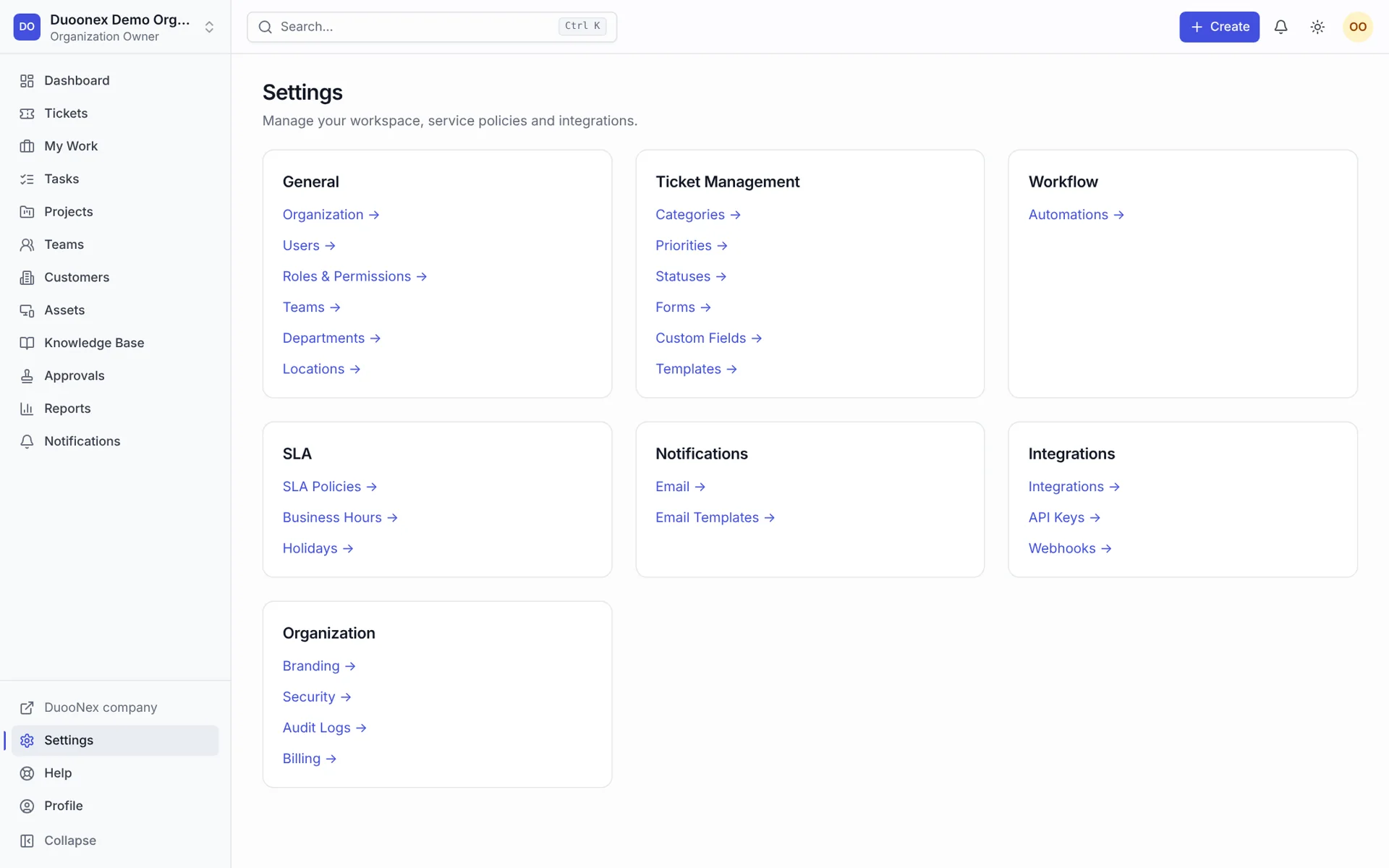
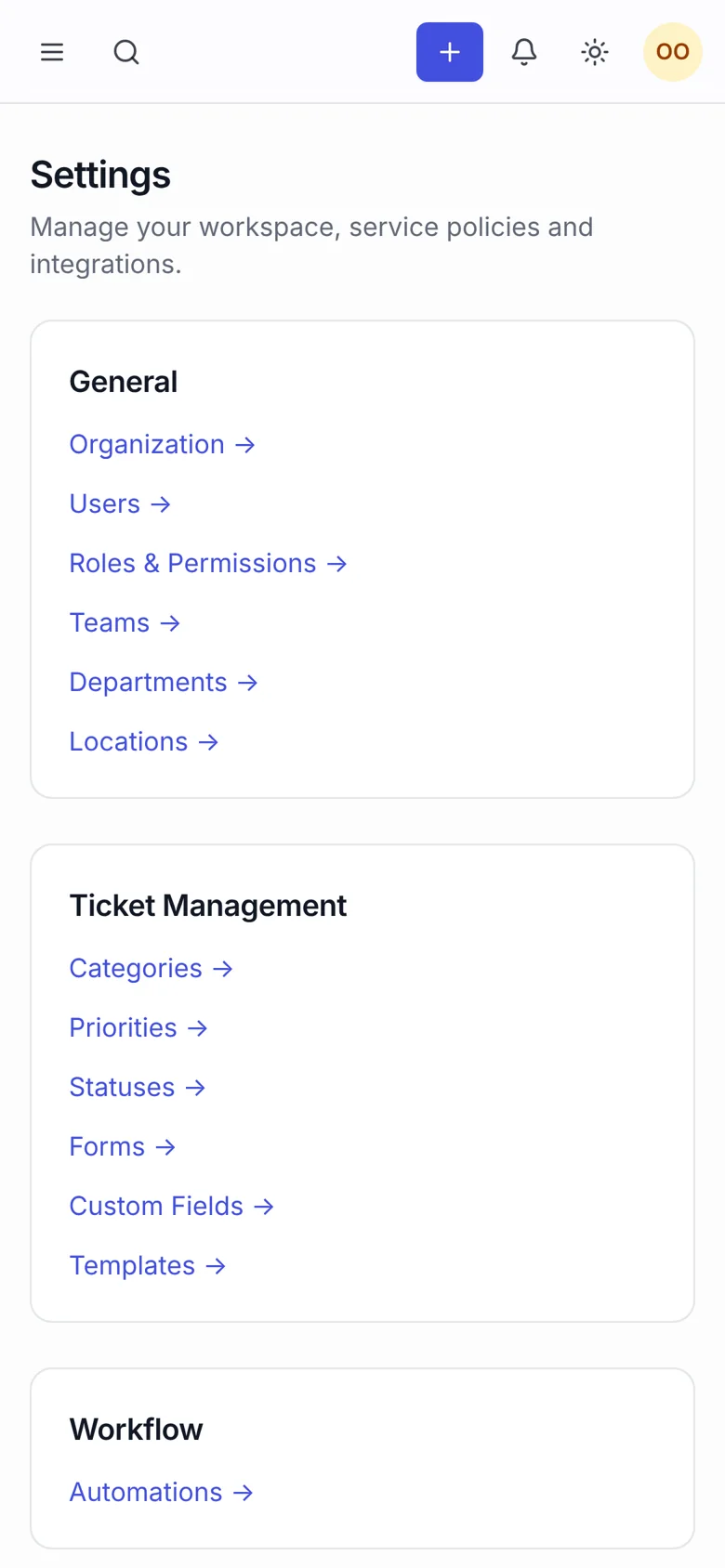
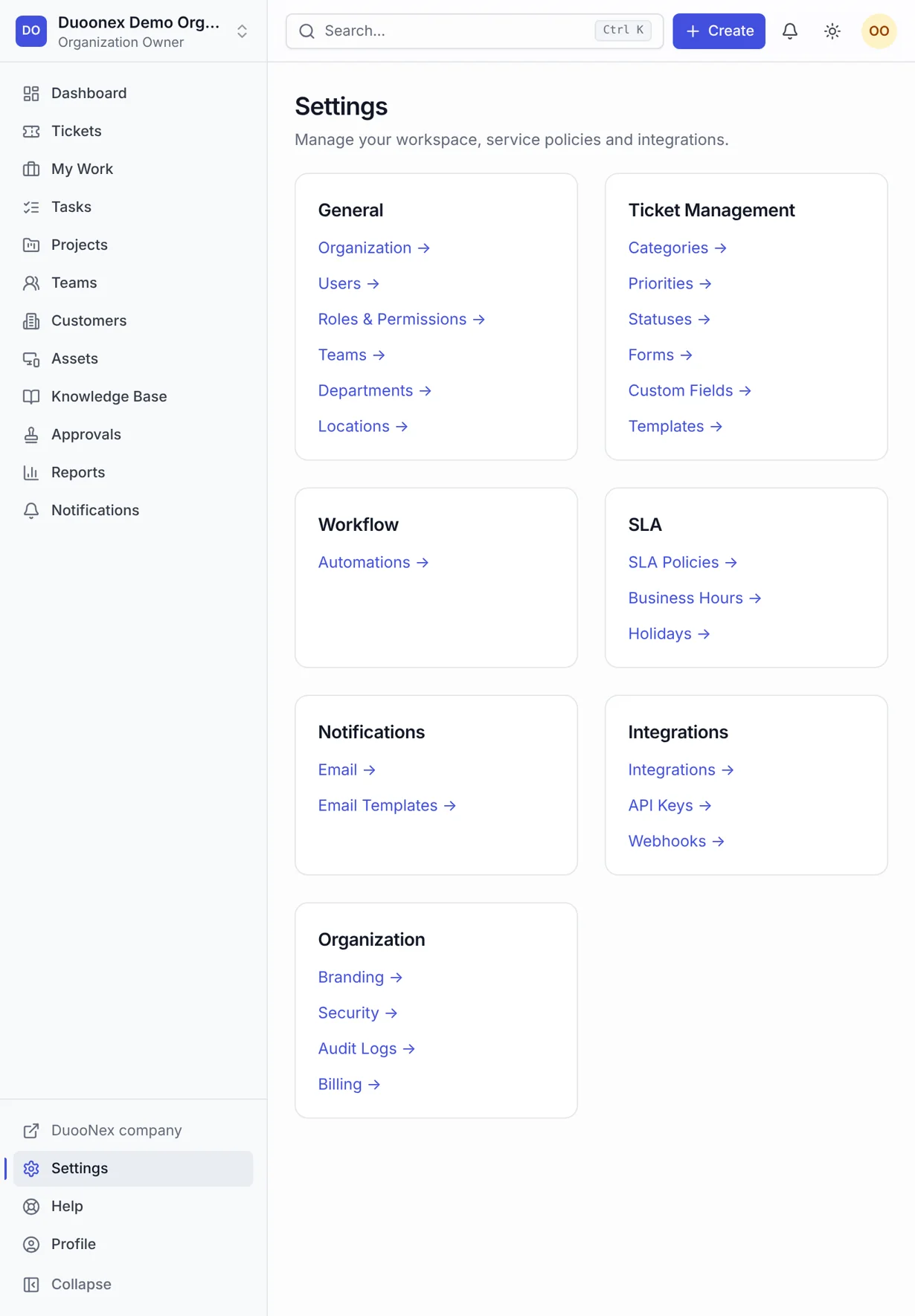
Nexora — settings desktop full
settings desktop full
Nexora — settings desktop
settings desktop
Nexora — settings mobile
settings mobile
Nexora — settings tablet
settings tablet
Nexora — tasks desktop full
tasks desktop full
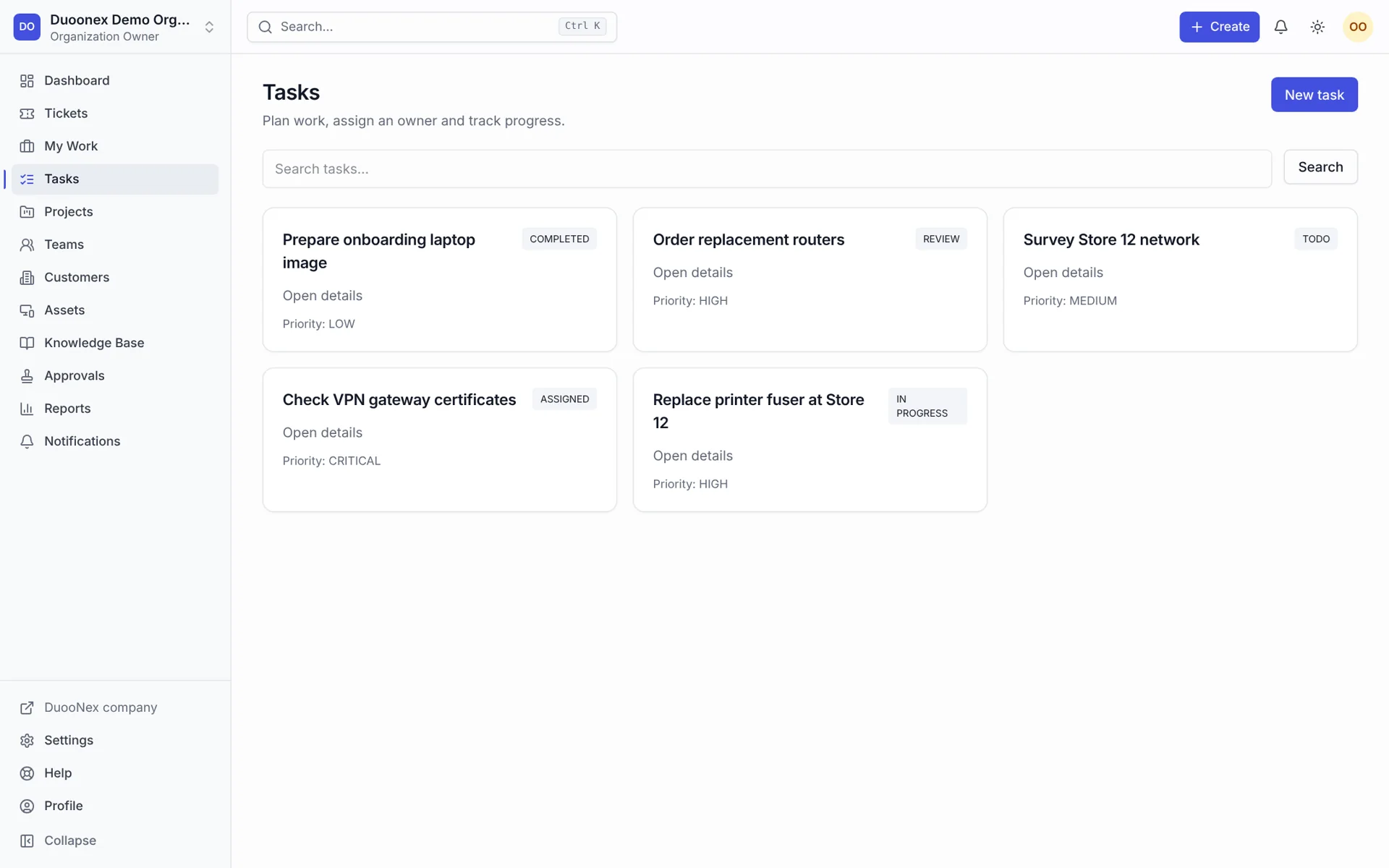
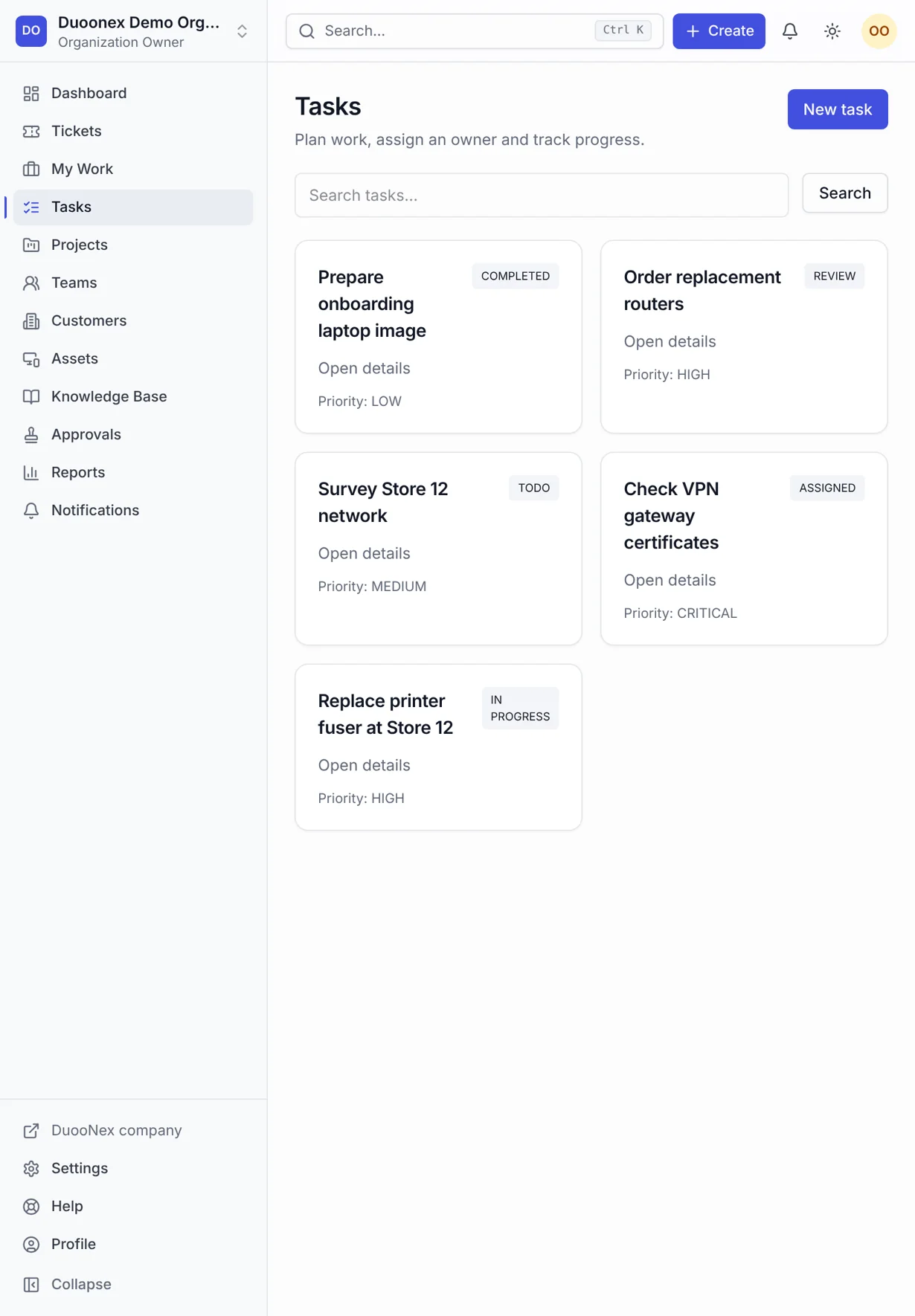
Nexora — tasks desktop
tasks desktop
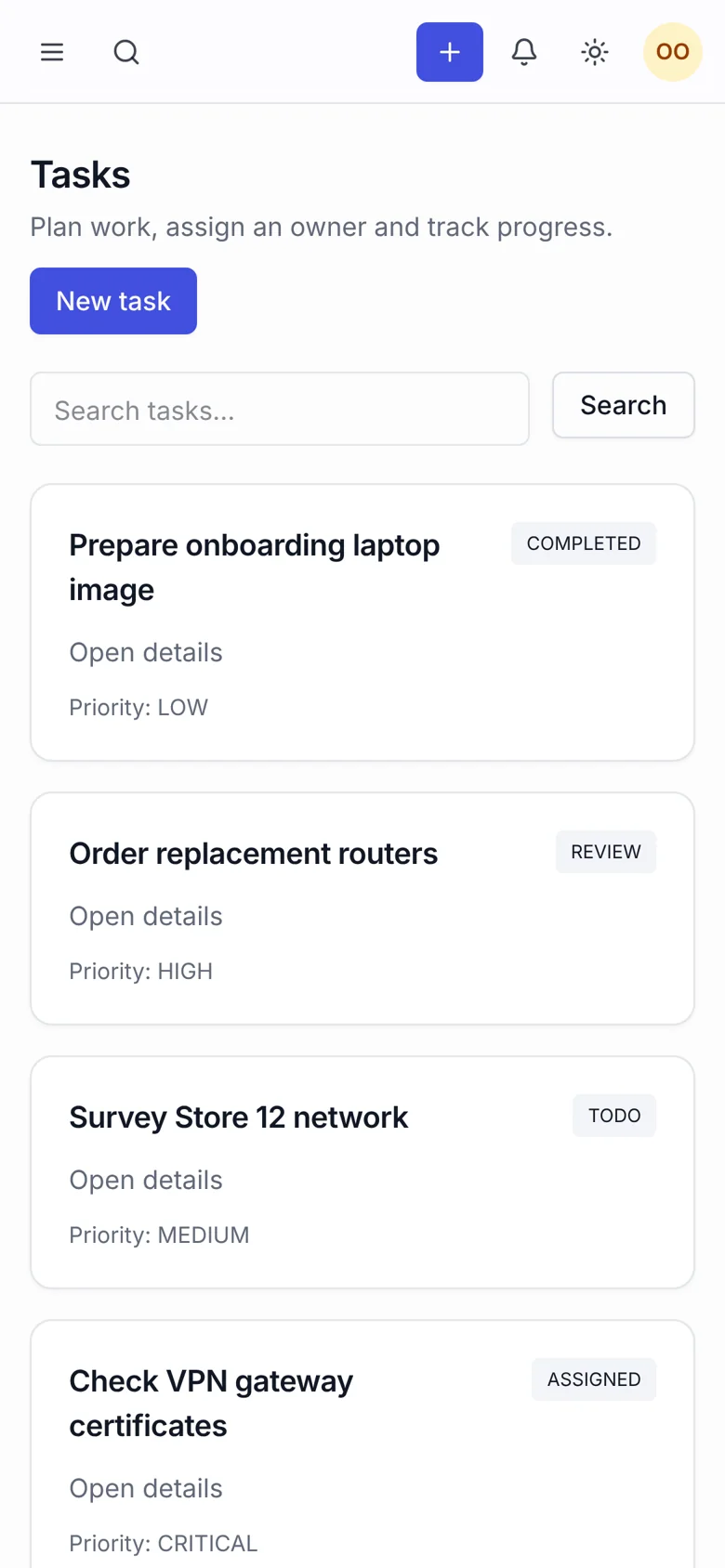
Nexora — tasks mobile
tasks mobile
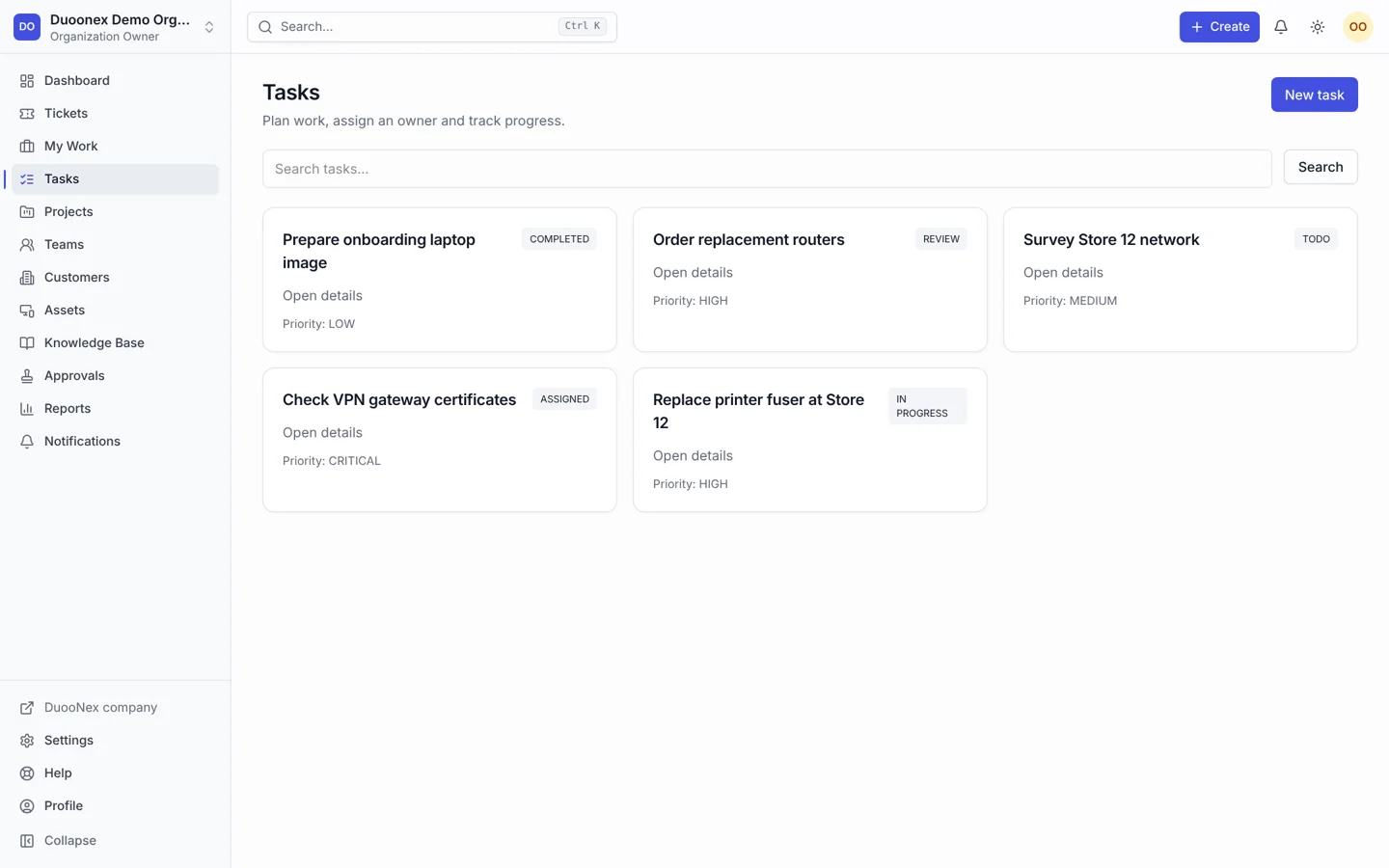
Nexora — tasks tablet
tasks tablet
Nexora — ticket detail desktop full
ticket detail desktop full
Nexora — ticket detail desktop
ticket detail desktop
Nexora — ticket detail mobile
ticket detail mobile
Nexora — ticket detail tablet
ticket detail tablet
Nexora — tickets desktop full
tickets desktop full
Nexora — tickets desktop
tickets desktop
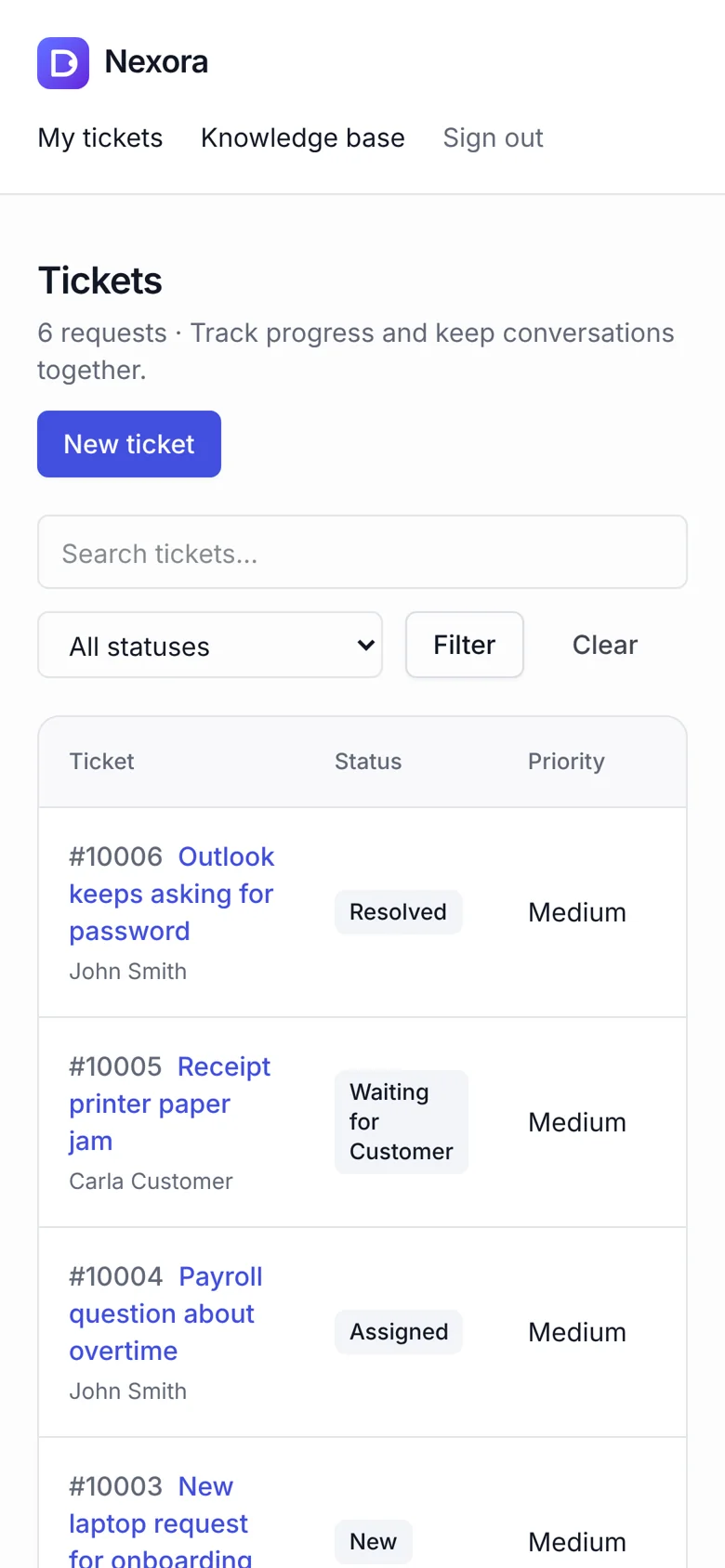
Nexora — tickets mobile
tickets mobile
Nexora — tickets tablet
tickets tablet

/ Project overview

Nexora is a help desk and work management application for teams handling service requests alongside everyday tasks. Staff can assign tickets, track status, add internal notes and coordinate project work. Customers have a separate portal, while organisation-level permissions keep each workspace focused on its own records.

Built with Next.js, React, TypeScript, Prisma and PostgreSQL, the application connects ticket handling with assets, knowledge articles and approvals. Its source includes authentication, workspace membership, private attachments and scoped API access. The device mockups show the seeded demonstration workspace (fictional users and requests), not a customer account. View project repository.

Project
Nexora
Technology
Next.js
Category
Help desk & work management

/ The customer journey

How the workflow works

A request becomes an assigned ticket with a visible status and activity trail. Agents can reply to customers, keep internal context private and link operational work to tasks. Dashboards bring outstanding requests into view so teams can decide what needs attention next.

  • Ticket assignment and status transitions
  • Public replies and private internal notes
  • Project tasks, checklists and time tracking
  • Customer portal and knowledge articles

/ Design and development focus

Design and development focus

Tenant-scoped queries and role checks support separate workspaces. Ticket transitions, attachment access and approval actions follow server-side rules. The interface brings these rules into the daily workflow through status labels, assignment controls and a consistent navigation structure.

  • Public replies and private internal notes
  • Project tasks, checklists and time tracking
  • Customer portal and knowledge articles
  • SLA targets, assets, departments and locations
  • Workspace roles, API keys and session management

Working features Nexora

01

Explore

Route incoming requests to the right owner and preserve the conversation history.

  • Ticket assignment and status transitions
  • Public replies and private internal notes
  • Project tasks, checklists and time tracking
  • Customer portal and knowledge articles
02

Connect

Keep task checklists, assignees and tracked time beside project work.

  • Public replies and private internal notes
  • Project tasks, checklists and time tracking
  • Customer portal and knowledge articles
  • SLA targets, assets, departments and locations
03

Operate

Give customers a dedicated place to follow their support requests.

  • Project tasks, checklists and time tracking
  • Customer portal and knowledge articles
  • SLA targets, assets, departments and locations
  • Workspace roles, API keys and session management
04

Review

Control workspace settings, permissions, notifications and knowledge content.

  • Customer portal and knowledge articles
  • SLA targets, assets, departments and locations
  • Workspace roles, API keys and session management
  • Ticket assignment and status transitions

/ Content and interface considerations

Implementation and scope

Developed application; not deployed to a public live URL. The implemented scope covers support operations, team tasks and workspace administration. Advanced automation editors, billing checkout and live collaboration are outside the documented completed scope; integrations require their own configuration.

  • Project tasks, checklists and time tracking
  • Customer portal and knowledge articles
  • SLA targets, assets, departments and locations
  • Workspace roles, API keys and session management

/ Project scope and next steps

Planning a similar project

Nexora demonstrates how a custom web application can connect service delivery with internal operations. For a similar UAE platform, define staff roles, customer access, ticket states and reporting needs before choosing integrations.

  • Customer portal and knowledge articles
  • SLA targets, assets, departments and locations
  • Workspace roles, API keys and session management
  • Ticket assignment and status transitions

/ Our project commitments

Clear commitments throughout your project

Define pages, features, dependencies and acceptance criteria before implementation. Review scope changes against that shared brief.

NexPixels project teamNexPixels approach

Connect approved interface decisions to working components, clear interaction states and content controls your team can use.

NexPixels project teamNexPixels approach

Test mobile navigation, forms and purchase paths with realistic content, including empty results and invalid inputs.

NexPixels project teamNexPixels approach

Ready to discuss your website project?

  • Share your goals and current website.
  • Agree scope, milestones and review points.
  • Connect design, development and launch.

Discuss your project on WhatsApp:

NP
NexPixels teamDubai-based project team
Discuss your project

How can we help you?

Prefer email?
johnsantonyjo@gmail.com

Send your brief to the NexPixels enquiry inbox. Prefer a direct conversation? Email johnsantonyjo@gmail.com or WhatsApp +971 58 810 2728.

ShopifyCustom stores and Liquid development
FigmaResponsive UI/UX and design systems
ReactComponent-based websites and applications
ShopifyStorefront customisation and integrations
DjangoBackend platforms and REST APIs